Participating Frequently
March 17, 2025
Question

MOGRT 2025 NOT PLAYING ON TIMELINE! HELP!

  • March 17, 2025
  • 19 replies
  • 1242 views

Hi! So I'm having an issue with a MOGRT on Premiere 2025! It seems like everyone is having some kind of problems or bugs with them so here's one more that is absolutely destroying my psyque trying to find how to solve it! Hope you guys can help me with this!


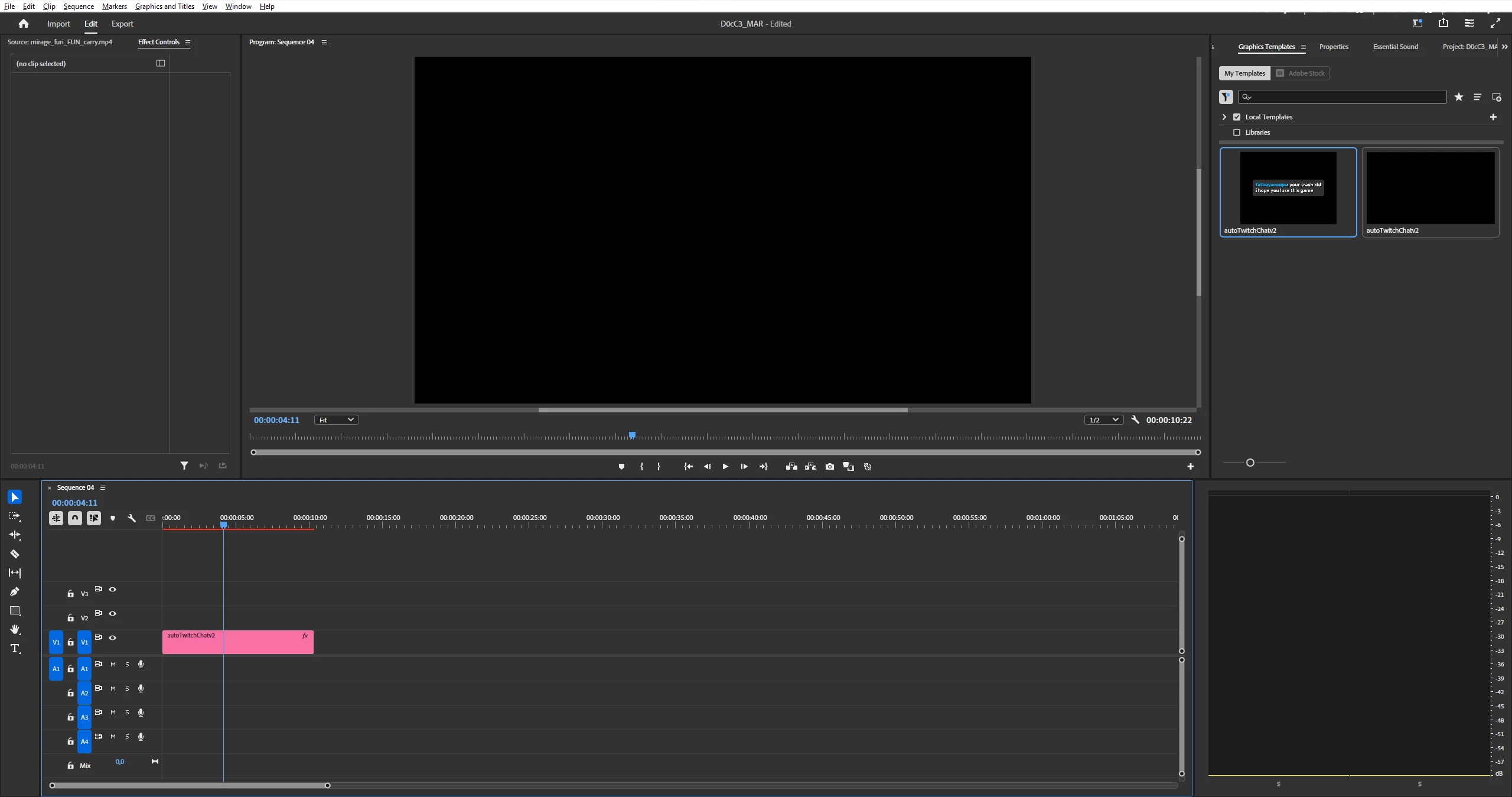
So it seems that when I import this mogrt to Premier I don't see any problems with it. But when I drag the MOGRT to the timeline I just don't see the object itself but I can see that on the timeline it is marked as red, so there's gotta be something in there, right?


-MOGRT was originally developed for Adobe 2023 but I have 2025.

-I send this MOGRT to 2 of my friends (one have 2023 and the other 2024) and they can just work with it without any issue.

-I tried to change sequence settings and codecs to see if it was something related to that? Nothing worked.

-I rendered it and nothing happened too.

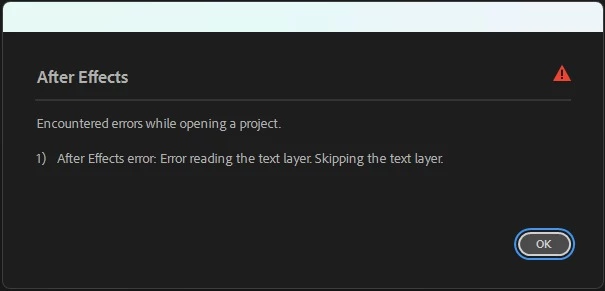
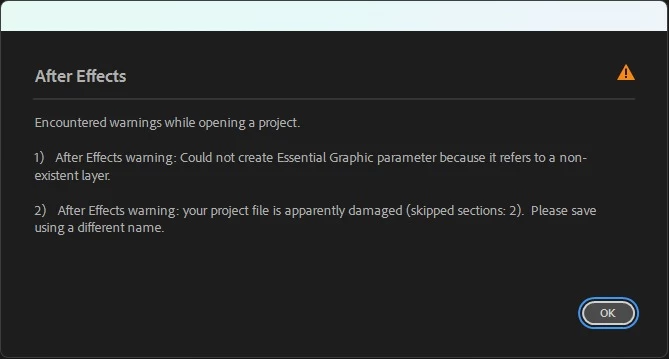
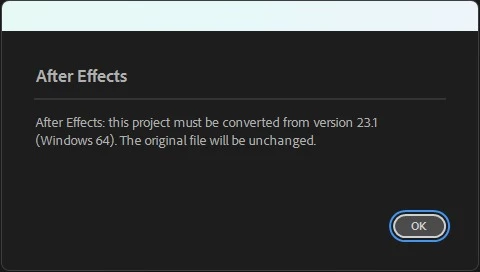
-I tried to open it on After Effects to re-export it again as a Mogrt (since someone told me that could help) and I found some issues with it.


So, what can I do with it? I really want to find out what is happening here because it never happened to me something like this...i'm clueless about what to do honestly! 


Thanks!
19 replies

Community Manager
March 19, 2025

It's very strange that only you are having this issue. When you import the MOGRT, how are you doing that? Are you hitting the Install Motion Graphics Template or using a different method?

Participating Frequently
March 19, 2025

Related to this still the same issues when I open the file! Should I change something in the expression in order to be able to preview the mogrt or something like that? Do you think it could be something related to that and that I need to change something in order to re-export the mogrt and be able to work with it in Premiere?

Participating Frequently
March 19, 2025

Hey, guys! @Rach McIntire @MyerPj  


Sorry about it! I'm kinda new into formatting on Adobe Community and I didn't know how to report the bug correctly! 


I'm working on Adobe Version 25.1.0 (Build 73) on Windows 11 at the moment and I tried both ways to import the mogrt (by dragging the file but also by import it)! So now i'm even more clueless about it because I was thinking that it was something related to my Adobe's version! Now I don't know what to think...


More info I can give you guys is that this PC i'm working with is new, I bought a month ago and literally I was setting up everything in order to start working asap so maybe i'm forgetting something about settings or something like that? I don't know...


MyerPj
Community Expert
Community Expert
March 18, 2025

Hey @tomás_8597 , thanks, I got your mogrt and the good news (I think) is it works fine. Both in PP 25.1 and beta 25.3. Build 20. I also loaded it into AE and it works there. There is one error in AE:


It works nice in PP, I like it. How are you going about opening it in AE?

Dont forget to respond to @Rach McIntire 's request for more info.

Community Manager
March 18, 2025

Hi @tomás_8597,


Thanks for submitting your bug report and supplying the MOGRT.  Which exact versio of 25 are you in?  I was able able to import it and edit it in 25.1 build 73.  How are you importing the MOGRT?  Are you on a Mac or PC?  We need a few more details to try to help with the issue. Please see: How do I write a bug report?  Sorry for the frustration, and thanks for reaching out.

Participating Frequently
March 18, 2025
MyerPj
Community Expert
Community Expert
March 18, 2025

You can upload it to google drive or such, and share the link so we can take a look also.

Participating Frequently
March 18, 2025

I shared them the exact same file I've been trying to use (and I also tried to re-download the file in case it got corrupted somehow) 😕😕

MyerPj
Community Expert
Community Expert
March 17, 2025

So your friends have a working version? Can you get one from them, cause it sounds like your copy is  damaged.