Participant
February 25, 2022
Answered

My video is pixelated and blurry after exporting no matter what format I use?

  • February 25, 2022
  • 2 replies
  • 33458 views

Helloooo!


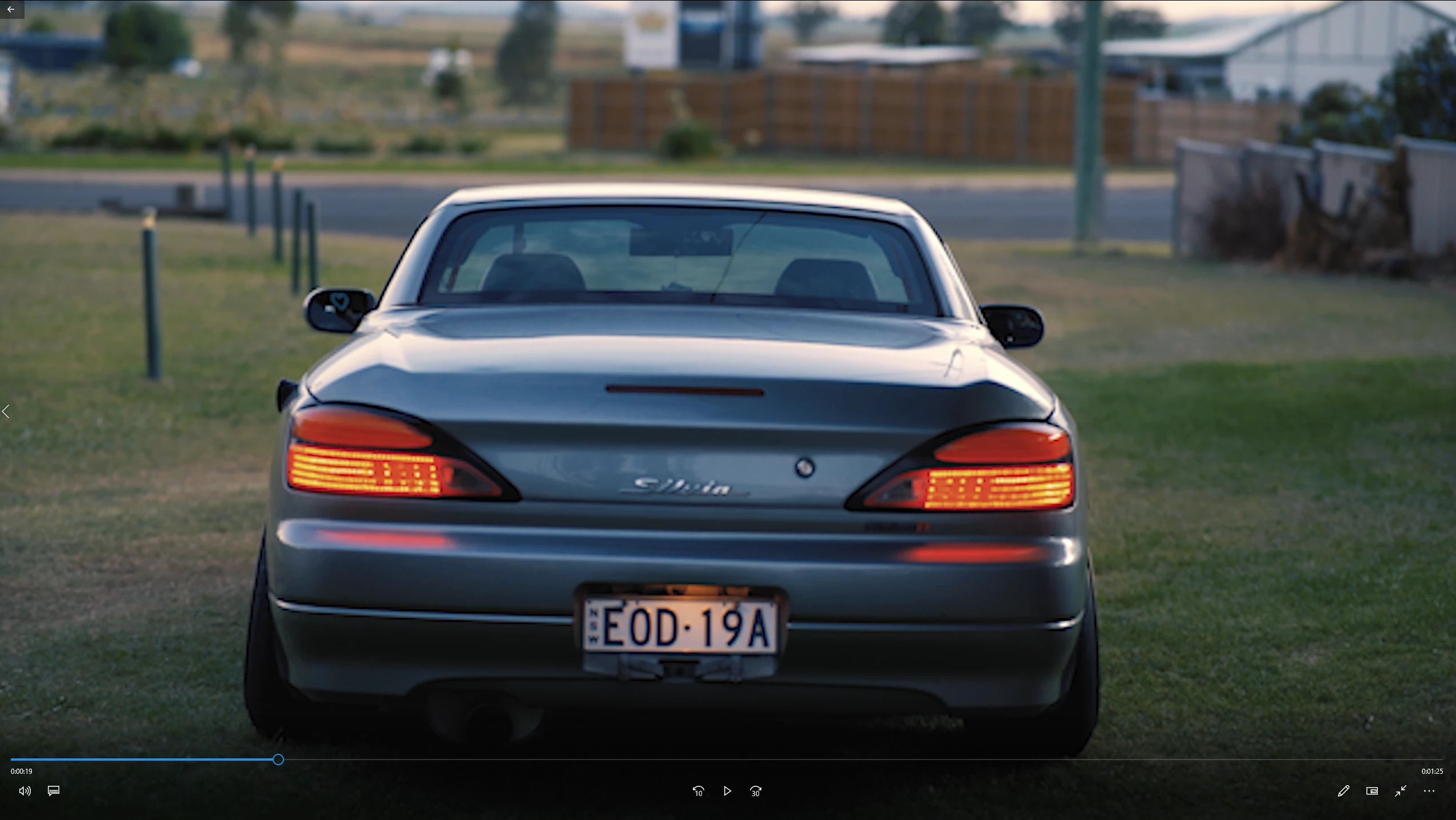
I'm very new to Premiere Pro and I've made a little video, however every time I go to export it, it's blurry. It doesn't matter what format or preset I use, every time it looks pixelated and blurry. Can anyone assist me with this? This sucks!

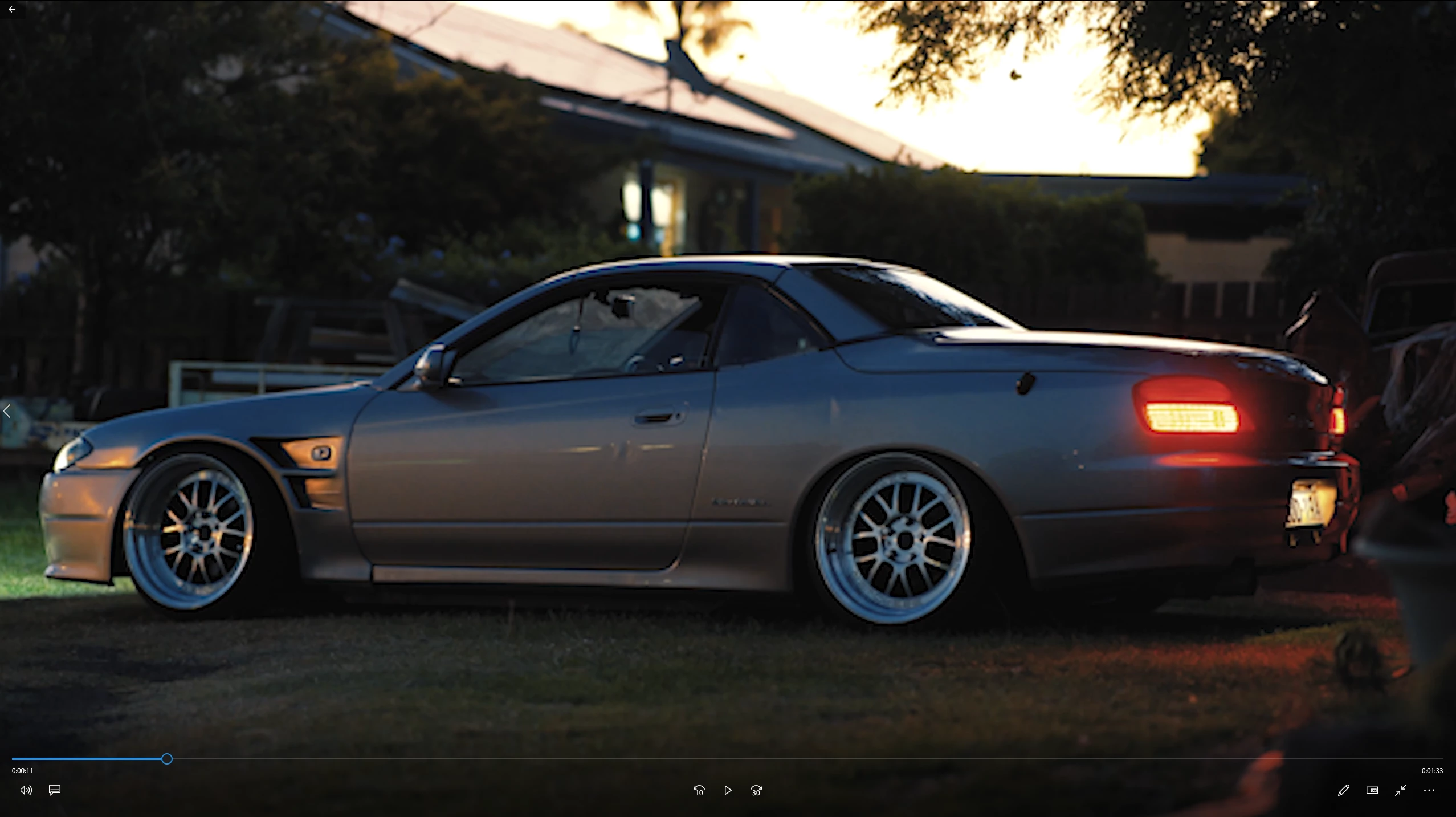
Ive attached a screenshot of what the picture quality is looking like.
Any help would be so much appreciated!!  🙂

Correct answer Richard M Knight

So how do I solve this?


Right click on one of your video files in the project panel and select 'new sequence from clip' this will make the sequence match your footage. Try exporting that and see if it is any better. If it's not better please post a screenshot of your new export settings.

2 replies

Legend
February 25, 2022

Please tell us your system specs: OS version, Premiere version, amount of RAM, Hardware specs including graphics card and source properties and sequence settings...

Participant
February 25, 2022

Hi! I have 32GB RAM, 3080 graphics card, i7-10700K, I'm on windows 10 version 20H2. Premiere Pro version is v22.2.

 I hope this helps.


Legend
February 25, 2022

and your source properties and sequence settings....  If you need help figuring this out, select a representative clip in the timeline and control click and choose "properties" and make the timeline active and go to the sequence menu and choose "sequence settings."  Pixel dimensions and frame rate are probably the crucial issue and they should match your export settings...

Ged_Traynor
Community Expert
Community Expert
February 25, 2022

Moving thread to the Premiere Pro forum from Using the Community