


Question
New Project UI Glitch - Cannot start a new project
Hi guys,
I've been trying to troubleshoot this problem for a few hours now and I'd like some guidance on how to debug this.
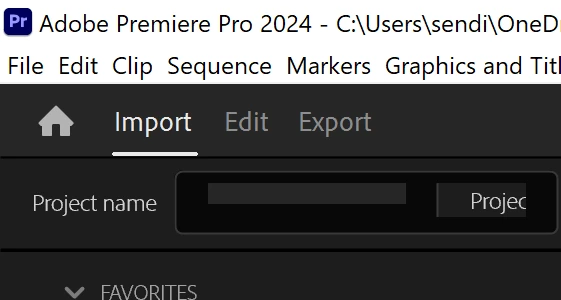
I cannot type the project name in even when I click on the media I want to import for the project.
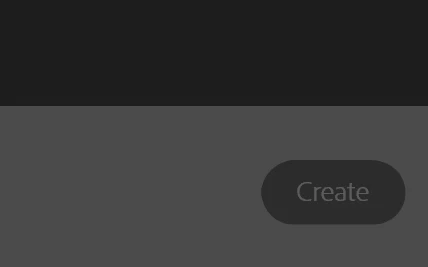
There seems to be a UI glitch where I am not able to click on the text bars in Adobe Premiere Pro when I start up the program. There also seems to be a bounding box issue with the startup menu, it appears as a pop up to the side of the screen, but when I expand the premiere window it dissapears.
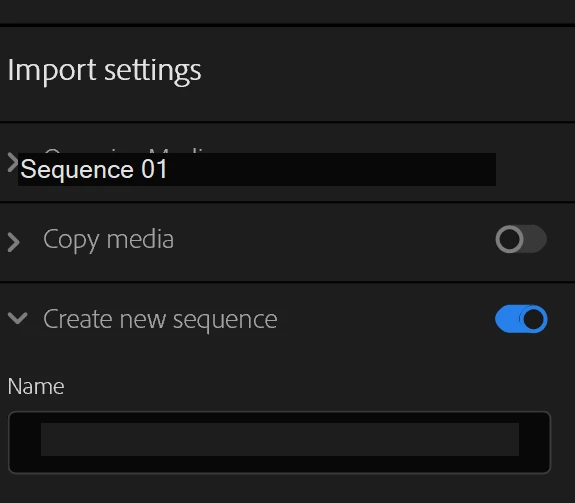
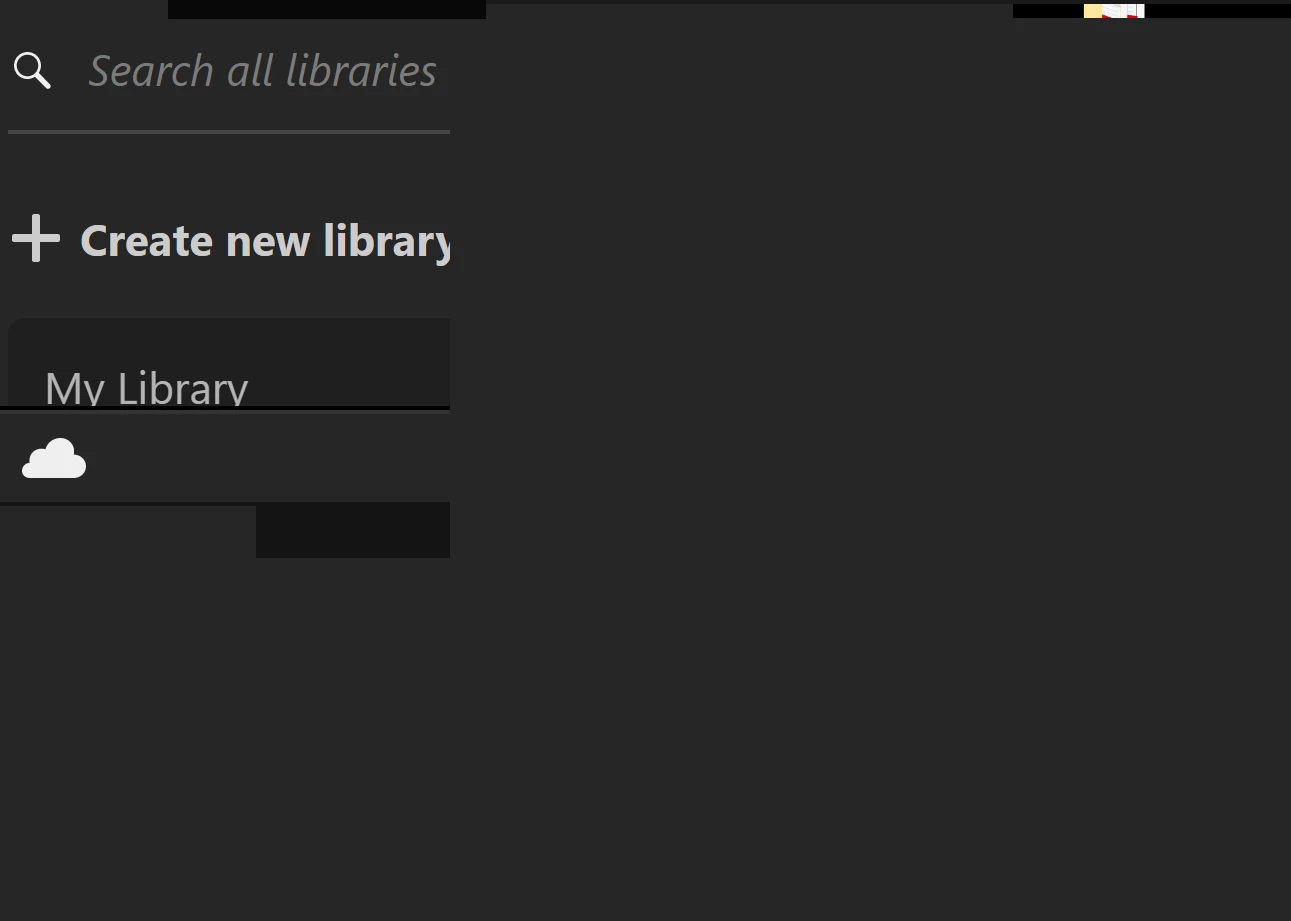
I've tried restarting my computer and installing and uninstalling the program from Adobe Creative Cloud, but keep running into this issue.
 AdChoices