



Not Exporting Correctly with Weird Color Glitches
Hello Community,
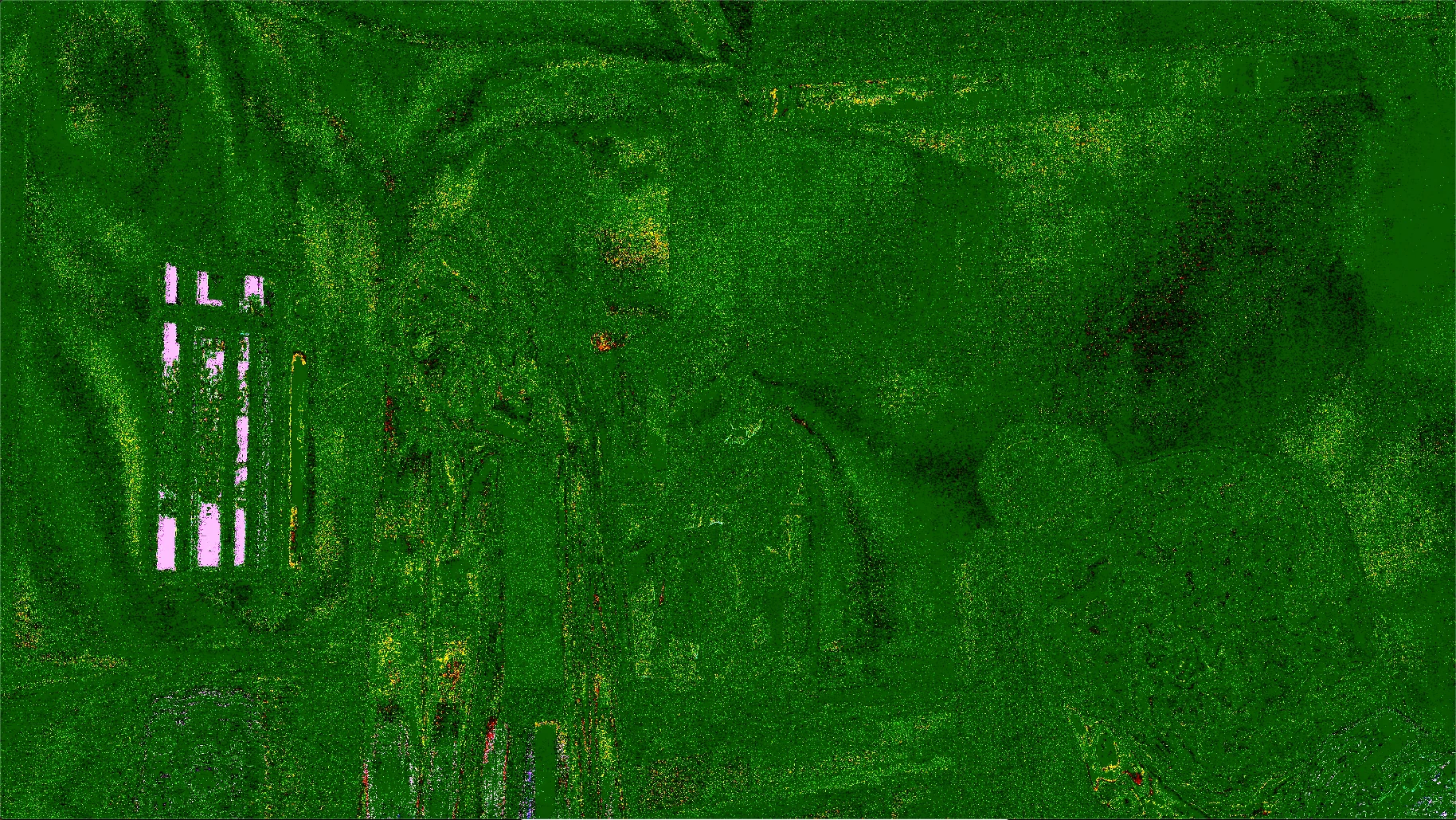
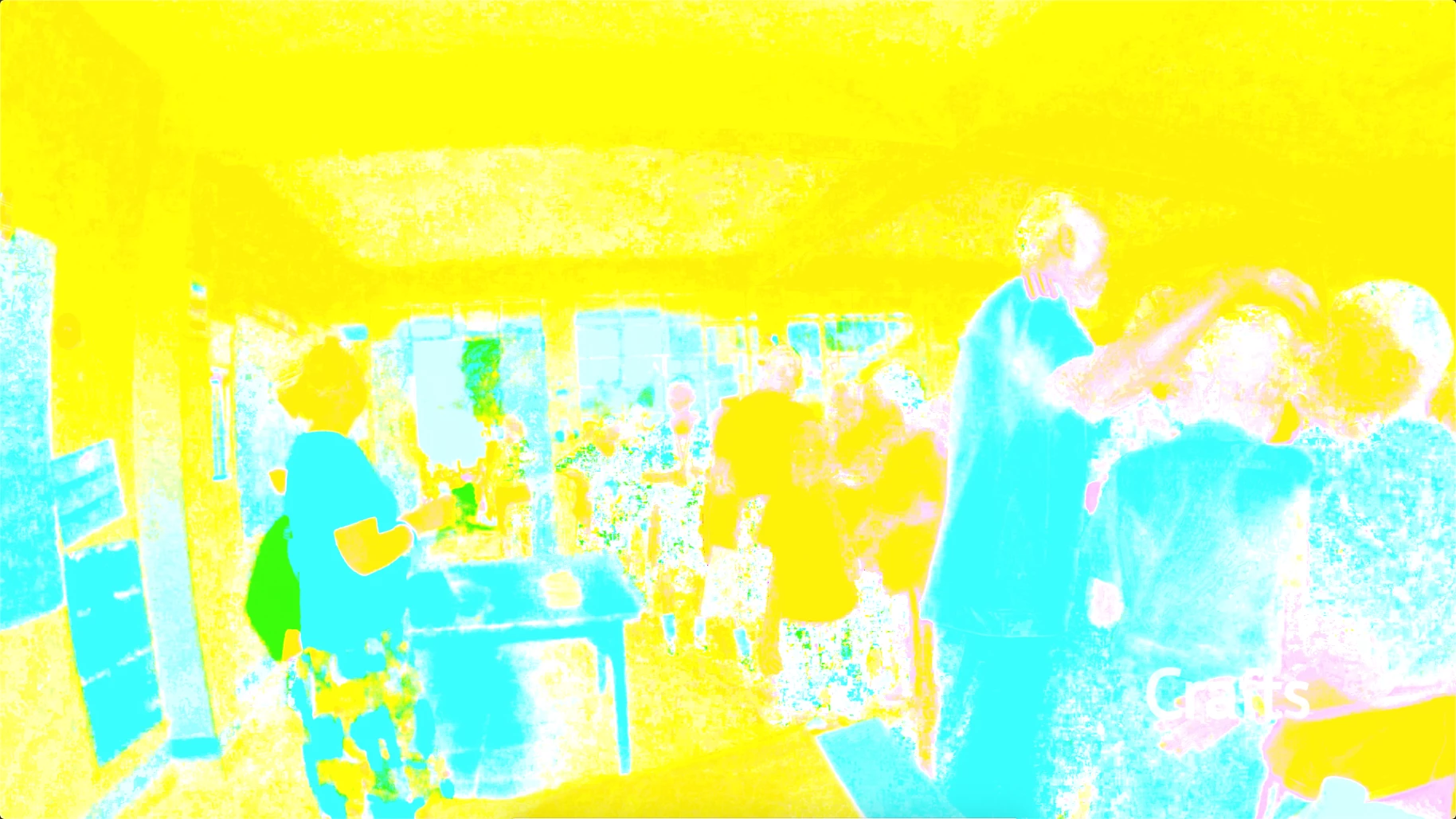
I am having weird color glitches (screenshots attached) every time I export out of Premiere Pro 2020 (Version 14.0), each time in different spots. It doesn't seem to matter what kind of footage it is. It happens sometimes on ProRes footage, HEVC footage, and even After Effects (17.0) Dynamic linked files. I've been trying over and over for a couple weeks now. Now I'm up against a deadline about a day away, so I hope you understand my urgency. So far what I've tried to do to fix things:
1. Tried exporting straight out of Premiere instead of Media Encoder.
2. Cleared the Cache.
3.Reset the PrPro Preferences.
4. Imported already-exported videos to stitch together the good pieces and re-export (not ideal, but PrPro 2020 runs so slow that I resorted to this).
5. Completely uninstalled and reinstalled PrPro and After Effects.
6. I'm currently trying Software Encoding in the encoding settings. I had been using Hardware Acceleration because Software Encoding will take a lifetime. But I'm using this on the already-exported videos that I brought back into the project because it won't finish on time at this rate. Question: generally speaking, if you have a lot of spare time, is it better to use Software Encoding (other than the advantage of having the VBR, 2 Pass option)?
Computer Specs:
macOS Mojave Version 10.14.6
Mac Mini (Late 2014)
Graphics: Intel Iris
Any other ideas, suggestions, or things for me to try to fix this?
Thanks,
Brandon Loshe
 AdChoices