


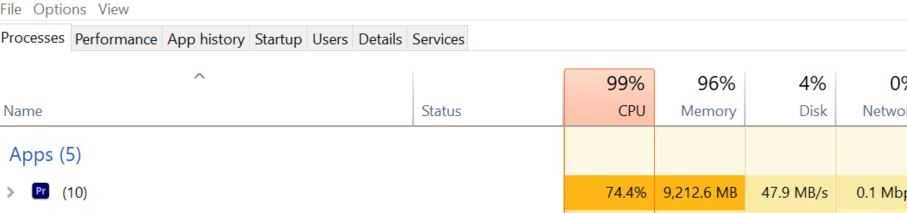
Out of nowhere Premiere Pro Spikes to 100% in RAM and CPU Usage, and fails to export.
Title says it all, really. Exported a video for a client, they wanted a change so I reopened Premiere to make the change.
Now, for some reason, Premiere just does not want to work, the CPU and RAM usage spikes up, while a bunch of importer failures then take place.
Tried a whole host of ideas that both online forums plus my tech knowledge can think of, but nothing works. The laptop I use (AMD Ryzen 4800h, RTX 2060, 16GB Ram) is a machine used for all my video work needs, so it's not the specs before anyone says that. The ram and CPU usage will then settle as you would expect, but Premiere still does not opperate as it should.
This happens on both the newest version of Premiere Pro and what I normally use, that being version 22.6.4.
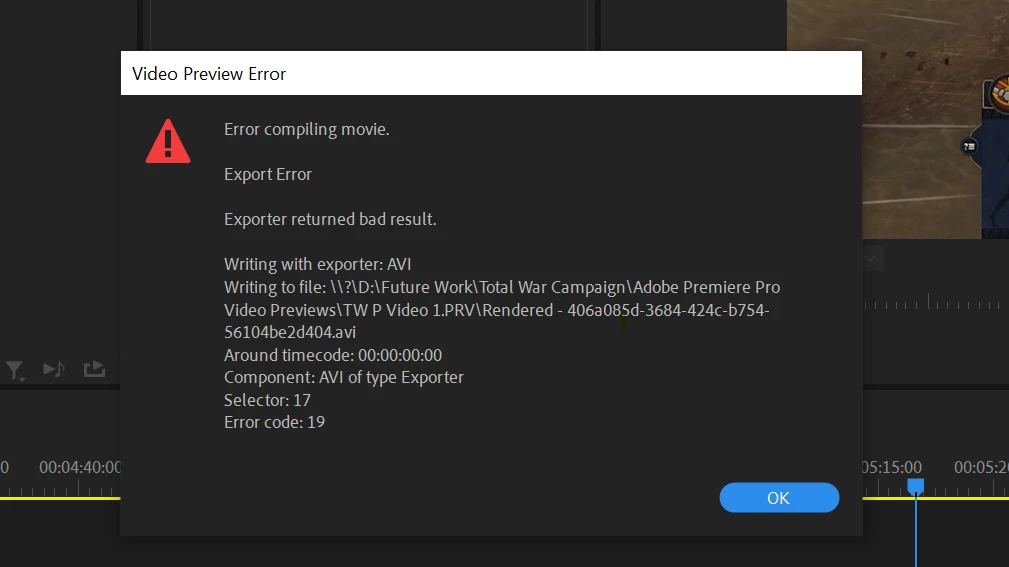
When I try to prerender I get the error you see below, creating new projects and reimporting does nothing, personal projects I were working on outside of work now result in the same issue.
For some reason Premiere Pro just seems to have given up on my device.
 AdChoices