Inspiring
May 26, 2018
Answered

Please help: "unable to create image buffer" error

  • May 26, 2018
  • 23 replies
  • 122557 views

While editing, I keep getting an error saying "unable to create image buffer," shortly followed by the program freezing or crashing (or my display driver crashing).

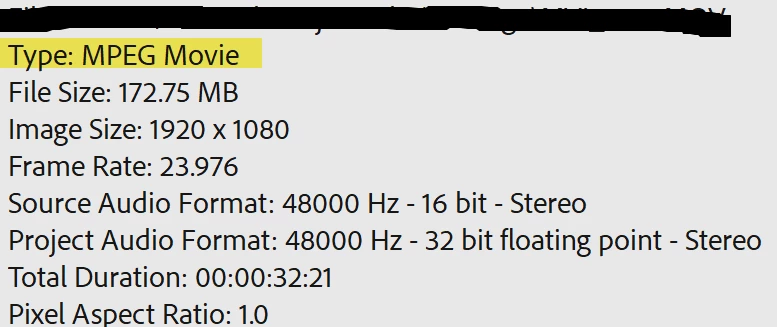
I'm editing .mov files imported via the media browser shot on a Canon t5. I faced the same problem when editing MXF files from a Canon XF100 a few weeks ago.

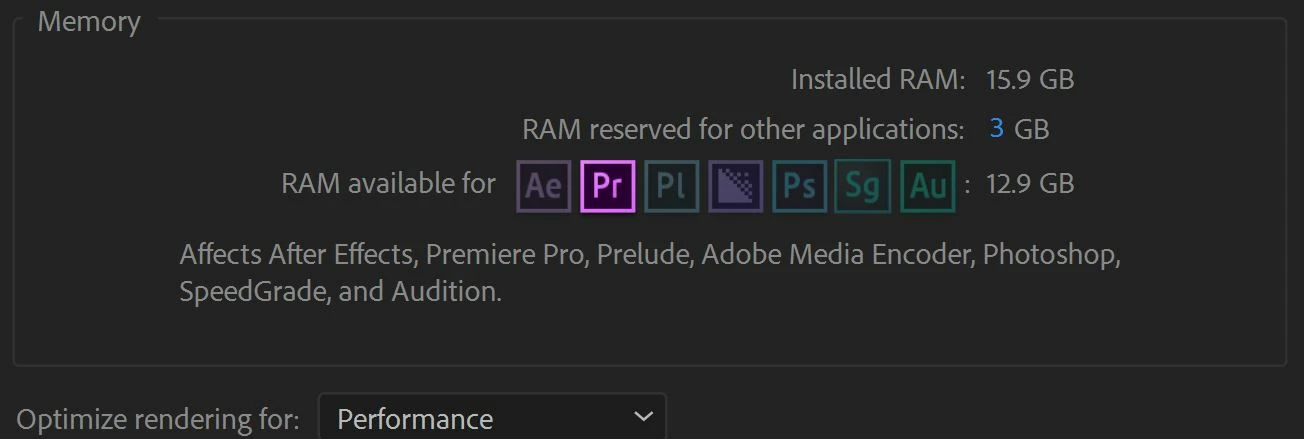
I've been trying to solve this problem for weeks to no avail. The only workaround I have is to edit quickly in sessions and frequently save before the program freezes again. Sometimes I think it's a pc problem and that I should install more RAM, but this wasn't an issue several months ago.
 
Windows: Version 12.1.1 (Build 10)
Mercury Playback Engine GPU Acceleration (CUDA) enabled


Error Messages



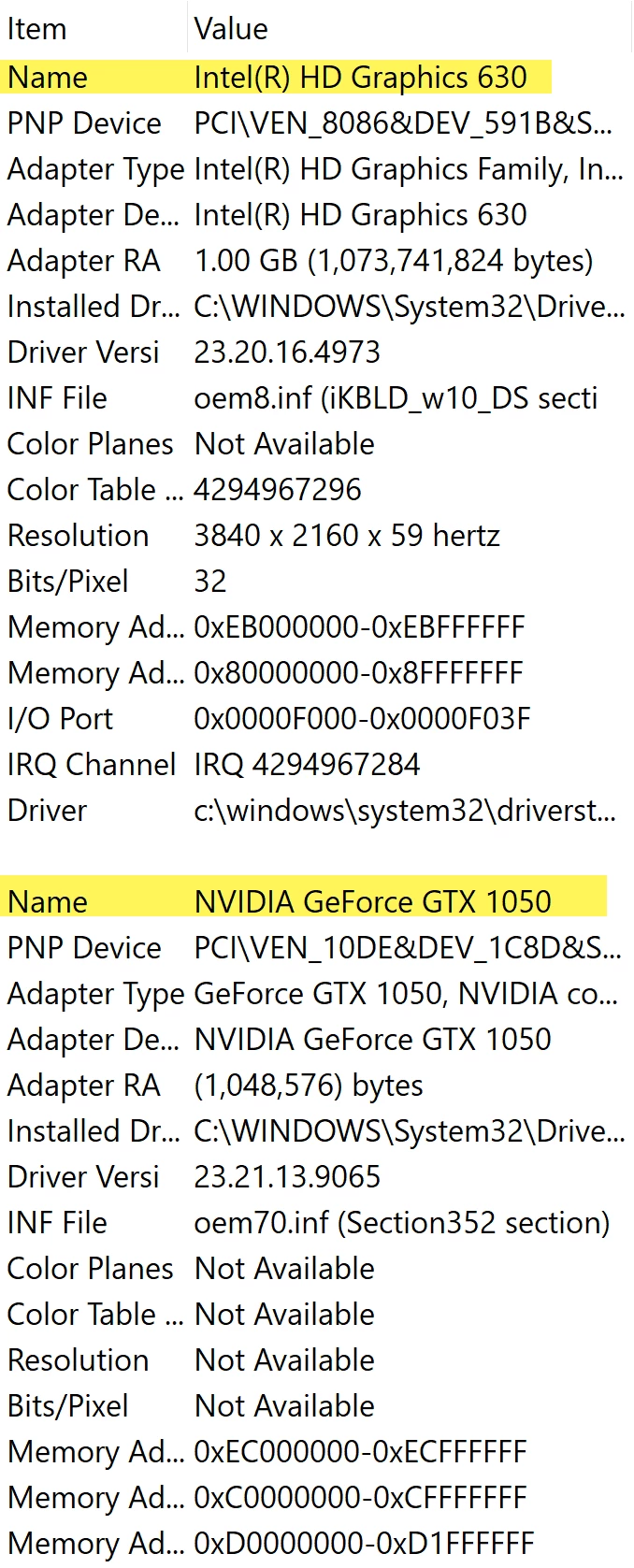
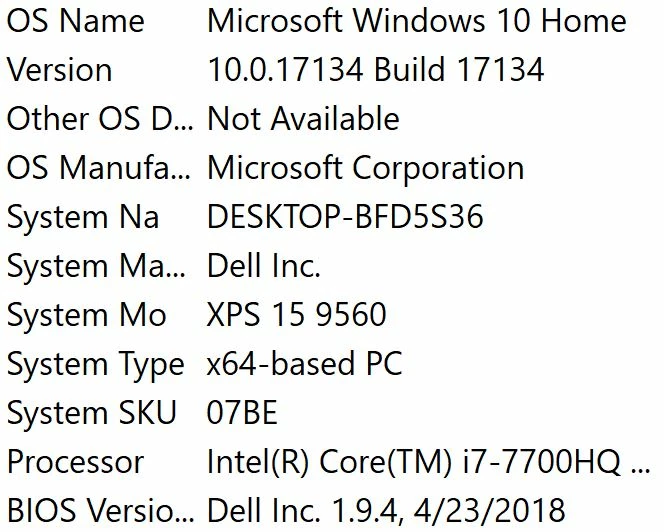
PC Info


Clip Properties


Premiere is Idle
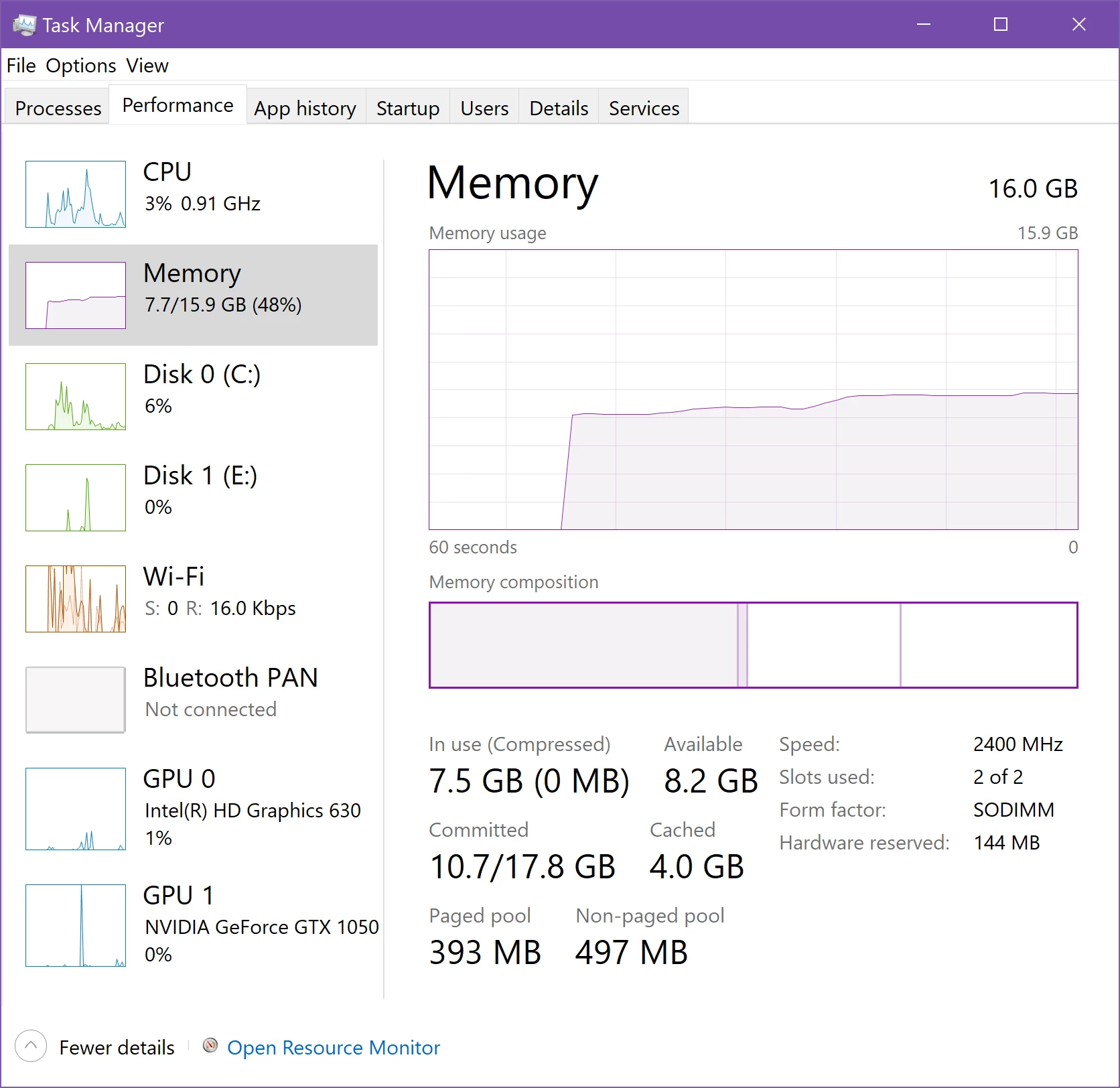


Working and Error Occurs
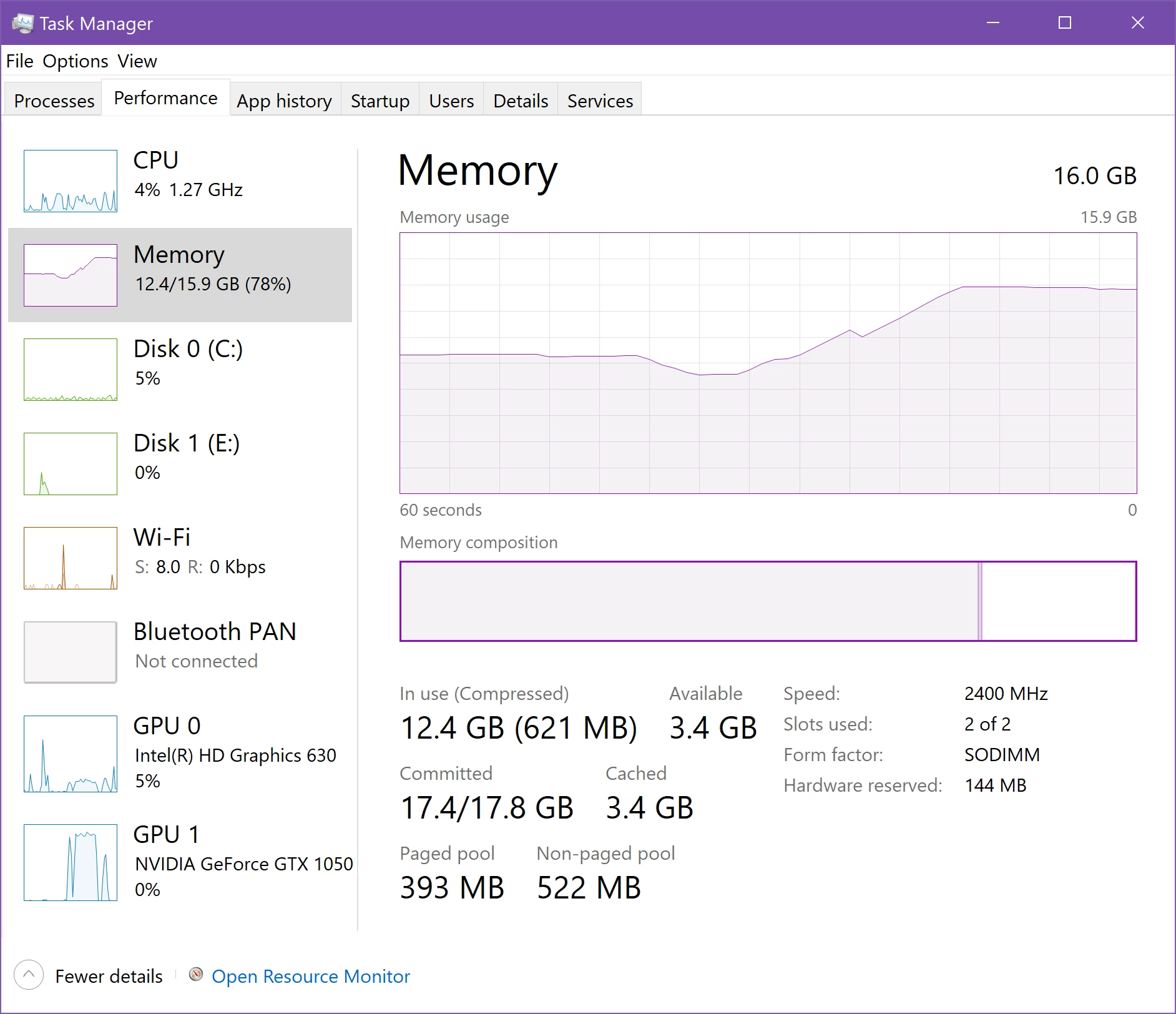
 

Correct answer louzelalala

I tried to remove all the plug-ins and MORGT files on my premiere then restarted it. This works fine with me. I just re-installed the few ones that I need. 

23 replies

evanw65742323
Participating Frequently
October 7, 2019

Still having this issue, would be nice if Adobe could actually do something about it. I can barely get any work done. I'm so close to cancelling CC.

We shouldn't have to roll back graphics drivers that other programs rely on, constantly re-install, re-install windows, or run a special cleaner every time Adobe messes up. This is getting ridiculous. Adobe seems to know these problems but doesn't integrate fixes into the actual installation or CC app.

Participating Frequently
March 28, 2020

Same problem here, after working on a project for a while i get this error on bottom right side of the screen too. Anyone know how fix this?

DasAlteLeid
Participating Frequently
September 29, 2019

Same here! After working on a project for a while, I keep getting this error. This could be a RAM-related issue. If I don't close PP immediatley after getting this error message, my computer crashes and when booting up again, it says "Overclocking has failed". I have no issues with my computer whatsoever, only in PP.

Participant
December 30, 2018

I'm on Win 10 64, on a Ryzen 7 1800x with 16GB DDR 4 3200 with a Radeon Pro WX 5100 (8GB), OS on M.2 970 EVO + footage on 830 EVO (not used for other tasks). It's been weeks and can't figure this out. I get this same error. Upset is the least I can say.