


- Home
- Premiere Pro
- Discussions
- Re: PLEASE HELP VideoRenderer/Src/RenderFrameReque...
- Re: PLEASE HELP VideoRenderer/Src/RenderFrameReque...

Copy link to clipboard
Copied
I'm working on a beautiful piece and of course I mess things up.
I think this started to happen when I cleared the unused cache.
Everytime I open the file this happens.
As soon as I open Premiere it crashes.
I've tried everything from permissions, to firewalls.
It doesn't happen for any other file.
Please help!
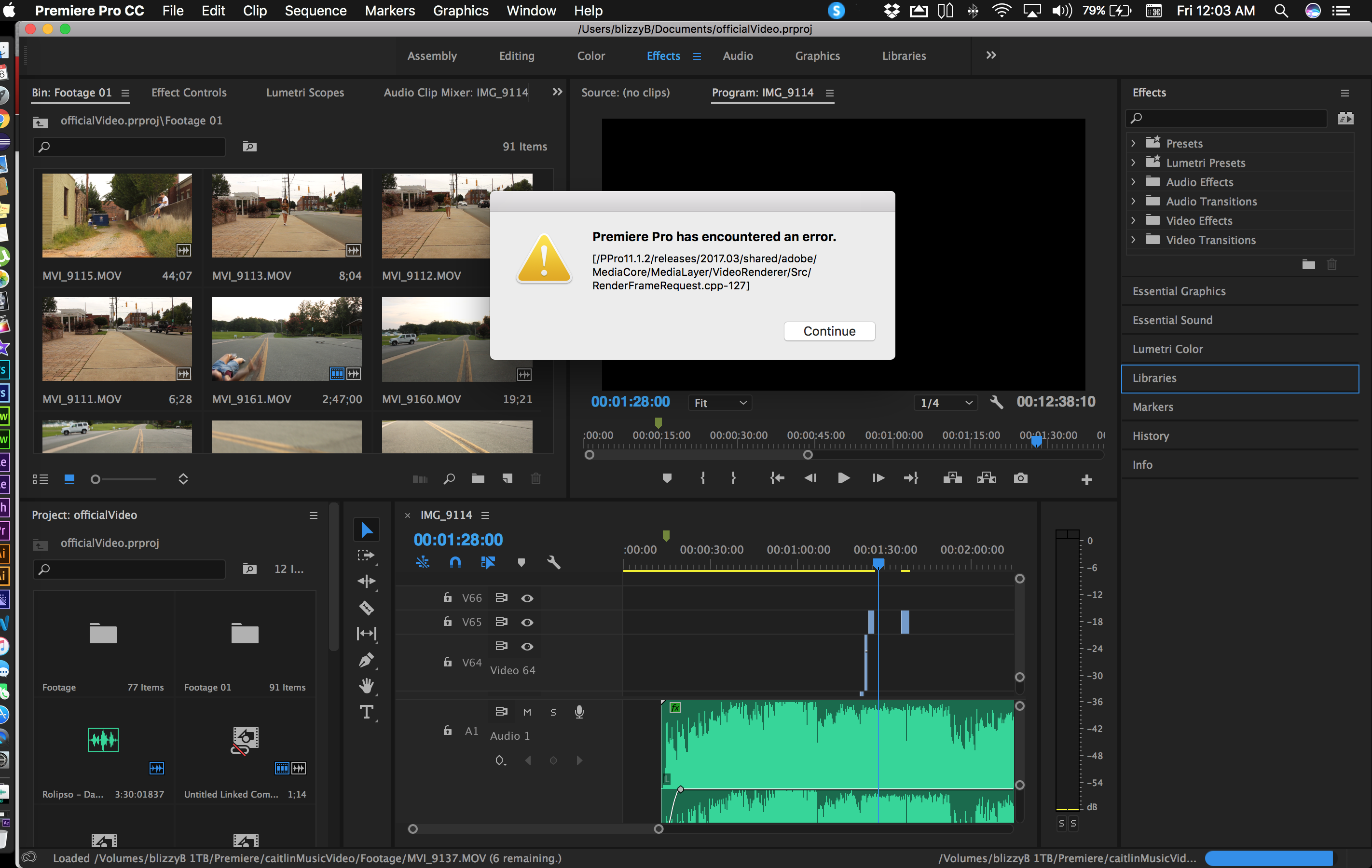
[/PPro11.1.2/releases/2017.03/shared/adobe/MediaCore/MediaLayer/VideoRenderer/Src/RenderFrameRequest.cpp-127]


 1 Correct answer

Sounds like you've got corruption in the project file ... that is, if as it sounds, you can run another project in PrPro, just can't use this one.
If that is the case, create a new project in PrPro, and in the Media Browser panel, navigate to the project file for this project, and see if you can select one sequence out of that project and import and work, if so, then one by one, import any other sequences.
Neil

 3
Replies
3
3
Replies
3

Copy link to clipboard
Copied
Sounds like you've got corruption in the project file ... that is, if as it sounds, you can run another project in PrPro, just can't use this one.
If that is the case, create a new project in PrPro, and in the Media Browser panel, navigate to the project file for this project, and see if you can select one sequence out of that project and import and work, if so, then one by one, import any other sequences.
Neil
Copy link to clipboard
Copied
yeah i ended up just doing that, but i still am curious what kind of programming error this is.
thanks for the reply!
Copy link to clipboard
Copied
Not at all necessarily a programming error. PrPro is a complicated dance of files around the computer, the media files, and settings. As it works, if in some cache file or somewhere one minor 1 becomes a 0 or vice versa, that's all it takes.
Often times cleaning out cache files sorts out problems too.
Neil


Get ready! An upgraded Adobe Community experience is coming in January.
Learn more
 AdChoices