
chrisc42207185
Participant
September 6, 2021
Question

Premiere Pro not launching

  • September 6, 2021
  • 2 replies
  • 206 views

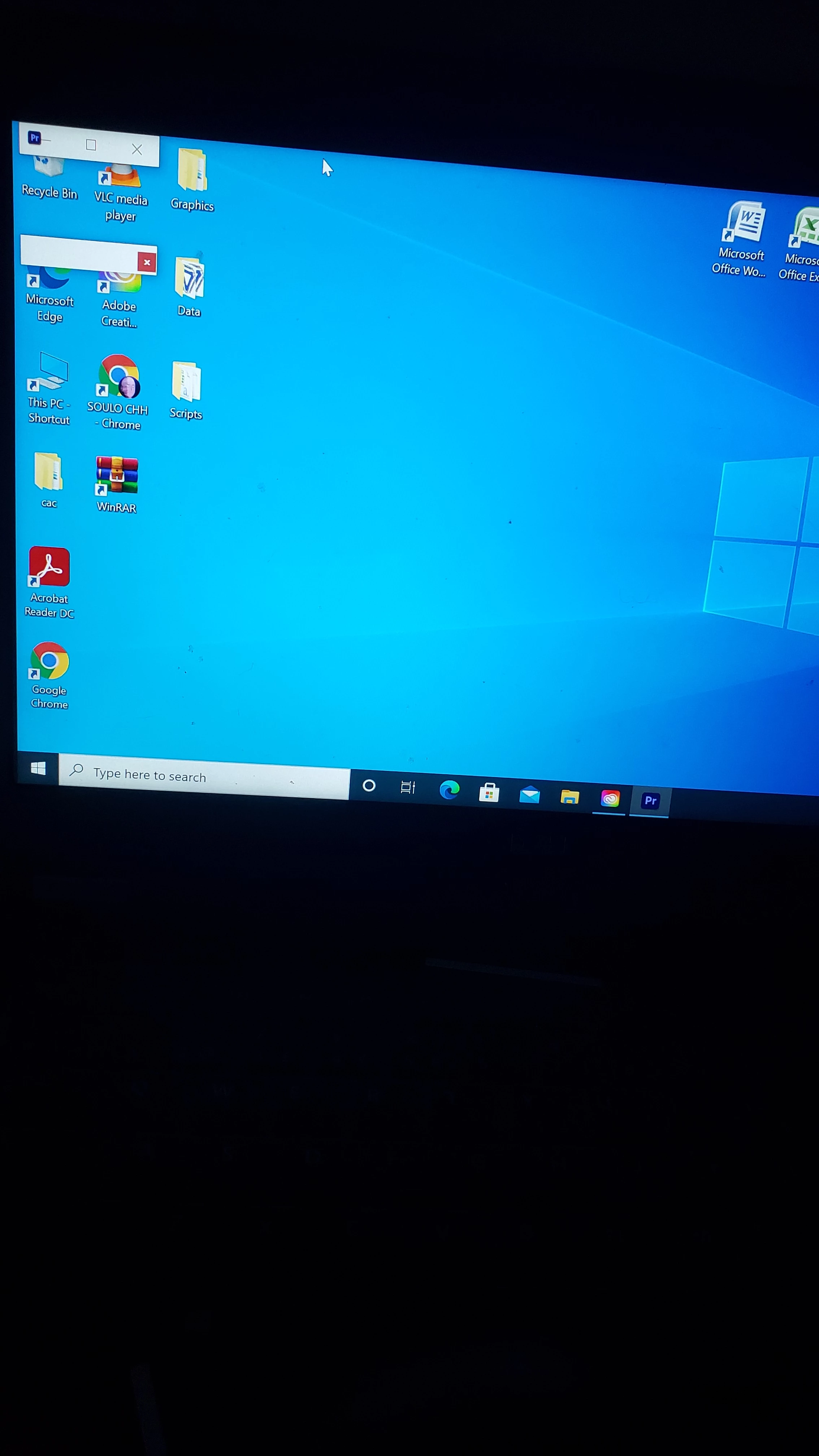
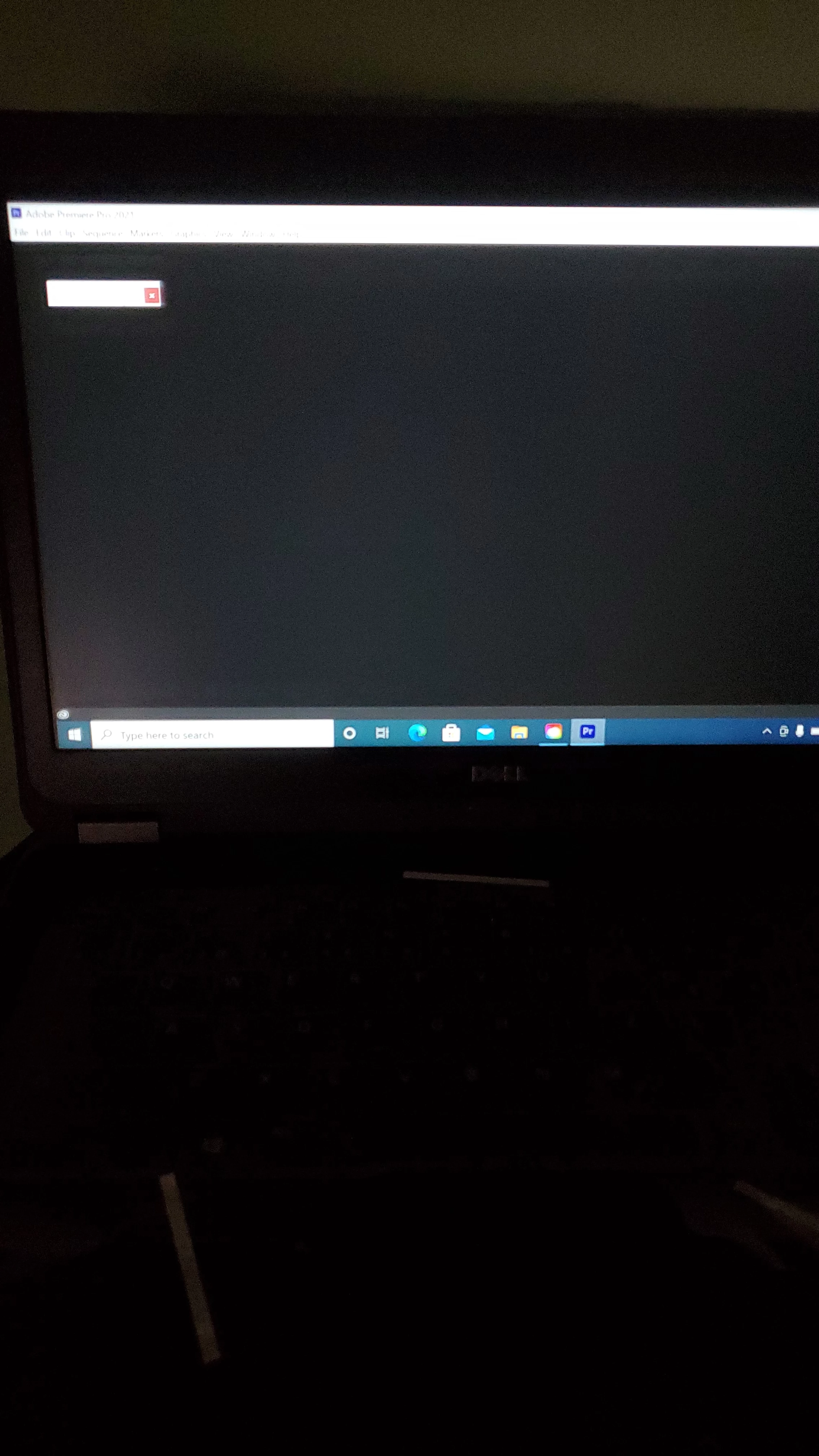
I am writing this post because everytime I try to open Premiere Pro it does not launch. I always end up with these small tabs and then when I try to open it it's just a blank page. When I open other apps like after affects there is no problem whatsoever. But for some reason this randomly starts happening. P.s. I apologize my phone was uploading pictures sideways. 😓
This topic has been closed for replies.

2 replies

Kartika Rawat
Community Manager
Community Manager
September 6, 2021

Hi there! Sorry for that. you can refer to this link for resetting preferences: https://community.adobe.com/t5/premiere-pro-discussions/faq-how-to-reset-trash-preferences-in-premiere-pro/m-p/8236158


Let us know how it goes.

Thanks,

Kartika

Graeme Bull
Community Expert
Community Expert
September 6, 2021

You can try to trash all preferences when opening Premiere. I think it's where you hold shift-alt or ctrl-alt while opening premiere? Do a search real quick as that is likely the culprit.

Ann Bens
Community Expert
Community Expert
September 6, 2021

Alt resets the preferences and Shift resets the plug-in cache.