


"LUT not found" after update to version 22.0.0 (build 169)
This event appeared after updating PP to V22.
When I opened a production created in the previous version of PP, I was prompted to update the production.
Then, when I opened a project in that production, I received this event:
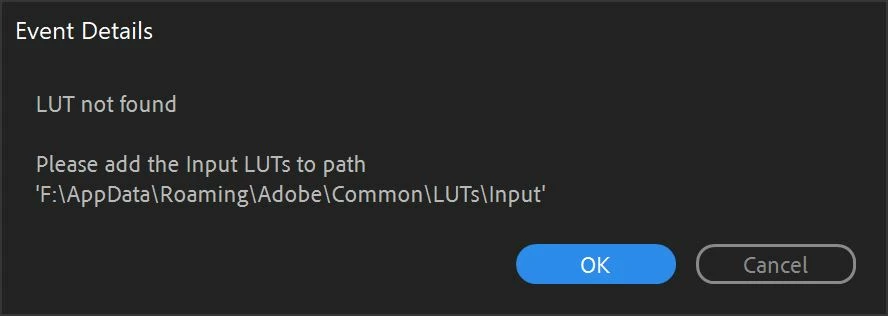
Only one of several projects in the production triggered this event, and that project has ProRes 4444 footage, whereas the others do not, so there's a possible clue.
The file path shown in the event details is not normal. The default path should be C:\Users\*****\AppData\Roaming\Adobe\Common\LUTs\Input, so I'm not sure why these folders were created on F:\.
Could it be because F:\ is where my Cache and Cache Database are normally located?
Anyway, the issue stopped temporarily (for the remainder of the session) after changing the Cache and Cache Database locations back to their pre-update locations (F:\) - they were reset to defaults during the update.
The issue then returned in the next session, even with the Cache and Cache Database locations restored to F:\.
Any insights are most welcome.
 AdChoices