Copy link to clipboard
Copied
Hi,
We were previously using a MSI laptop with a 1050 2GB GPU to do 1080p video editing and rendering. The Performance drop down was selected on 'Hardware Accelerated'.
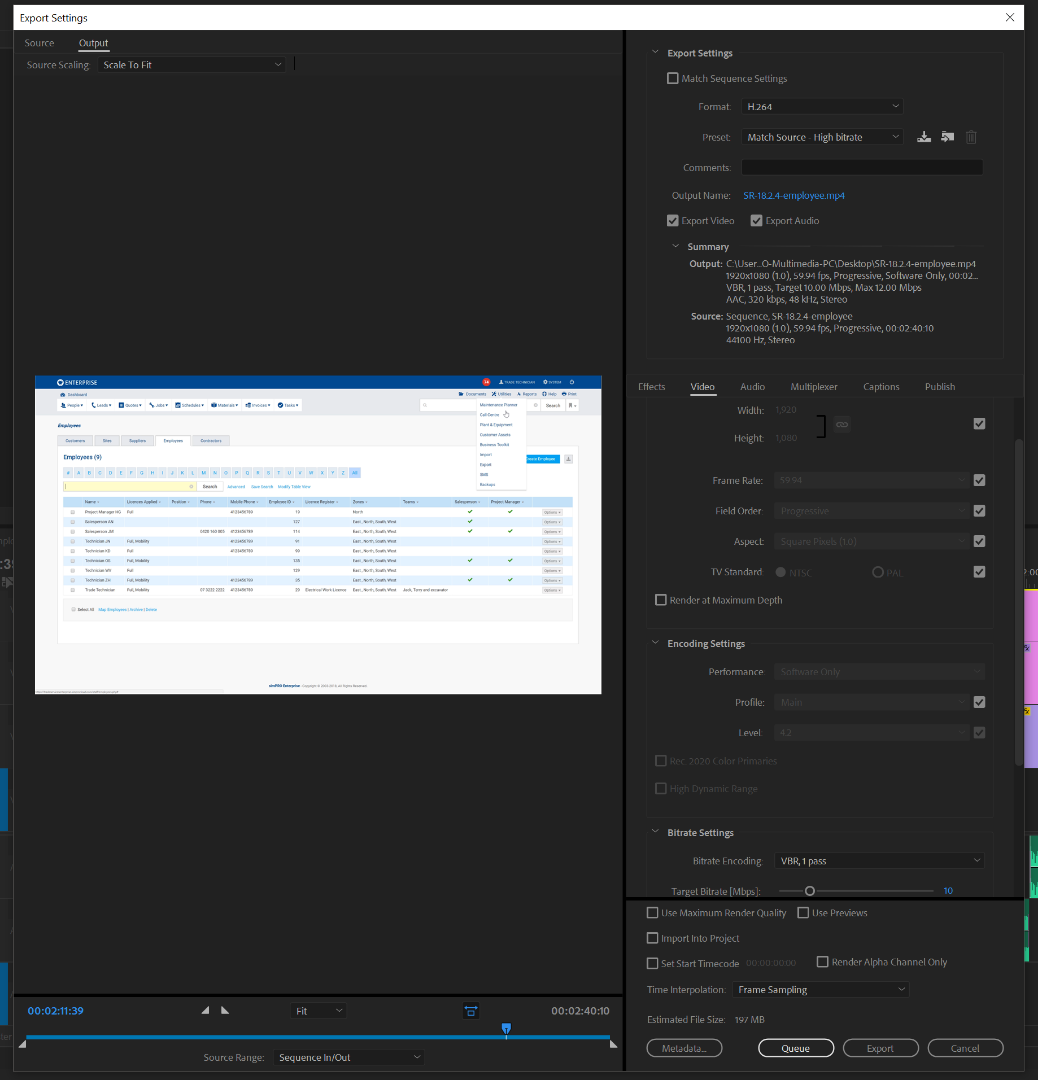
We've got a brand new custom built desktop computer with a GeForce 1060 6GB. Encoding the exact same videos files the Performance drop down is grayed out with 'Software only' and render time is slower...
The Project Settings for the older machine and newer are both using 'Mercury Playback Engine GPU Acceleration (CUDA)'.
All software are updated to their latest version as of 17/05/18.
I believe this is a bug?
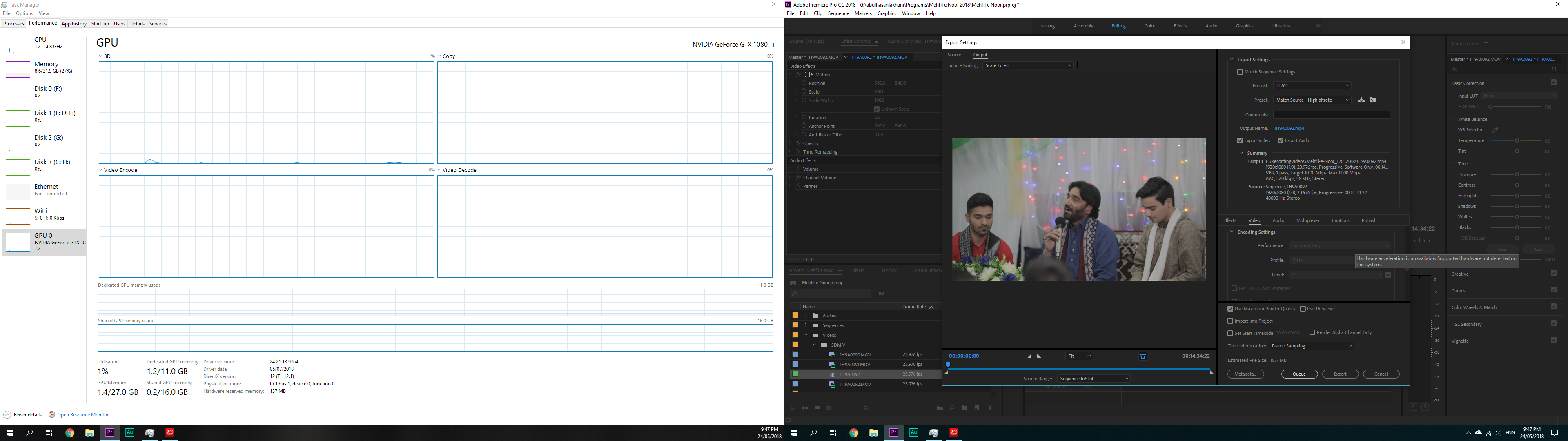
Here are some screenshots:
Thanks,
Antoine

Copy link to clipboard
Copied
I am having the similar question. I was using gtx 960 before and Performance drop down was always showing Software Only. Rendering was extremely slow. I have now upgraded to GTX 1080 Ti with brand new Motherboard and processor. Still it shows Software Only with the dropdown grayed out.
Please help
Copy link to clipboard
Copied
Ok.
I just resolved they grayed out dropdown issue.
You have to make sure:
Doing these two things will enable the dropdown, so you will see two options. Now you can only select Hardware Acceleration if you select VBR, 1 pass. When you select VBR, 2 pass, it will give you error and change the encoding back to Software Only.
But now when you start rendering/exporting, it uses the onboard GPU. Still no activity on my GTX 1080 Ti GPU. Rendering is also slower now.
Get ready! An upgraded Adobe Community experience is coming in January.
Learn more