



Answered
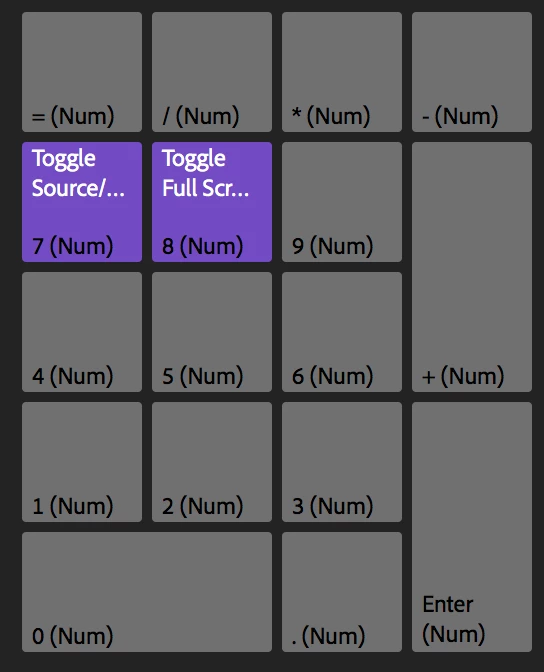
Toggle source/program monitor focus in fullscreen?
I would like to compare the image in my sequence with the image in my source monitor. I'd like to do it fullscreen and without stepping out of fullscreen mode between source and record. The Toggle Source/Program Monitor Focus shortcut would seem to be perfect for this. But it doesn't toggle between screens when I'm in fullscreen mode. Is there a way to do this? What am I missing?
Martin
 AdChoices