


Question
Transition-effects paste effect issue?
Hello guys, I am using free Adobe Premier pro tranisitions from this URL: https://www.colorgradingcentral.com/premiere-pro-transitions-top-10-for-free/ and I have imported the transitions in to Adobe Acrobat Pro 2024, and when I try to copy the transistion over to my timeline in my main video it gets inserted in the video itself, not sure how to fix it or use it properly as a transisiton?
See below:
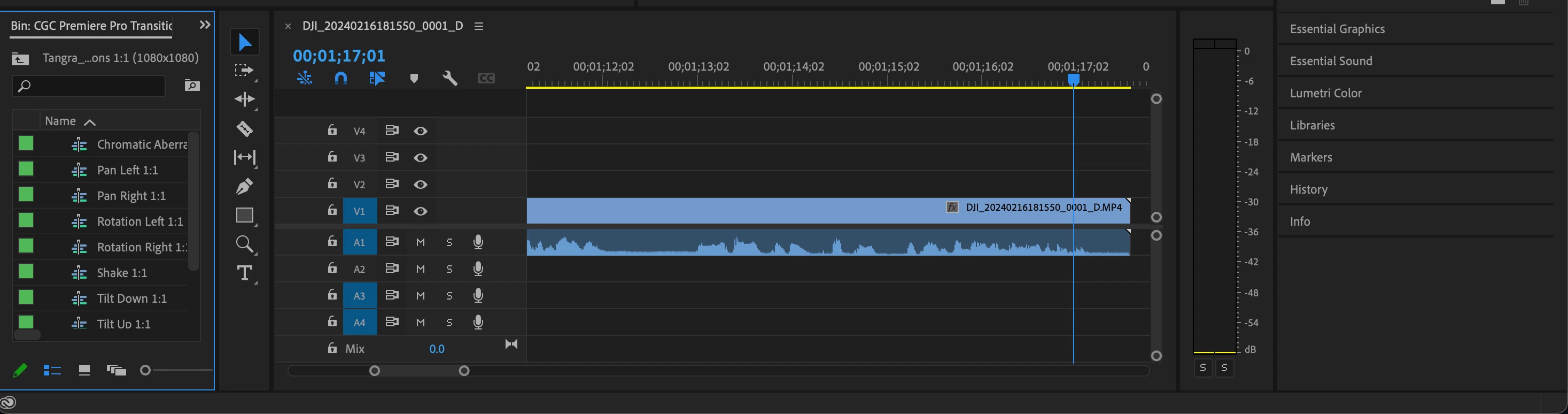
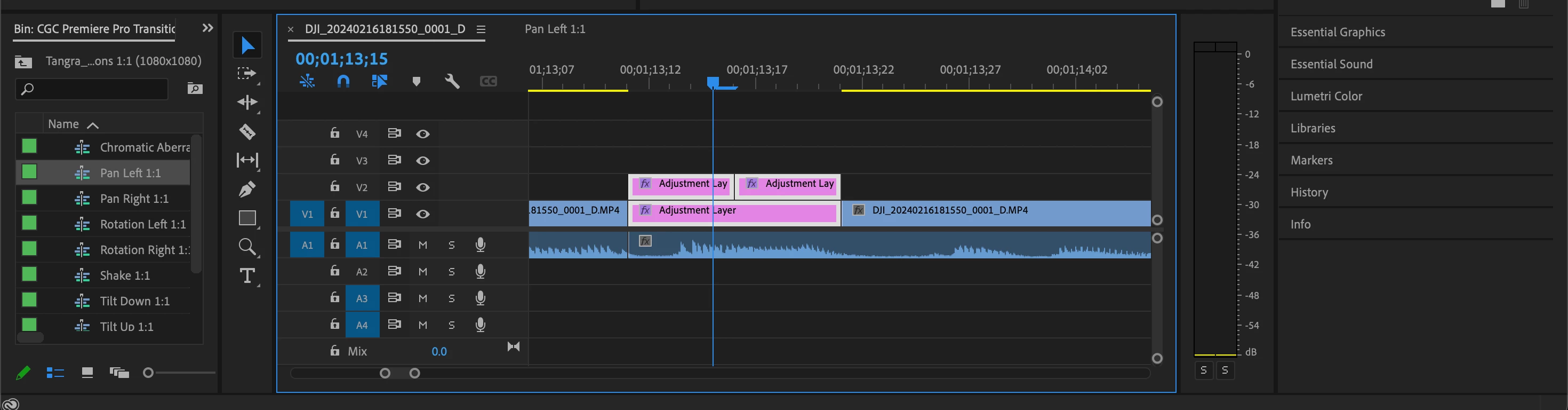
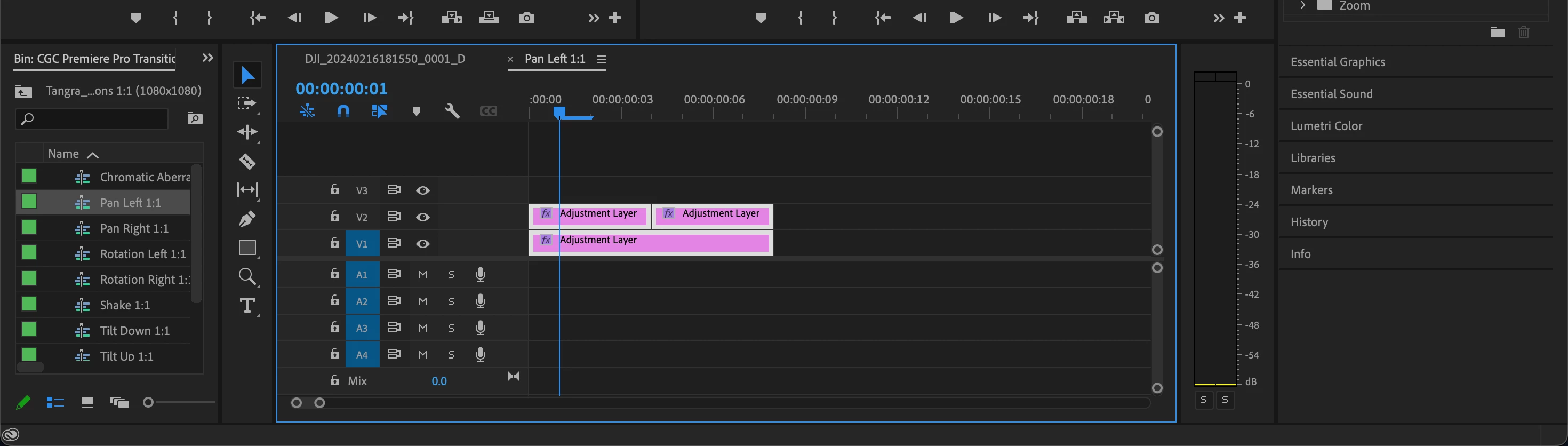
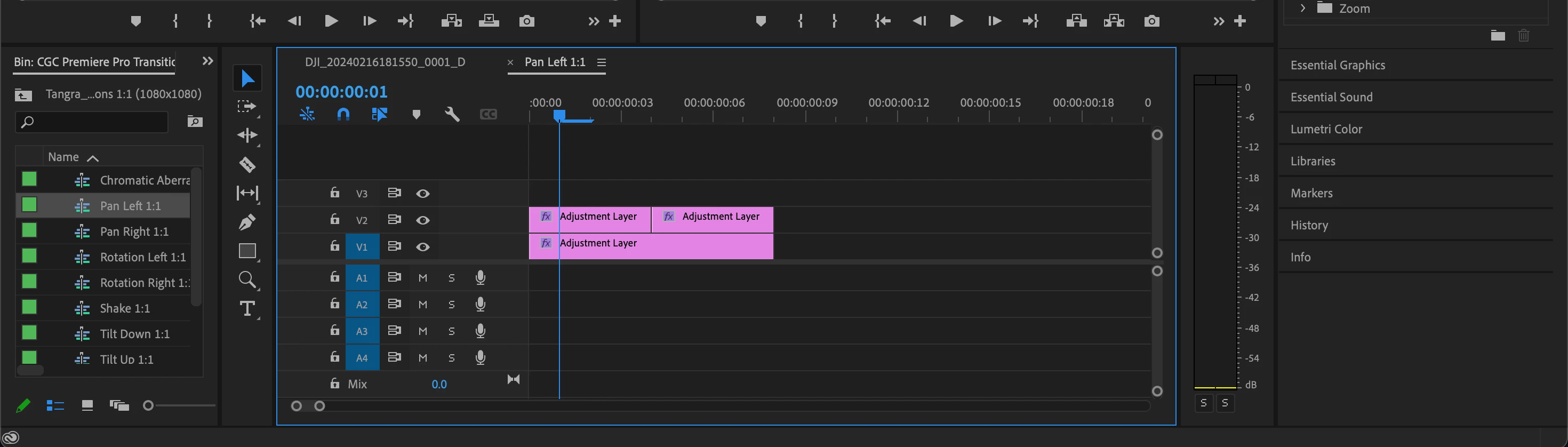
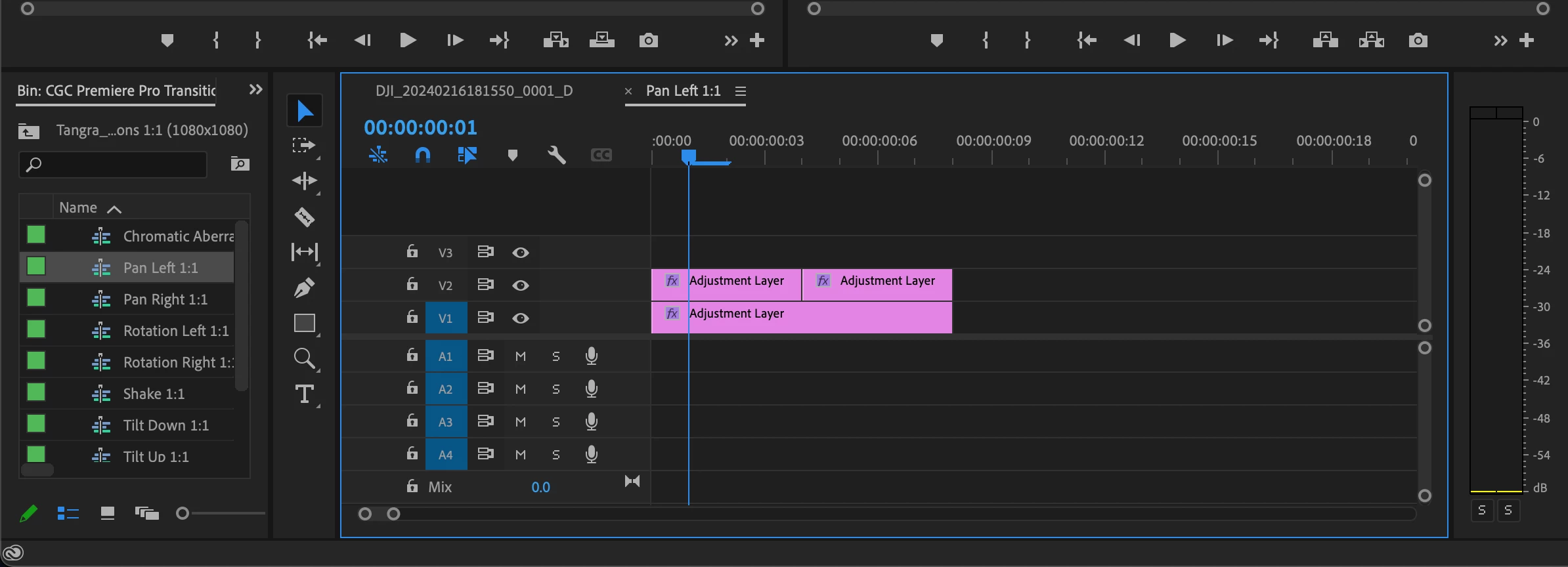
When I play the video over the cut where I want the transisiton it inserts the transisiton inside the video between the two cuts. And a black screen appears and I don't get the desired effect. What am I doing wrong?
Here is a video of the issue:
https://we.tl/t-psGvZT0mch
[title edited by mod]
 AdChoices