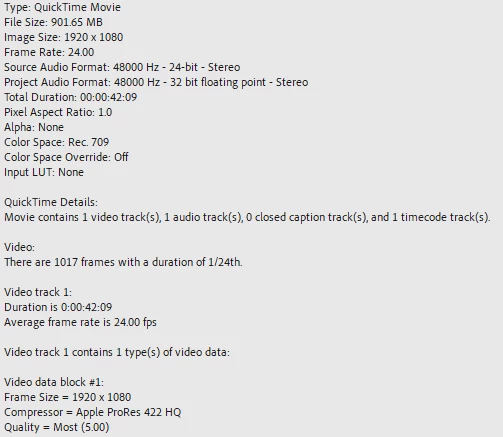
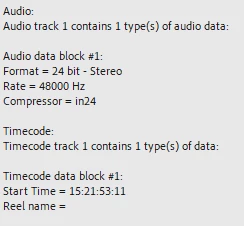
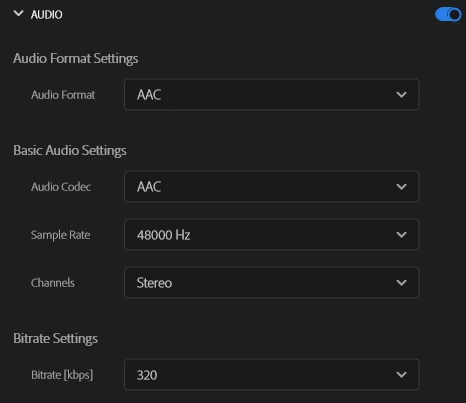
Ah, interesting, it is what I thought it was. One channel has reversed polarity. The exported file is stereo, but the audio content is in mono, so it is the same content duplicated twice, one for the left channel and one for the right.
In your file, one of the channels of the stereo audio is being flipped 180 degrees our of phase (called polarity). When you sum it to mono on certain phones, the two audio channel cancel each other out resulting in no audio. Physics is funny like that.
When you play this file on stereo device/speakers, you hear the left and the right channels separately, through two different speakers. When you play the file back on a mono device with a single speaker, the left and the right channels are mixed together to create a mono signal.
If the left and right channels are mirror images of each other, as I describe above, with once channel 180 degrees out of phase, when the left and right is summed together to make the mono signal on a device with a single speaker, the audio is 100% canceled out. This is sometimes called phase cancellation.
Your source file was probably recorded this way on accident. Probably a splitter was used or some sort of converter was used on the microphone when it was plugged into the camera, and it was wired incorrectly for the job. The camera recorded the audio onto both left and right, but flipped the polarity of one channel.
The hard part is knowing when this occurs, since you probably cannot hear the cancelation on the desktop computer with stereo speakers. I wont get into how to detect it, but the fix is really pretty easy.
On the clip, simply put an instance of the effects called "Fill Right with Left" and it will be fixed. Please let me know if this helps or not.

 AdChoices