


Answered
"Float right" not working (image displays above text, full-page width)
Hi, Everyone!
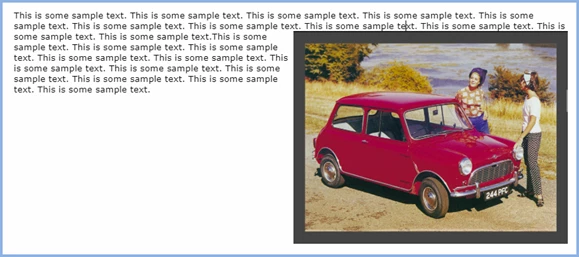
I'm following along in the Matt Sullivan TC2 tutorial. But when I insert an image and choose "float: right," the image doesn't float. It gets placed above the text and at full-page width. (It displays this way in both the preview and the generated output in my browser.)
<img src="../assets/images/Call center 6 - 600px.jpg" style="float: right;" />A Wider Impact</h2>
Another clue to my troubles might be the fact that I'm also not able to resize the image in RH. The controls for height and width do not accept any changes.
Thanks for any help!
 AdChoices