I have amended your thread title to include Classic. That's important now there are two versions.
The issue seems to be that you are using DIV tags and I have seen people report before that DIV tags don't always play nicely in Classic versions of RoboHelp. What you set up worked in the one online output I tried but not, as you say, in PDF. Also not in Word.
I took a copy of your style and created this.
p.NoteStyle {
font-size: 10pt;
font-family: Roboto;
border-left-style: Solid;
border-left-color: #333d47;
/* height: 100%;*/
background-color: #e2e2e2;
width: 100%;
border-left-width: 8px;
padding-left: 3px;
margin-top: 2.5pt;
/* line-height: 150%;*/
}
Then I removed the DIV tags and applied that. You will see I commented out two lines. With that done I now see this in PDF and Word.
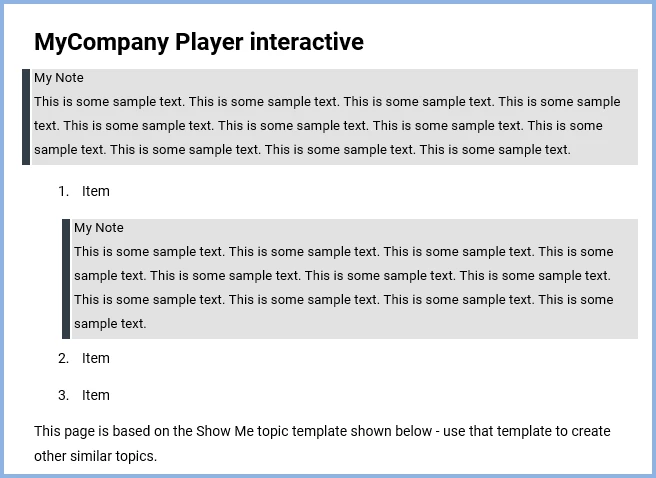
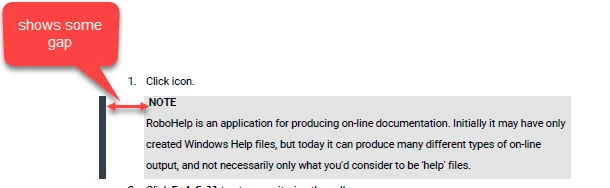
At the end of the My Note line I had to use Shift Enter to avoid the margins you have but that can be tweaked. There is also a slight gap between the border and the shading but that was there before.
I will send you the project with these changes so that you can try it.
www.grainge.org



 AdChoices