


michellef1266897
Known Participant
April 11, 2019
Answered

RoboHelp 2019 Breadcrumbs and Project Image for WebHelp Output

  • April 11, 2019
  • 1 reply
  • 4164 views

Hi, I need help with setting up breadcrumbs for online help for another product.  In this case, we are working directly with the html files in an existing project that has been upgraded from RoboHelp 2015 to RoboHelp 2019 and for the most part looks great and works okay, but I have questions on how to get breadcrumbs set up.  I would like to have breadcrumbs on all topics.  This is what I've set up that hasn't quite worked yet.

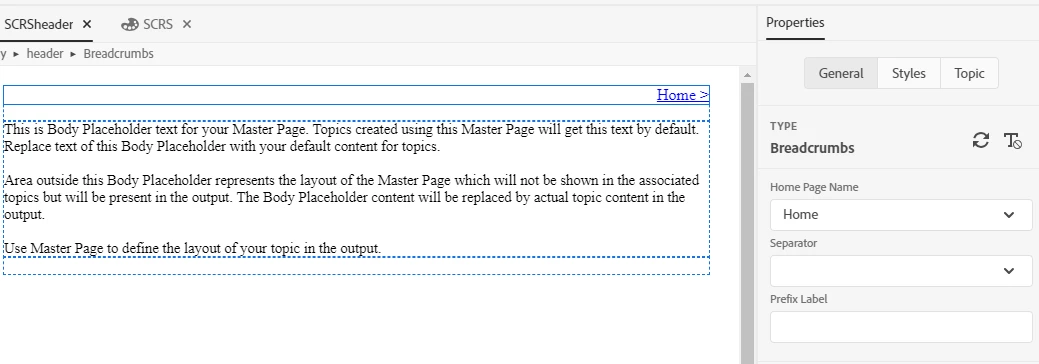
I created a Master Page that is Type = Breadcrumbs.
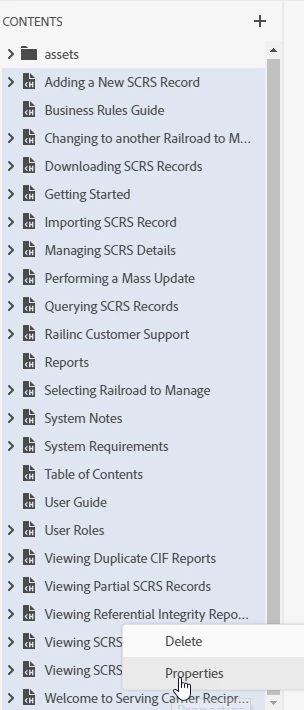
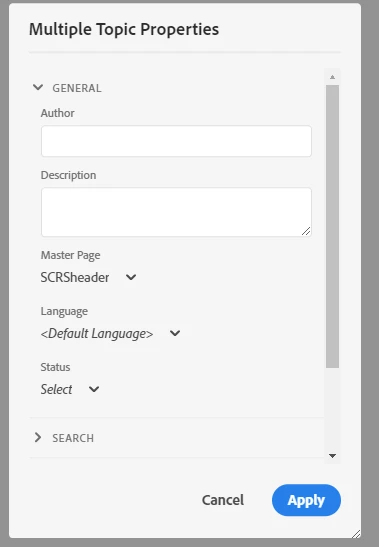
I selected all the topics and applied the Master Page to all of them:
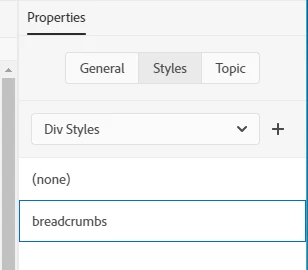
That didn't get me what I wanted, and I read this: RoboHelp 2019 - Miscellaneous  and added the Div Style:
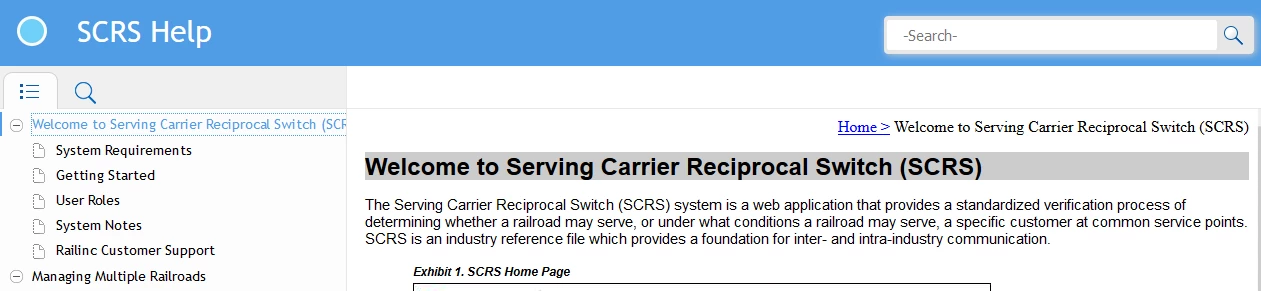
This is the result. On the Home page, breadcrumbs look right, but have 2 issues.

  1. The Home link it creates doesn't take me back to this page as expected
  2. The breadcrumbs are not showing up on any of the other topics
When I click Home, I see the generic info for the Master Page:

My next question is about the project image:  where the project title is in the blue section at the top (we are using Azure_Blue and this is close to what we used in the old version), is there a way to replace the lighter blue circle with our company logo or are we stuck with the circle?  I see where I can update the favicon, but not where I can update the circle image.

Thanks for your help!

This topic has been closed for replies.
Correct answer Peter Grainge

I've sent you a zip file of the project through wetransfer.com to your email address.


A couple of posts in the thread have been deleted as it was found the issue is somehow related to the TOC. In a new TOC without any books, everything works as it should.

The problem is still under investigation.


See www.grainge.org for free RoboHelp and Authoring information.

@petergrainge

1 reply

Peter Grainge
Community Expert
April 11, 2019

Use the Topic List and select all your topics there. There's a single checkbox at the top to select them all. I haven't tried selecting all topics the way you did so I'm not sure it works.

I will check out applying breadcrumbs shortly and post back.


See www.grainge.org for free RoboHelp and Authoring information.

@petergrainge

Help others by clicking Correct Answer if the question is answered. Found the answer elsewhere? Share it here. "Upvote" is for useful posts.
Peter Grainge
Community Expert
April 11, 2019
  1. I opened the supplied RoboHelp Reimagined sample project and created a Master Page called Breadcrumbs.
  2. Using the icons above the authoring area I added breadcrumbs and saved.
  3. I then went to the Topic List and selected all topics.
  4. I applied Breadcrumbs and saved.
  5. I previewed a topic and it looked OK.
  6. I then generated the output and it's working as expected.

To get the formatting right, you need to attach the CSS where you created the breadcrumbs to the master page. If you are using the same CSS for your topics, that will be OK. See the Master Pages topic in RoboHelp Reimagined or the RoboHelp Tour. Otherwise, open the master page and set the colour there.


See www.grainge.org for free RoboHelp and Authoring information.

@petergrainge

Help others by clicking Correct Answer if the question is answered. Found the answer elsewhere? Share it here. "Upvote" is for useful posts.
michellef1266897
Known Participant
April 15, 2019

The home page should be the default topic so clicking Home when it that page should do nothing, as you realise. I am struggling to work out what you have done that would result in it going to the master page.

To be honest I think the quickest way to fix this would be to start again.

  1. Go to the Topic List again and select all topics, then remove the link to your master page.
  2. Delete your master page and create a new one.
  3. Go back to the Topic List and apply that to all topics there.

Does it then work?


See www.grainge.org for free RoboHelp and Authoring information.

@petergrainge


This fixed some of the pages but not all.  The Home link now takes me to the correct page, but not all the pages have breadcrumbs even though I selected them all in the Topics List.  Looks like breadcrumbs are not showing up on most but not all of the second level pages. Here's an example:

I have another question, in the 2015 RH version, we had a "show" link to show the navigation on the Home page without the navigation.  Is there somewhere I can add this in the 2019 version? Here is an example of what we had in the old version: