


Sleant
Inspiring
December 8, 2021
Answered

Thumbnail image set correctly, but not working

  • December 8, 2021
  • 5 replies
  • 611 views

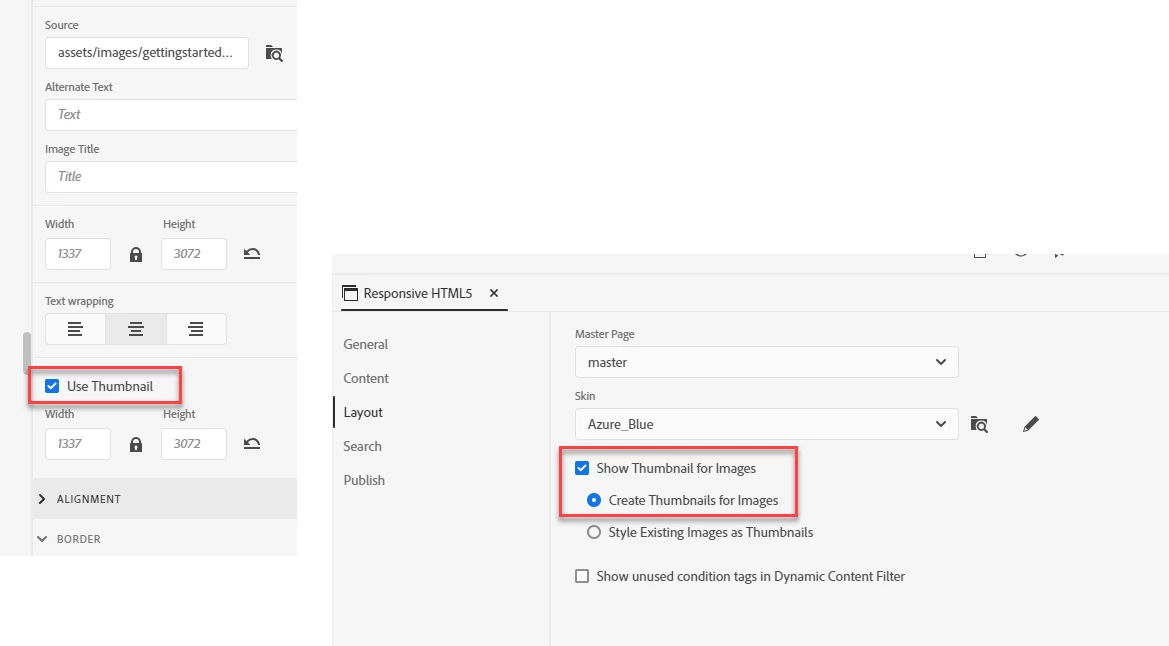
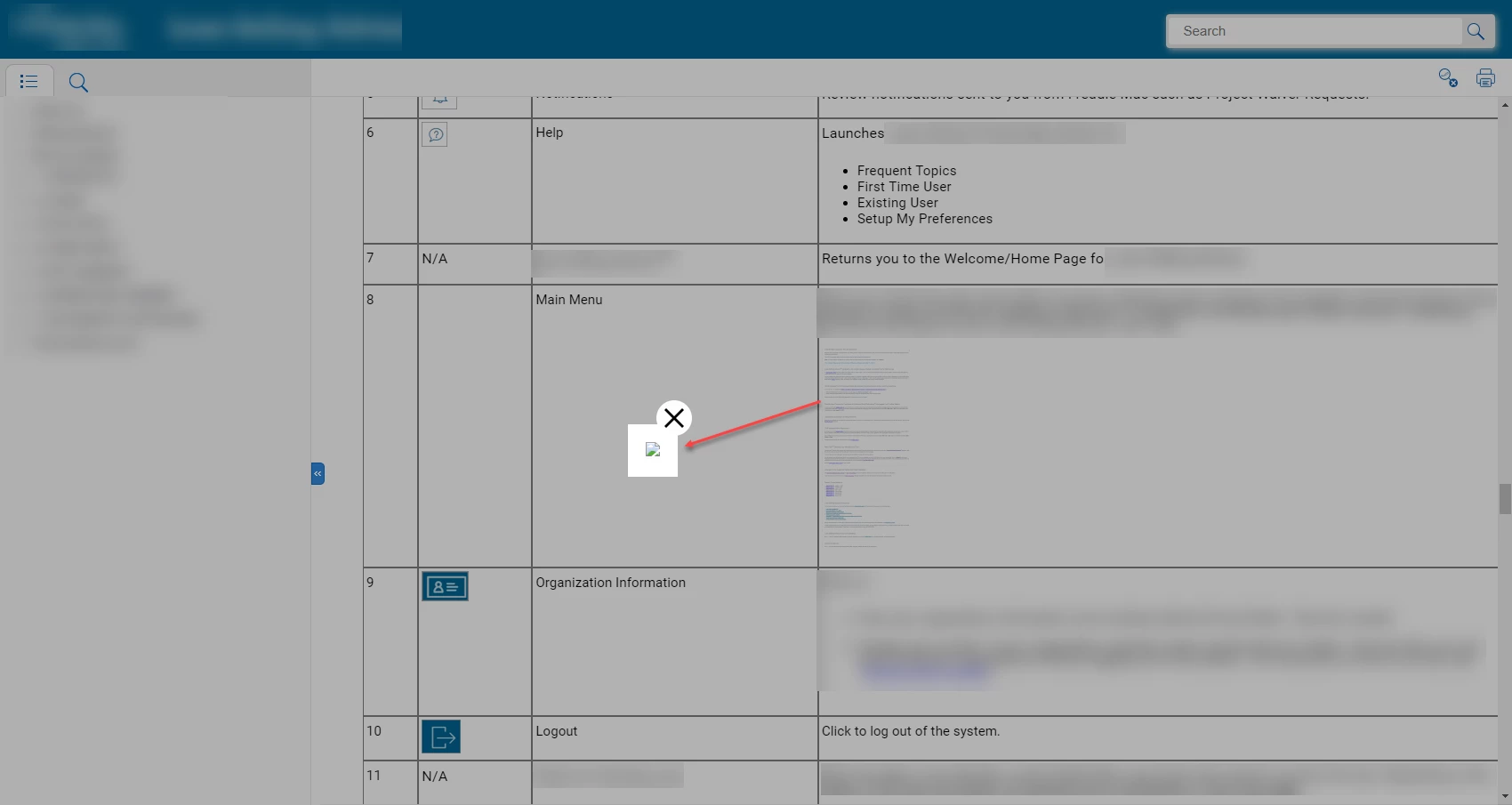
I think I set my image correctly at the image level "Use Thumbnail" checkbox. Also, in output, I clicked "Show Thumbnail for Images". However, the image doesn't appear when I clicked on the image in my HTML5 output. What am I doing wrong?
    This topic has been closed for replies.
    Correct answer Amebr

    So in the first image the little icon usually means the image can't be found at the path specified.


    Do you have any characters besides letters, dashes or underscores in the file name or path? Is it broken on your local PC or only after you upload it to a web server - if only after uploading, perhaps you are using a case sensitive webserver? Where do you store your project and where do you generate to - perhaps there's something about the location causing a problem?

    5 replies

    Peter Grainge
    Adobe Expert
    December 11, 2021

    Thumbnails should work locally so I'm thinking the issue is the path must be to something that cannot be accessed locally. Windows is not case sensitive so locally that would not be an issue.

    ________________________________________________________
    See www.grainge.org for free Authoring and RoboHelp Information

    Help others by clicking Correct Answer if the question is answered. Found the answer elsewhere? Share it here. "Upvote" is for useful posts.
    AmebrCorrect answer
    Adobe Expert
    December 10, 2021

    So in the first image the little icon usually means the image can't be found at the path specified.


    Do you have any characters besides letters, dashes or underscores in the file name or path? Is it broken on your local PC or only after you upload it to a web server - if only after uploading, perhaps you are using a case sensitive webserver? Where do you store your project and where do you generate to - perhaps there's something about the location causing a problem?

    Sleant
    SleantAuthor
    Inspiring
    December 10, 2021

    Wow, that's it! It worked properly when published to our server. I actually knew this and forgot that it was an issue when viewing thumbnails locally. So hard to remember all the workarounds hahaha. Thank you again, Amebr.

    Adobe Expert
    December 9, 2021

    There are a few sample projects available. They should be in your Documents folder under My Robohelp Projects. If they're not there, you can copy them from the RH installation directory into that folder (don't try to run them from the installation directory, as the default location has Microsoft security applied, and it won't work/won't work properly)

    Sleant
    SleantAuthor
    Inspiring
    December 9, 2021

    I created a new project and the image is showing thumbnail correctly. So this tells me that my issue is specific to my project... I'm guessing.

    Adobe Expert
    December 9, 2021

    Do you have latest update? The last patch for 2019 was update 14.


    If you have the latest version can you try in one of the sample projects? That'll help determine if there is something specific to your project or not.

    Sleant
    SleantAuthor
    Inspiring
    December 9, 2021

    2019.0.14 version. I'll see if I can publish a small test project.

    Adobe Expert
    December 8, 2021

    Which version of Robohelp? Does the problem occur for all images or only this one?

    Sleant
    SleantAuthor
    Inspiring
    December 8, 2021

    So sorry, Amebr. I'm using RH 2019. The issue occurs to all the images that I checked the "Use Thumbnail" at the image level.