rosm72452479
Known Participant
March 7, 2016
Answered

TOC Navigation pane doesn't show in WebHelp Rh2015

  • March 7, 2016
  • 1 reply
  • 882 views

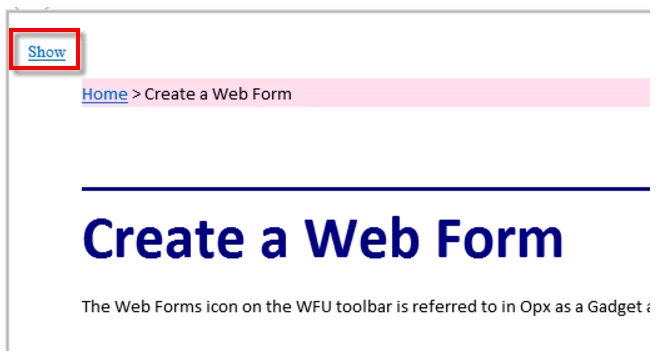
I'm trying to show the navigation pane so that you can see the Table of Contents automatically. When I run my project on my server (not robohelp's server) there is a link called Show which I need to click to show the TOC.

The image below displays when I run my WebHelp project on Rh2015 on my company server.
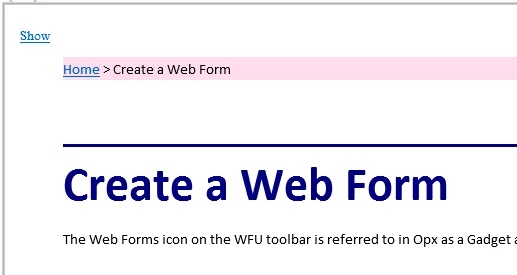
This is the same project but running on my local PC.
This topic has been closed for replies.
Correct answer Captiv8r

Hi there

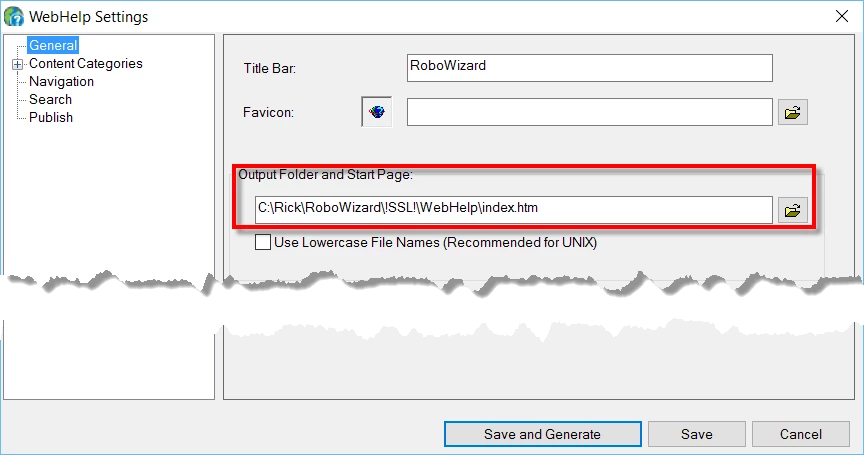
When you generate WebHelp you usually see this dialog:

Note what you see in that Output Folder and Start Page field. Usually it's a file named "index.htm". That's the page you point to to launch WebHelp. And when you use that page, you see the full TOC and other things.

What you are apparently doing is opening a page that is part of the project, but isn't the start page. And if that's what you want to do, to display that page, try clicking that link you see where it says Show.

Then note the path that should appear in the address bar of your browser. That's the link you will want to use to open this page.

Cheers... Rick

1 reply

Captiv8r
Captiv8rCorrect answer
Braniac
March 7, 2016

Hi there

When you generate WebHelp you usually see this dialog:

Note what you see in that Output Folder and Start Page field. Usually it's a file named "index.htm". That's the page you point to to launch WebHelp. And when you use that page, you see the full TOC and other things.

What you are apparently doing is opening a page that is part of the project, but isn't the start page. And if that's what you want to do, to display that page, try clicking that link you see where it says Show.

Then note the path that should appear in the address bar of your browser. That's the link you will want to use to open this page.

Cheers... Rick

Captiv8r
Braniac
March 7, 2016

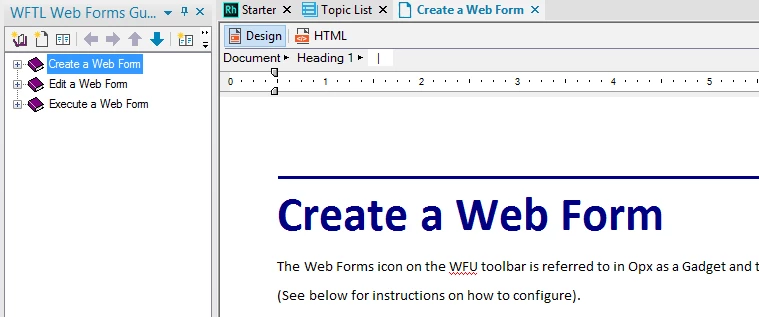
Oh, and that second image you posted? That's not actually the project running from your local C drive. It's the project all loaded up in Adobe RoboHelp.

rosm72452479
Known Participant
March 9, 2016

Hi Rick

Many thanks for that - it works.

However, the link always takes you to the index.html which does show the navigation pane and all the contents.

So:

when I click "Create a Web Form" on my web page, it goes to index.html.

when I click "Edit a Web Form" on my web page, it goes to index.html.

when I click "Execute a Web Form" on my web page, it goes to index.htm.

This is my Web Page.

Is there a way to direct the link to go to a specific file, for example,  Create-a-Web-Form.htm