



ChadPink
Inspiring
April 18, 2017
Answered

RoboHelp 2015 Cannot Add to TFS Version Control - Could not load file or assembly

  • April 18, 2017
  • 1 reply
  • 1396 views

Was hoping someone could help me resolve this issue. I get this error when I try to add to version control.
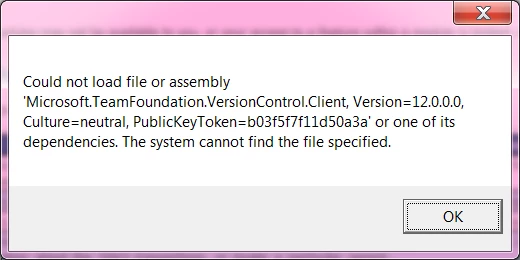
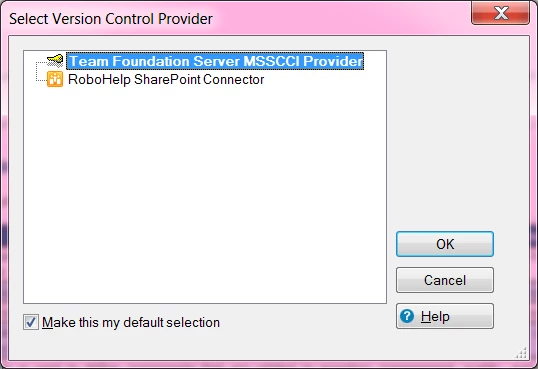
I get this error after I Add to Version Control and select Team Foundation Server MSSCCI Provider. I just recently noticed this after upgrading from RH 10 a few months ago.
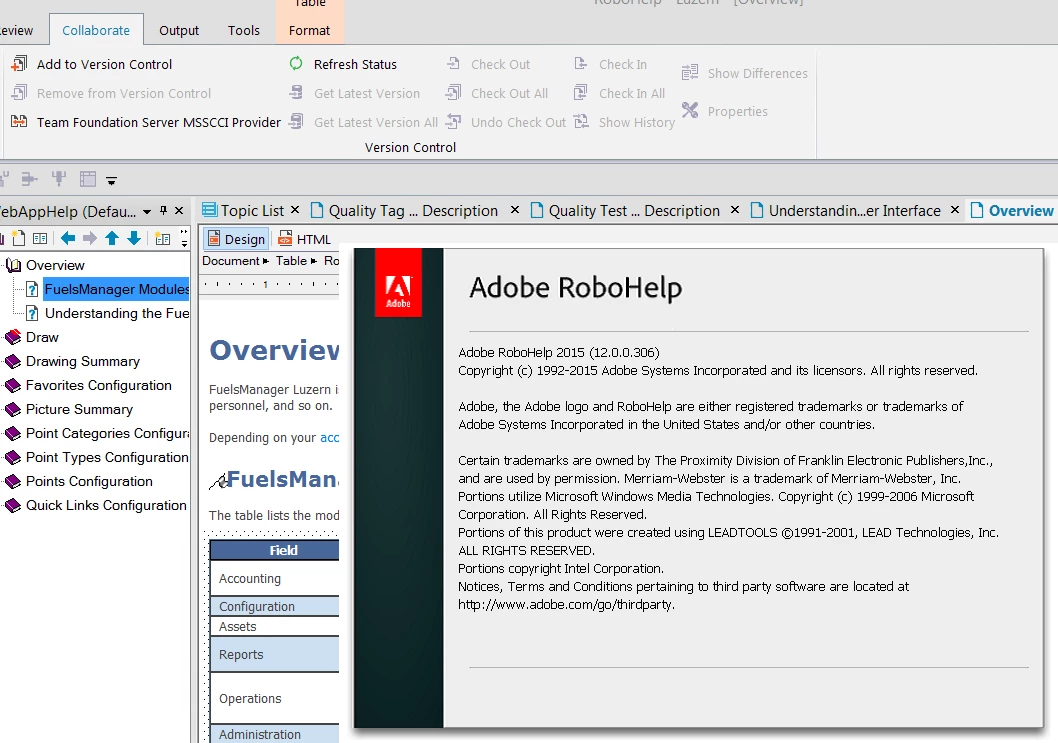
Here is my Robohelp version.
Thank you!

This topic has been closed for replies.
Correct answer Willam van Weelden

Hmm. In that case you will need the MSSCCI provider for 2015: Microsoft Visual Studio Team Foundation Server 2013&2015 MSSCCI Provider 32-bit - Visual Studio Marketplace

The error message you posted seems to imply that the TFS client couldn't be loaded for connecting to the repository. Perhaps upgrading the MSSCCI provider helps.

Did you successfully map the repository to a location on your disk in the workspace?

1 reply

Willam van Weelden
Inspiring
April 19, 2017

What version of the MSSCCI provider did you install? And what version of the Team Foundation client/VS do you have installed?

ChadPink
ChadPinkAuthor
Inspiring
April 19, 2017

Not sure what my MSSCCI version is... but I installed it way back in 2014.

As for TFS, I have two installed: VS Express 2015 for Desktop and VS Express 2015 for Web.

Willam van Weelden
Willam van WeeldenCorrect answer
Inspiring
April 19, 2017

Hmm. In that case you will need the MSSCCI provider for 2015: Microsoft Visual Studio Team Foundation Server 2013&2015 MSSCCI Provider 32-bit - Visual Studio Marketplace

The error message you posted seems to imply that the TFS client couldn't be loaded for connecting to the repository. Perhaps upgrading the MSSCCI provider helps.

Did you successfully map the repository to a location on your disk in the workspace?