Participant
April 10, 2025
Answered

AI images rejected without explanation. Help?

  • April 10, 2025
  • 7 replies
  • 1730 views

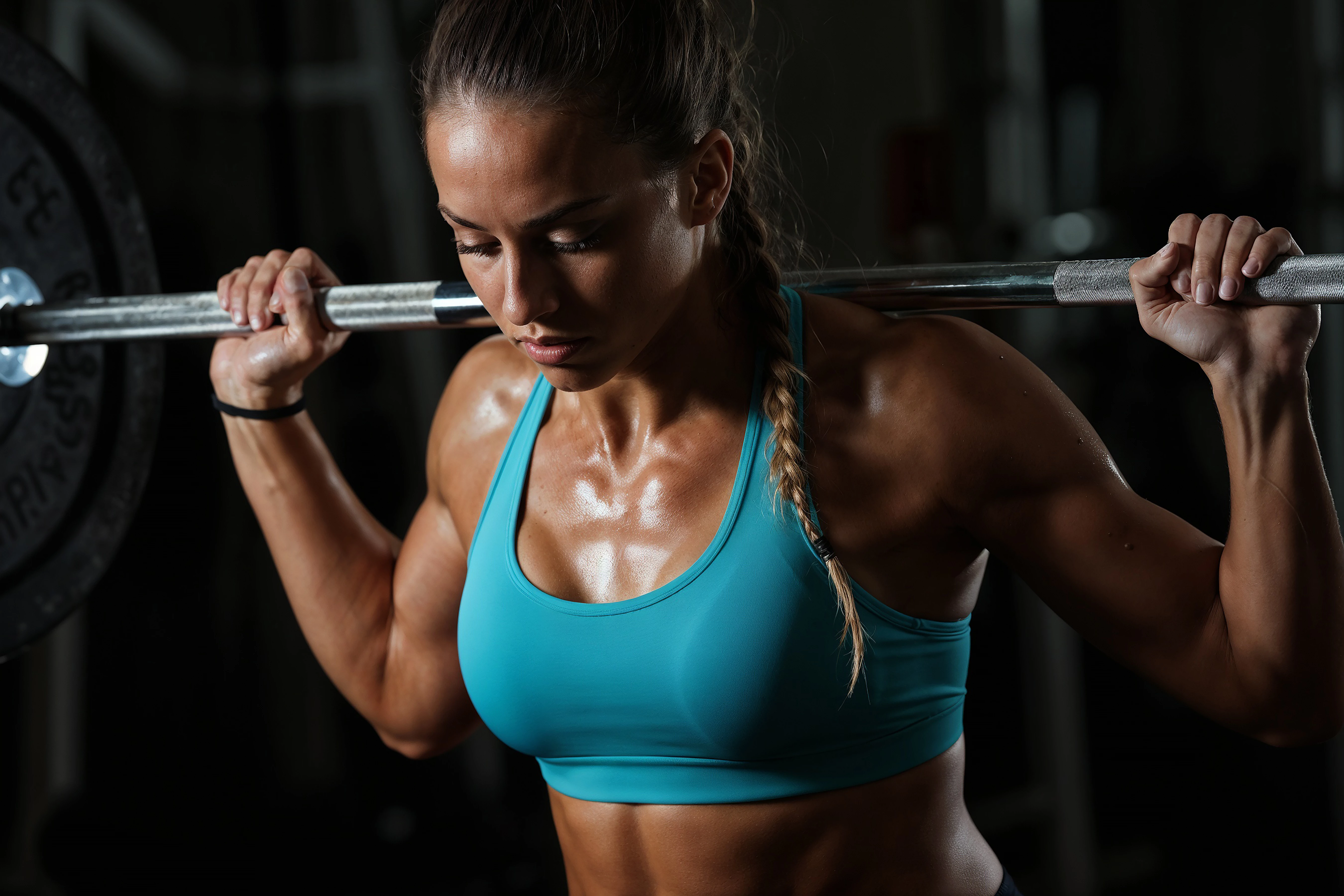
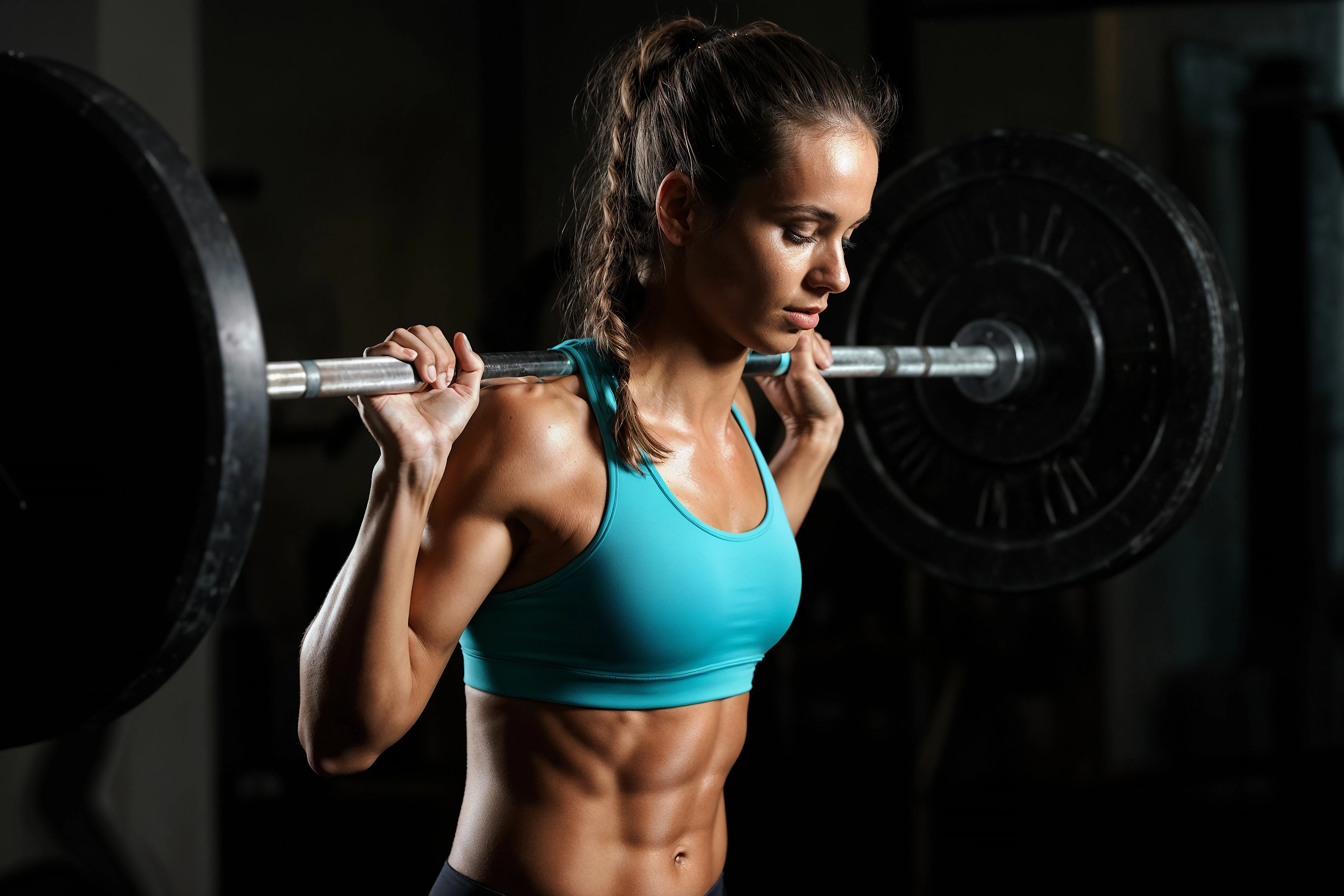
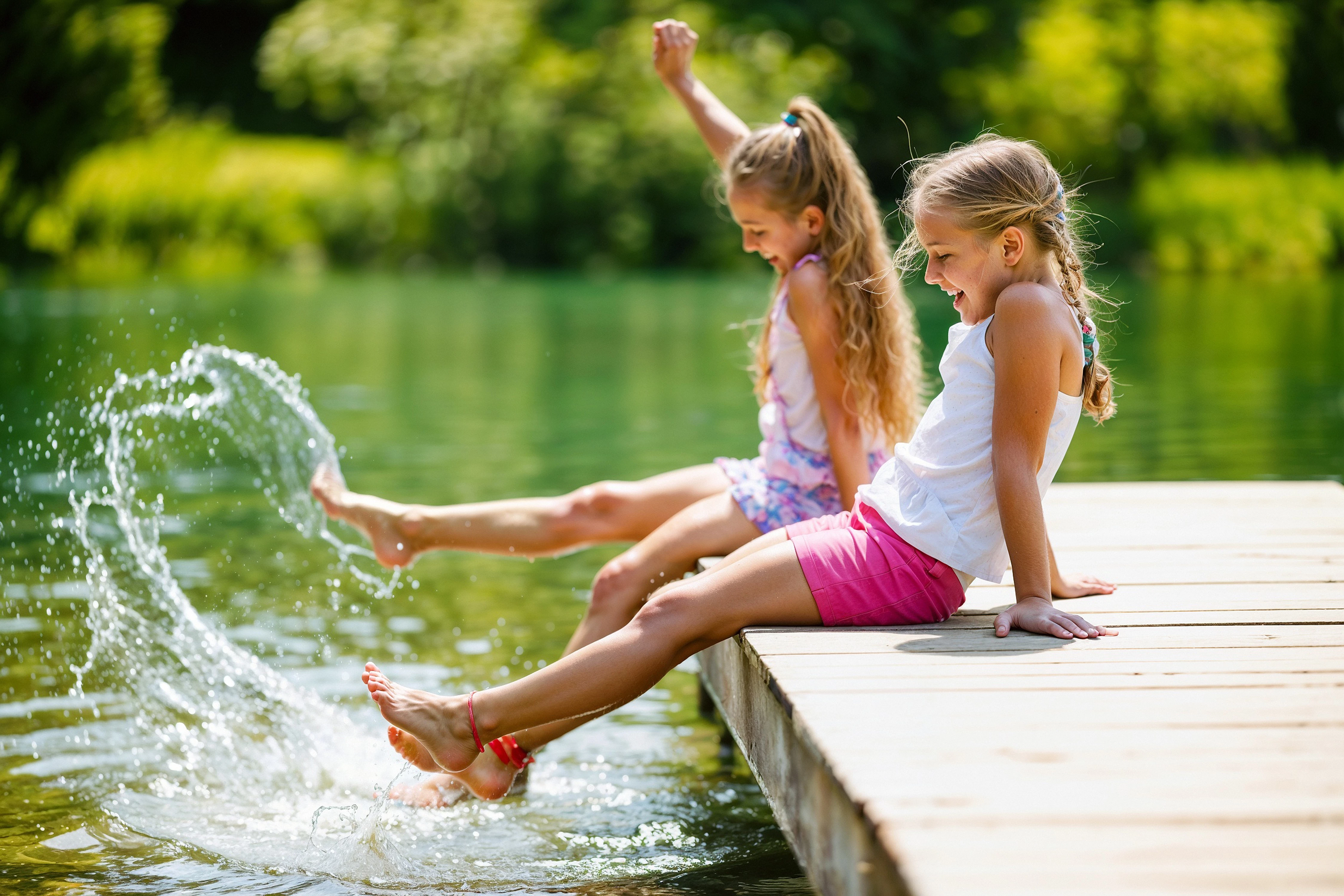
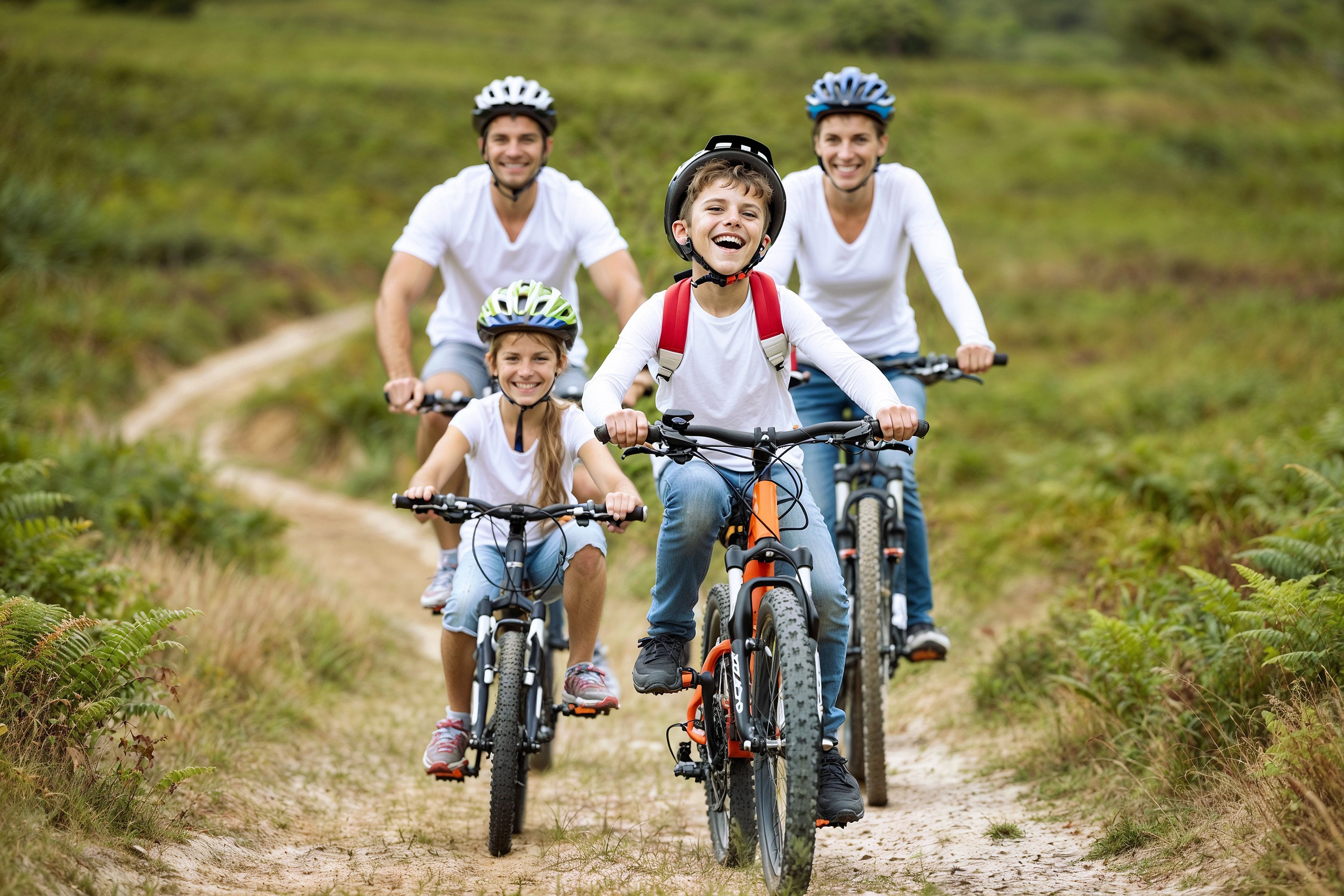
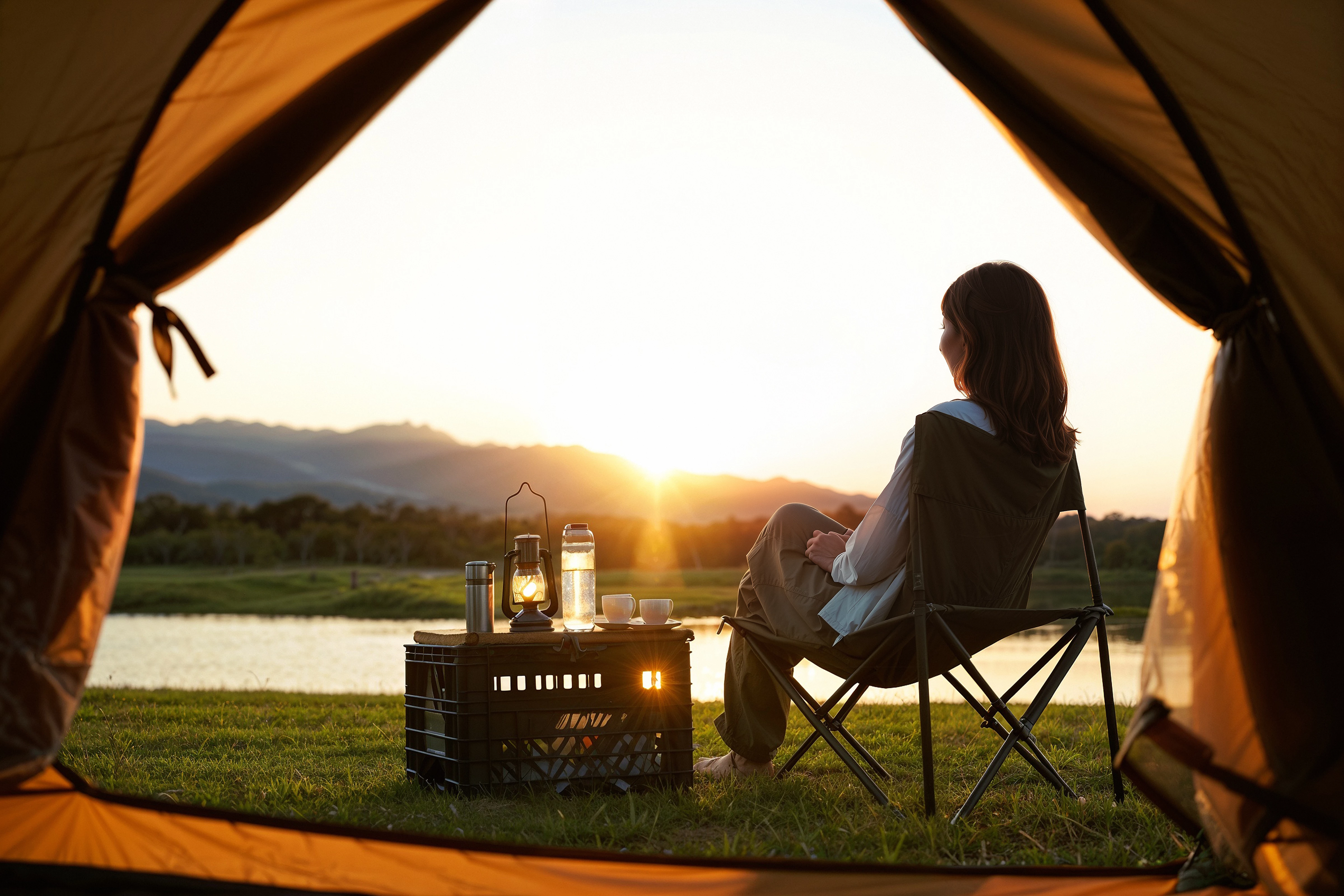
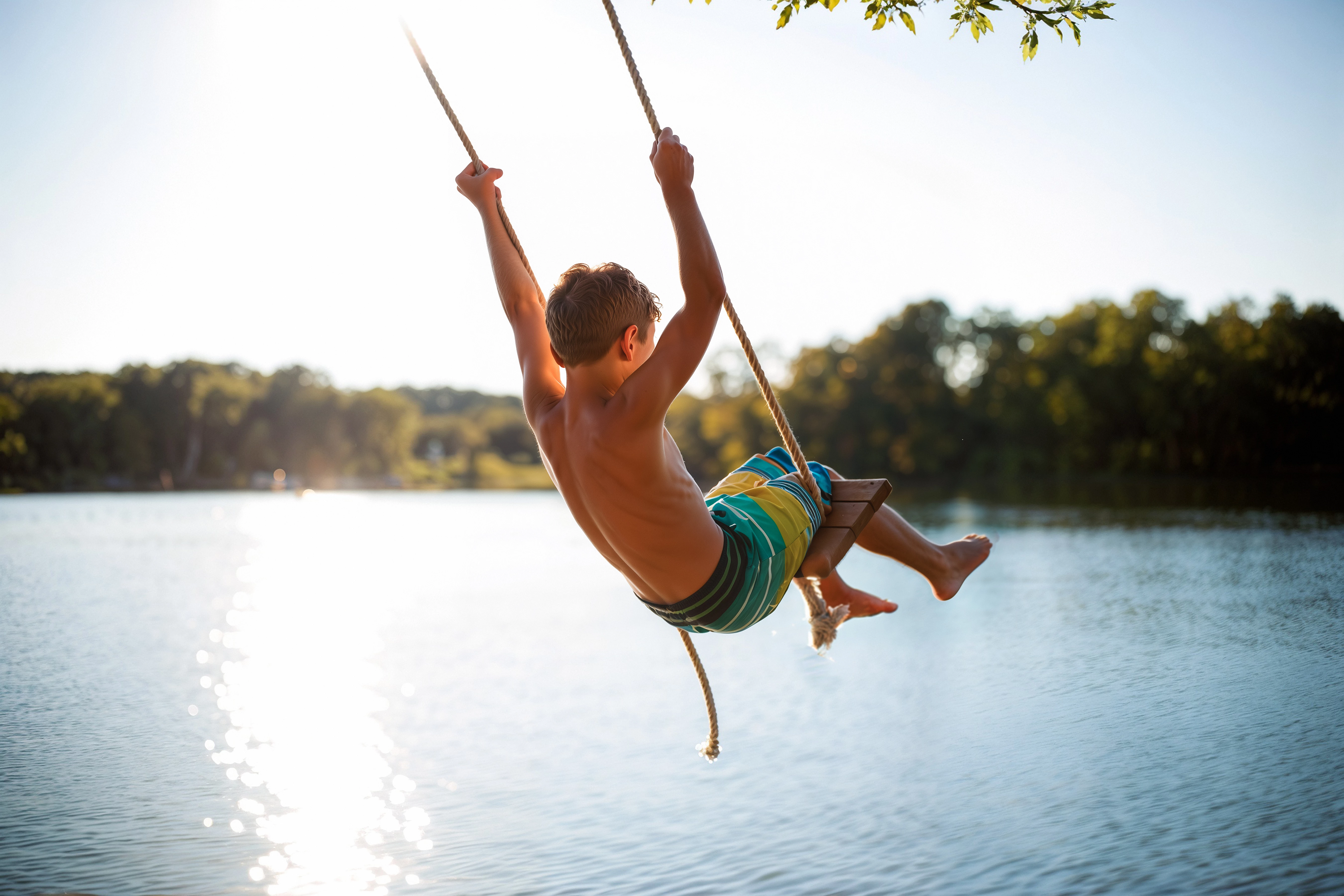
Hi there! I'm a photographer and Adobe Stock contributor for many years now and have been dipping my toes into AI. I'm noticing it's much tougher to get AI images approved and would love some help if anybody has a workflow that works best for them, I'd love your thoughts. Below are just some of the rejected images ( I upscaled upres'd each image to 300DPI). Does anyone have a workflow for AI images that Adobe seems to consider best for AI image quality? Thank you!
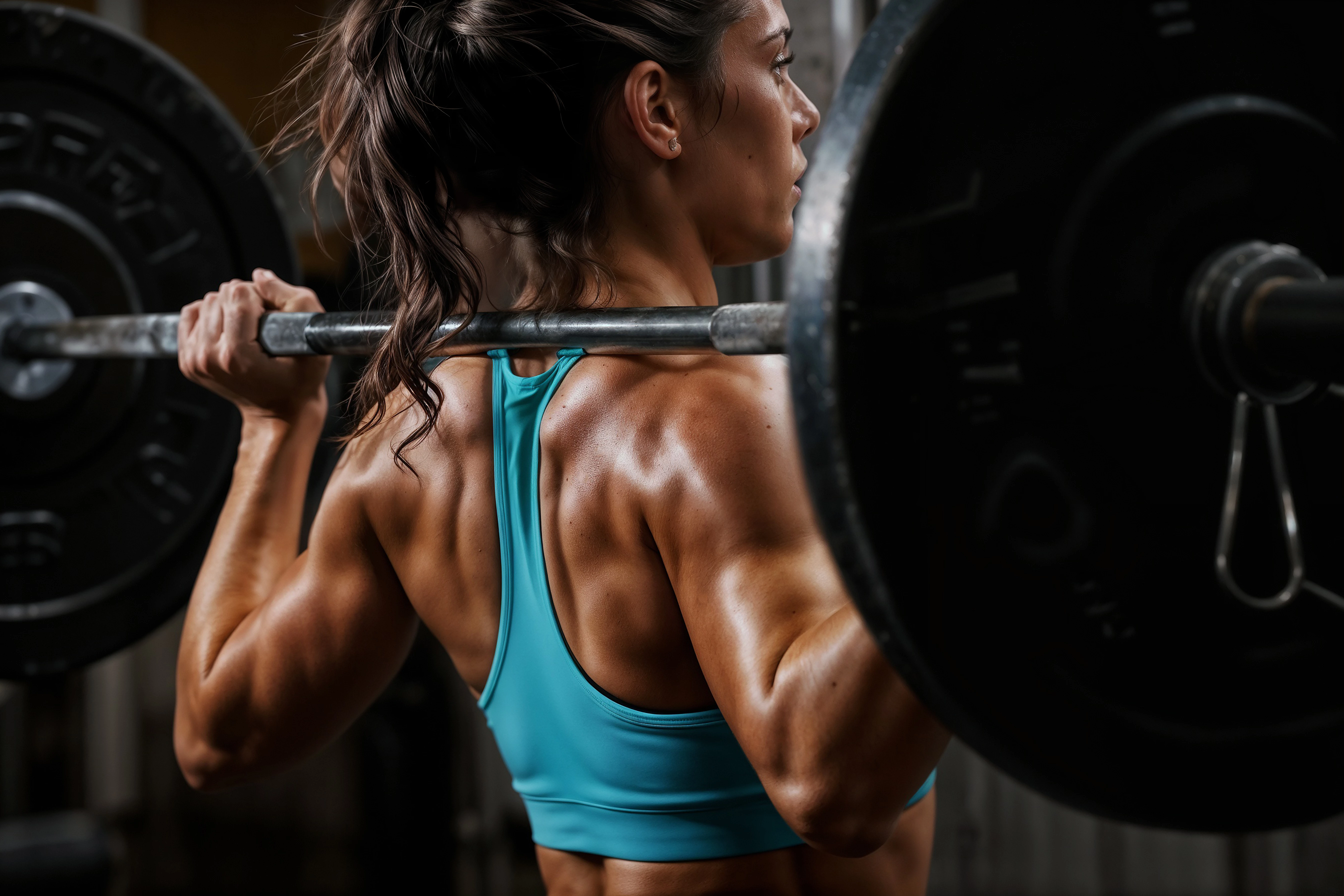
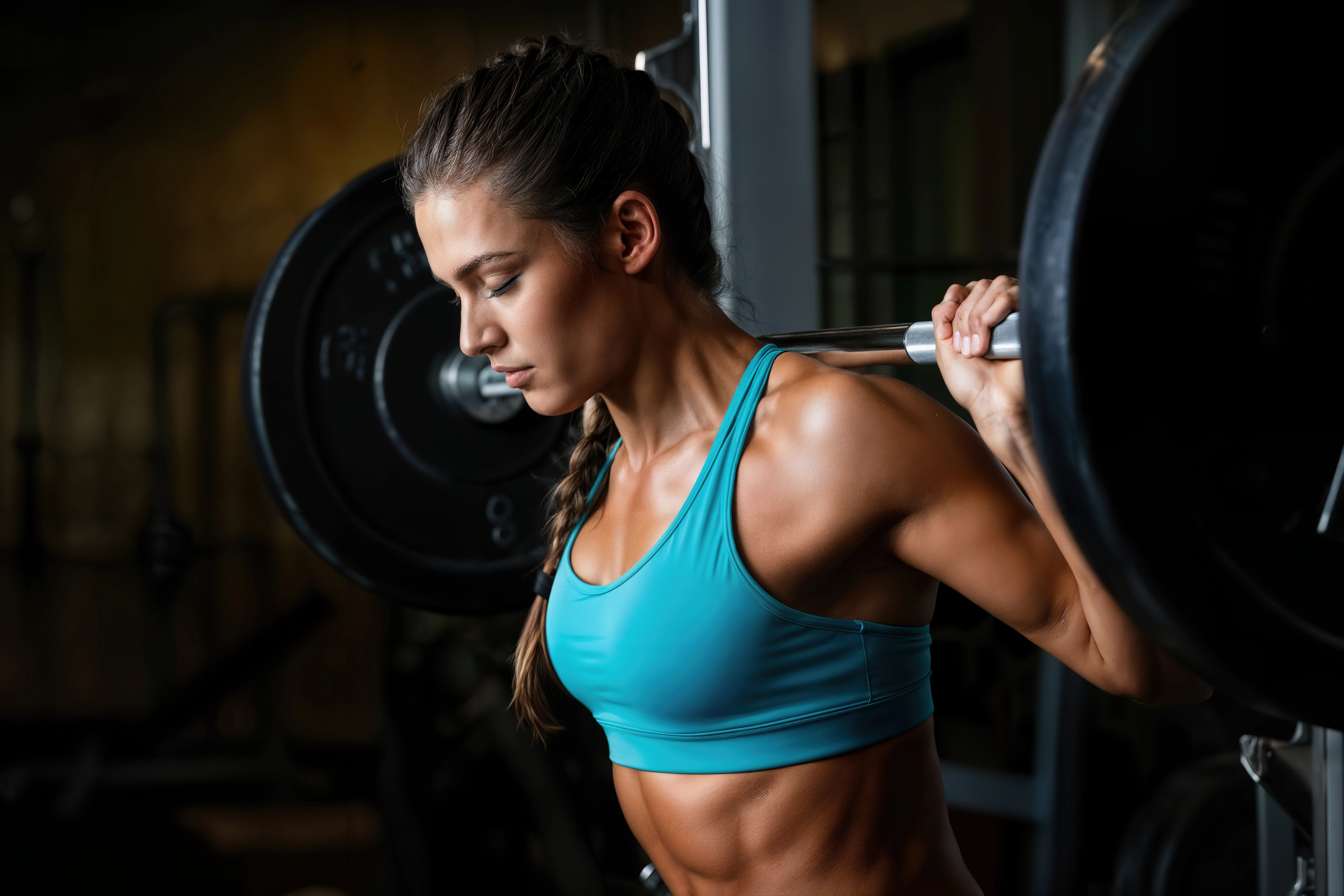
Correct answer Abambo

There was surely a rejection reason. 


Upscaling to 300dpi (dots per inch) is nonsense. First it would be ppi (pixels per inch) , and second, digital pictures are measured in pixels. I can put the same image in 100 ppi, 2000 ppi or whatever value you want, without changing the picture. Dpi is only important when you want to print a picture, as the size of the print and the pixel density give you an indication of the quality of the print. And newspaper prints do need less dpi as high-quality photo prints.


If you are a seasoned stock photographer, simply check your generative AI assets like you would do with your photographs, but add another check for rendering errors.

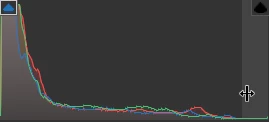
Just looking at the histogram of your third asset:

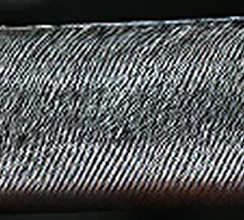
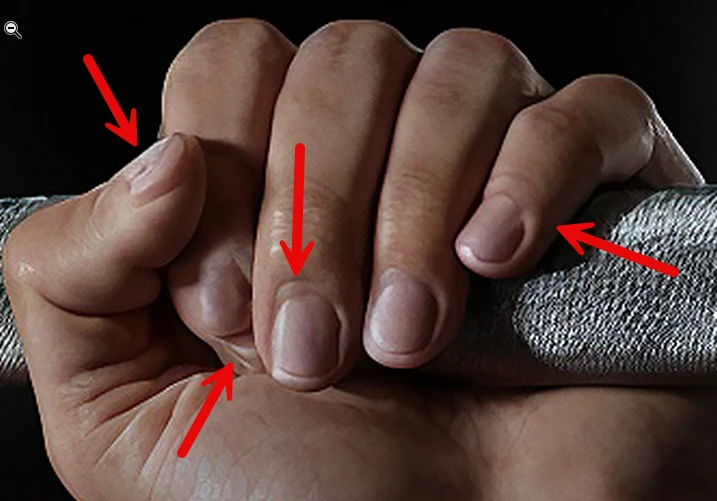
It's underexposed. But you also have rendering errors like these here:

Additionally, you have aliasing and an outline, as you can see on the hand.


I did not check the other assets, they probably have similar issues.

7 replies

Known Participant
April 12, 2025

Well, really - how can you disagree with them if the fingers and toes are really deformed or underdeveloped?! Although at first glance the images look good. I had the same thing, until I started enlarging them before sending, where I saw everything myself. So I refined and reworked them. Although also at first glance it looked like perfect)
Enlargement before sending - a big help!

Abambo
Community Expert
AbamboCommunity ExpertCorrect answer
Community Expert
April 10, 2025

There was surely a rejection reason. 


Upscaling to 300dpi (dots per inch) is nonsense. First it would be ppi (pixels per inch) , and second, digital pictures are measured in pixels. I can put the same image in 100 ppi, 2000 ppi or whatever value you want, without changing the picture. Dpi is only important when you want to print a picture, as the size of the print and the pixel density give you an indication of the quality of the print. And newspaper prints do need less dpi as high-quality photo prints.


If you are a seasoned stock photographer, simply check your generative AI assets like you would do with your photographs, but add another check for rendering errors.

Just looking at the histogram of your third asset:

It's underexposed. But you also have rendering errors like these here:

Additionally, you have aliasing and an outline, as you can see on the hand.


I did not check the other assets, they probably have similar issues.

ABAMBO | Hard- and Software Engineer | Photographer
Participant
April 10, 2025

Thanks Abambo, quick question: As an AI image are we expected to deliver images to the highest standards of photography as you are pointing out here? Because I don't think any AI generative tools will be able to satisfy quality issues like aliasing in an ultra-zoomed in image. Would love your thoughts and expertise.

daniellei4510
Community Expert
Community Expert
April 10, 2025

"As an AI image are we expected to deliver images to the highest standards of photography as you are pointing out here?"

Absolutely. And it can be done.

Adobe Community Expert | If you can't fix it, hide it; if you can't hide it, delete it.
Inspiring
April 10, 2025

daniellei4510
Community Expert
Community Expert
April 10, 2025

Good catch.

Adobe Community Expert | If you can't fix it, hide it; if you can't hide it, delete it.
Abambo
Community Expert
Community Expert
April 10, 2025

It is probably a little more difficult to lift the barbell over your head like this.

ABAMBO | Hard- and Software Engineer | Photographer
daniellei4510
Community Expert
Community Expert
April 10, 2025

Again, watch the fingers. She has no fingernails.

Adobe Community Expert | If you can't fix it, hide it; if you can't hide it, delete it.
Jill_C
Community Expert
Community Expert
April 10, 2025

I'm quite certain that the first place Moderators look is hands. If they find a fault there, they press "reject". These images look good at first when viewed at screen size, but when zooming in, rendering errors are easier to find.

Jill C., Forum Volunteer
Participant
April 10, 2025

Hey thanks! This is helpful.

Inspiring
April 10, 2025

@muhammad_7751,

Could you please use inline pictures? That's easier to handle: 

When your posting your assets, that have been refused, you should use attached pictures, because for those, the quality will be better.


Thanks sir for your kind suggestion

daniellei4510
Community Expert
Community Expert
April 10, 2025

Underexposed. Watch the fingers.


Adobe Community Expert | If you can't fix it, hide it; if you can't hide it, delete it.
RALPH_L
Community Expert
Community Expert
April 10, 2025

The workflow is simple. View your images! At best, at 200%. Look at the hands and anything with detail. All of your images that you posted here have deformed fingers and toes. 


Participant
April 10, 2025

Hey thanks! This is helpful