Check out your CSV files in a text editor. Or even make it in a text editor, they are very, very simple, and using Numbers or whatever just complicates things. Be sure to save as plain text, not Unicode.
If you had done this you would see that your CSV files do not use commas at all (C=comma), but semi-colons. This is commonly done by apps in countries where comma is the decimal separator, but Adobe won't like it.
Wow, you are absolutely right.
I mean, I had no commas in the Titles and all my Keywords were only separated by Commas, but opening my files in Text Editor revealed semicolons to me, that didn't show up in the sample CSV file. In fact, my CSV looks very different from the Adobe one in many aspects once I opened it up in Text editor.
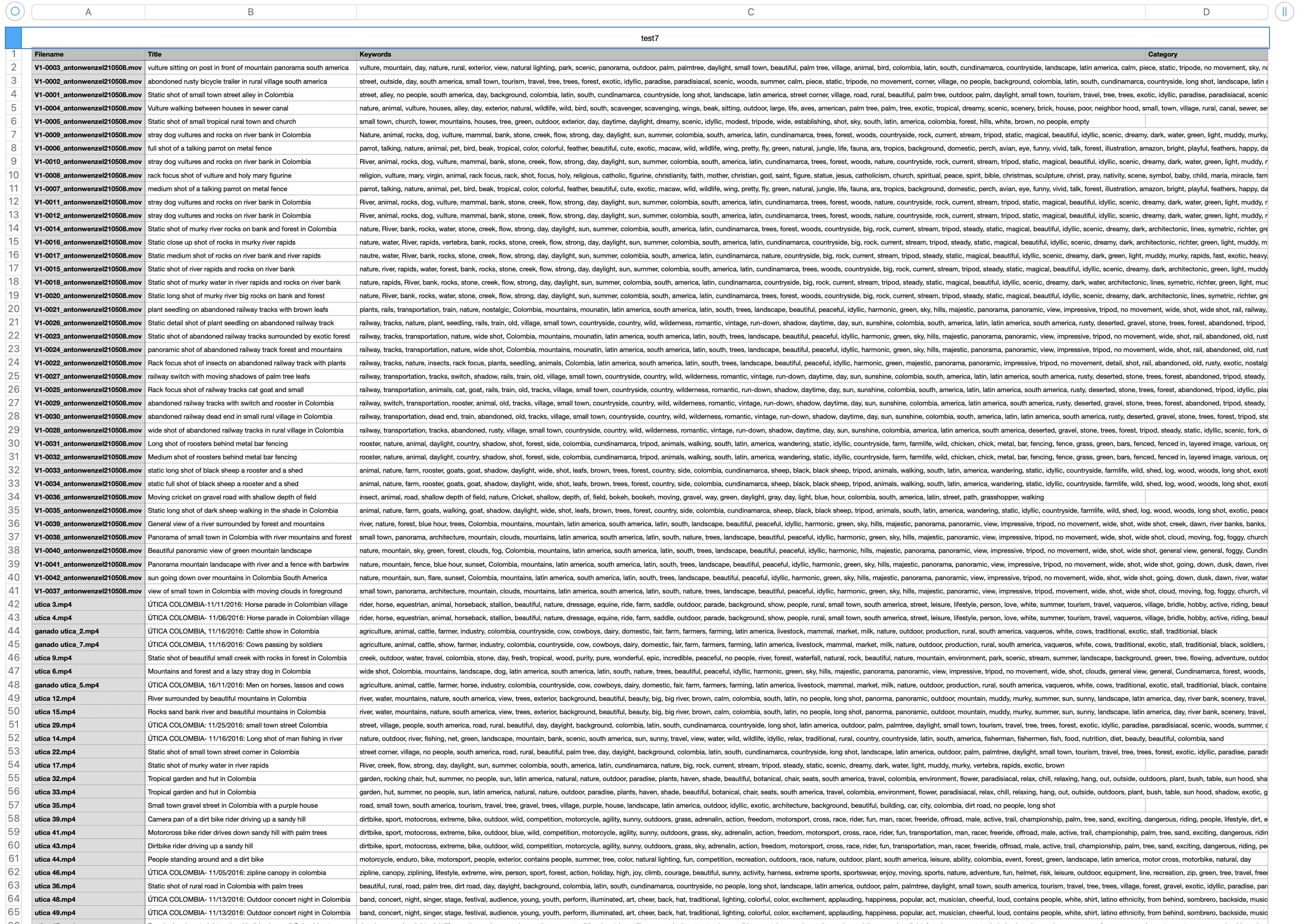
Now, the CSV that I had peviously downloaded and modified in the Numbers app didn't work, but when I instead modified it in Open Office it was uploaded perfectly.
You see, I am absolutely new to this and hadn't even heard of CSV files before. That's why I didn't even occur to me to open it up in a Text editor.
Thank you so much for your help!



 AdChoices