





Answered
Increasing photo size to > 4MB
After cropping an image, you may be disappointed when your photo gets rejected because it is smaller than minimum flie size of 4 MB.
You can effectively increase the photo size using Lightrooms Enhance feature.
Here is the original photo (thumbnail) with 5.67 MB.
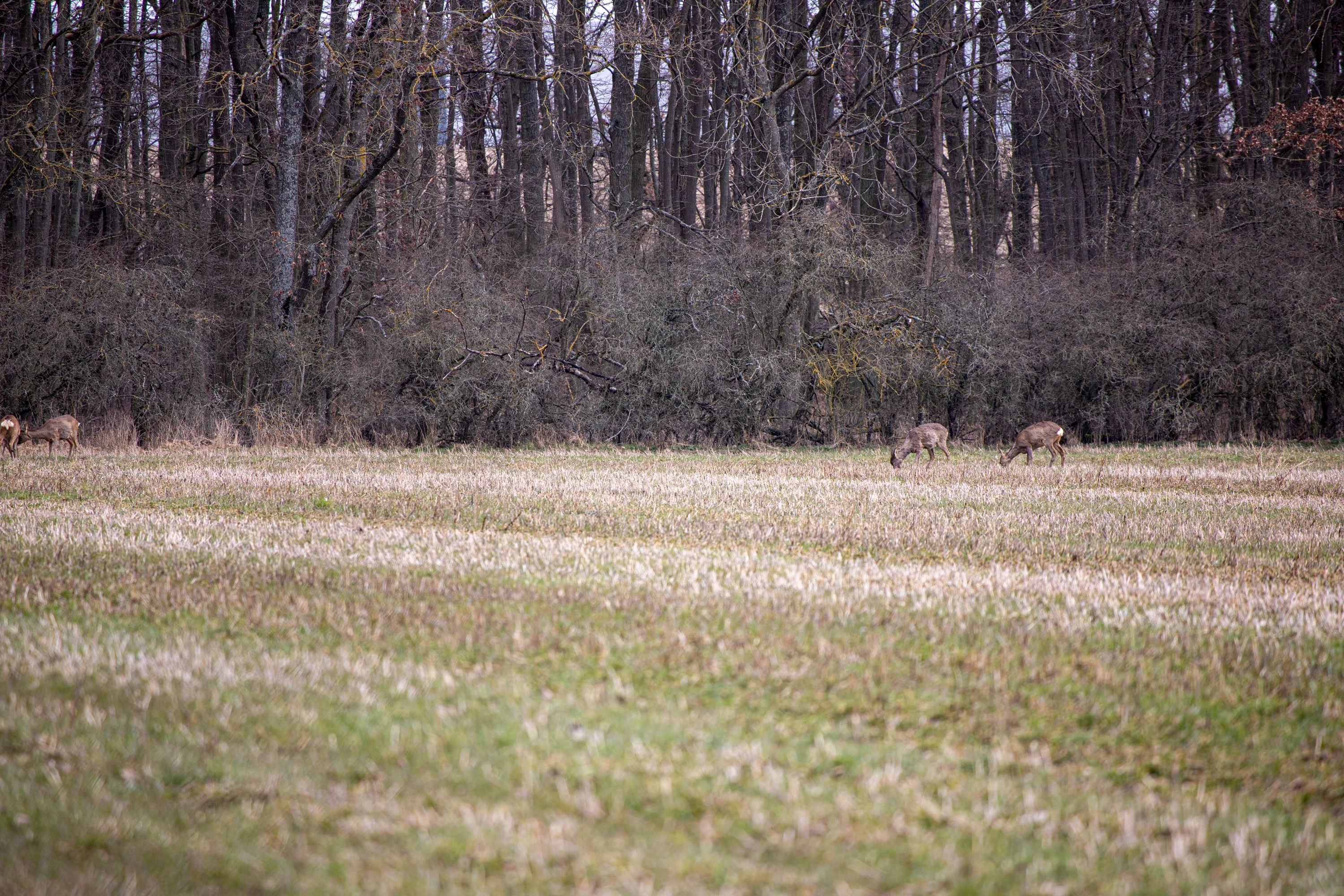
The photo is not very pleasing and has no chance of selling.
It is poorly cropped and the focal point is way too small.
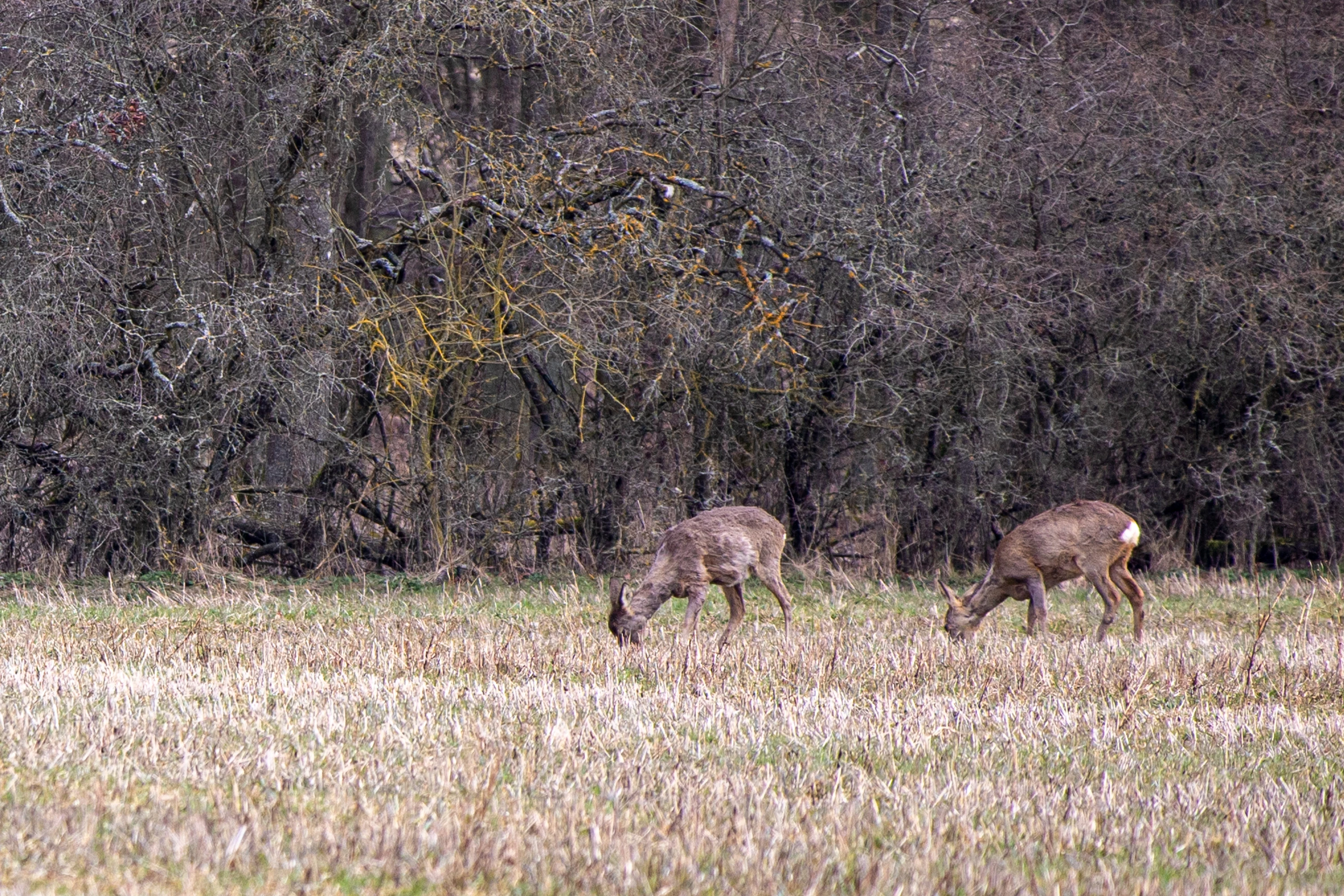
Cropping the photo makes the photo (thumbnail) more pleasing but is with 3.7 MB too small to submit.
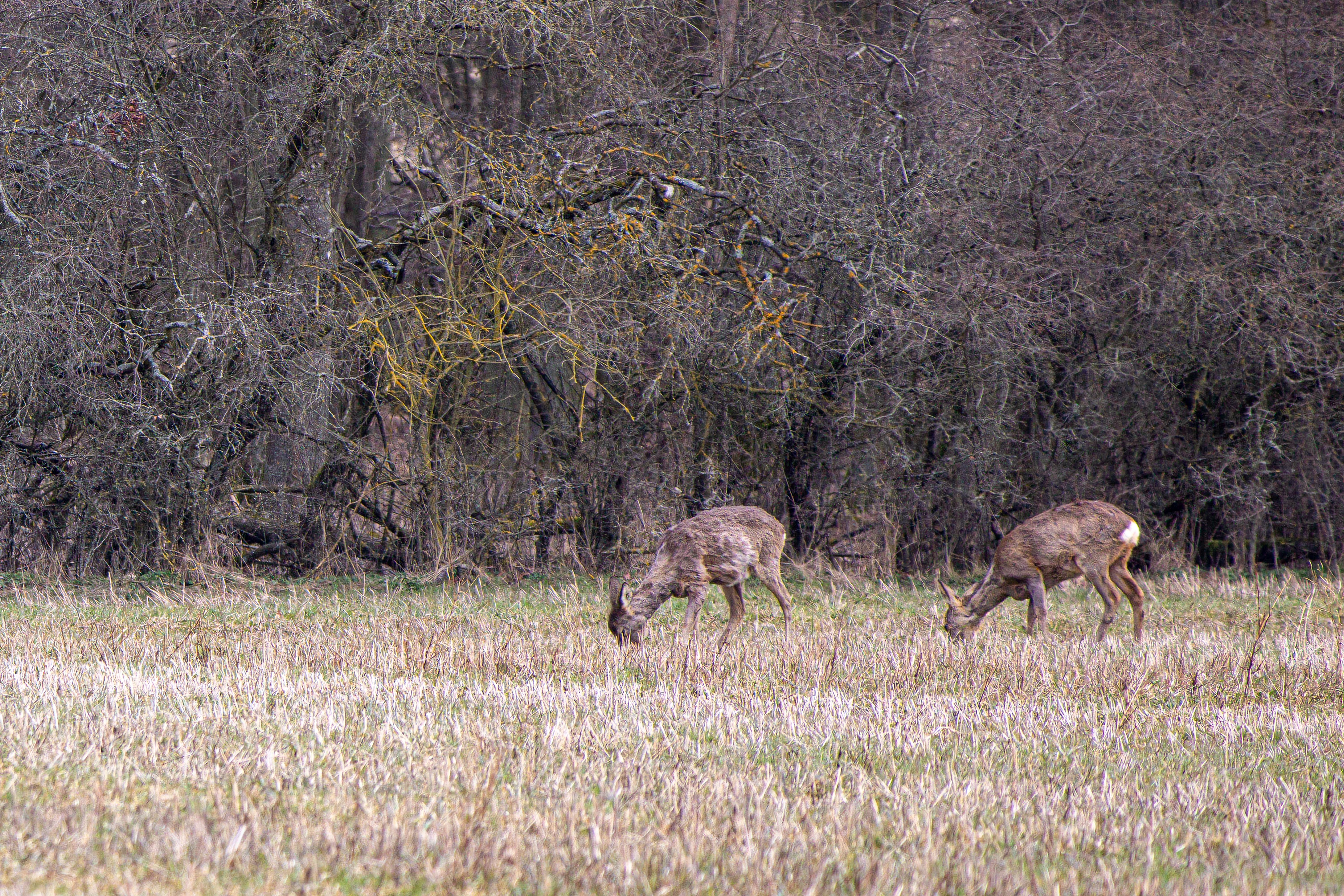
I used the Lightroom Enhance function to increase the resolution.
This resulted in a JPEG that is 6.88 MB large. Well over the 4 MB minimum size requirement.
 AdChoices