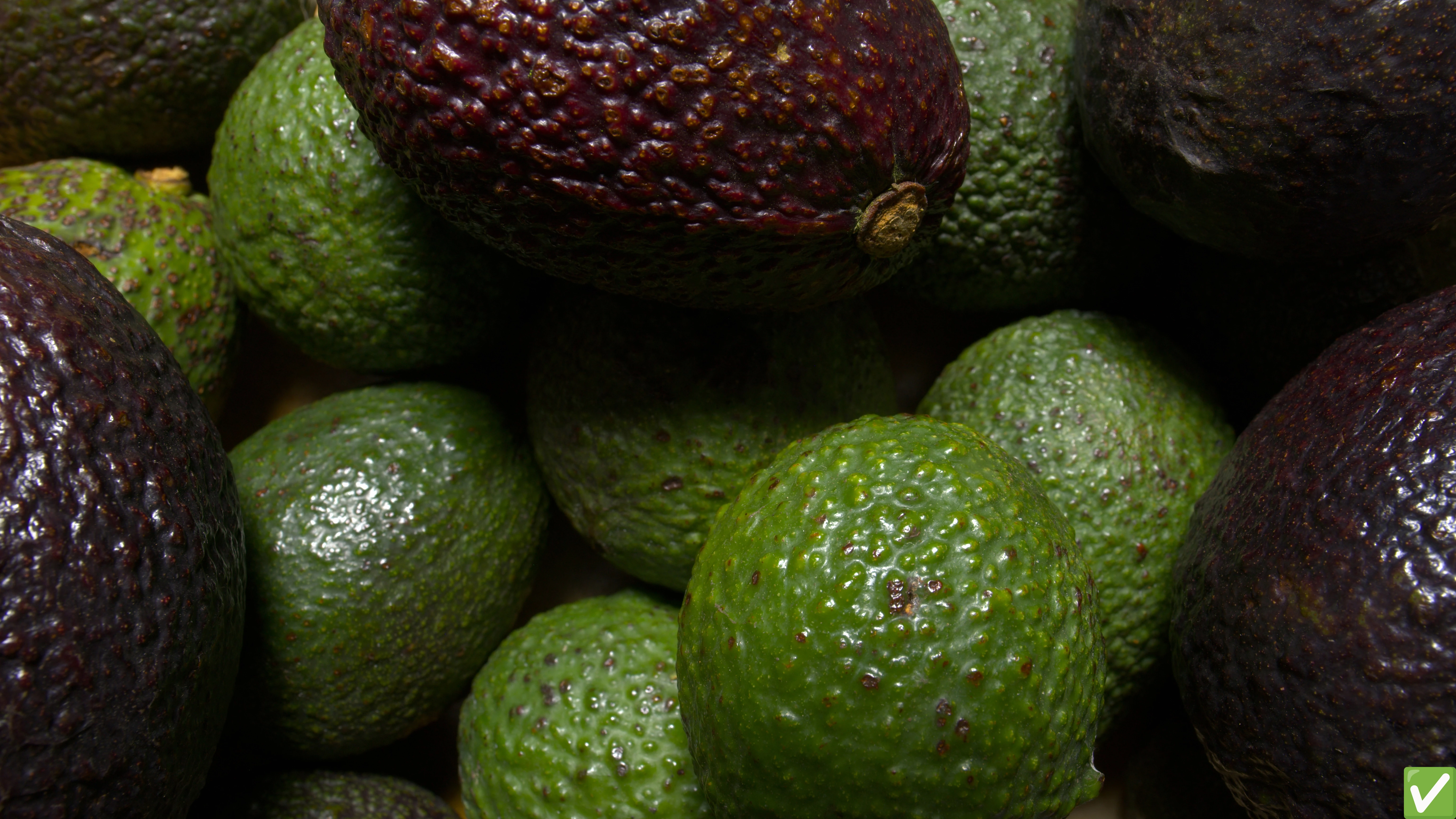
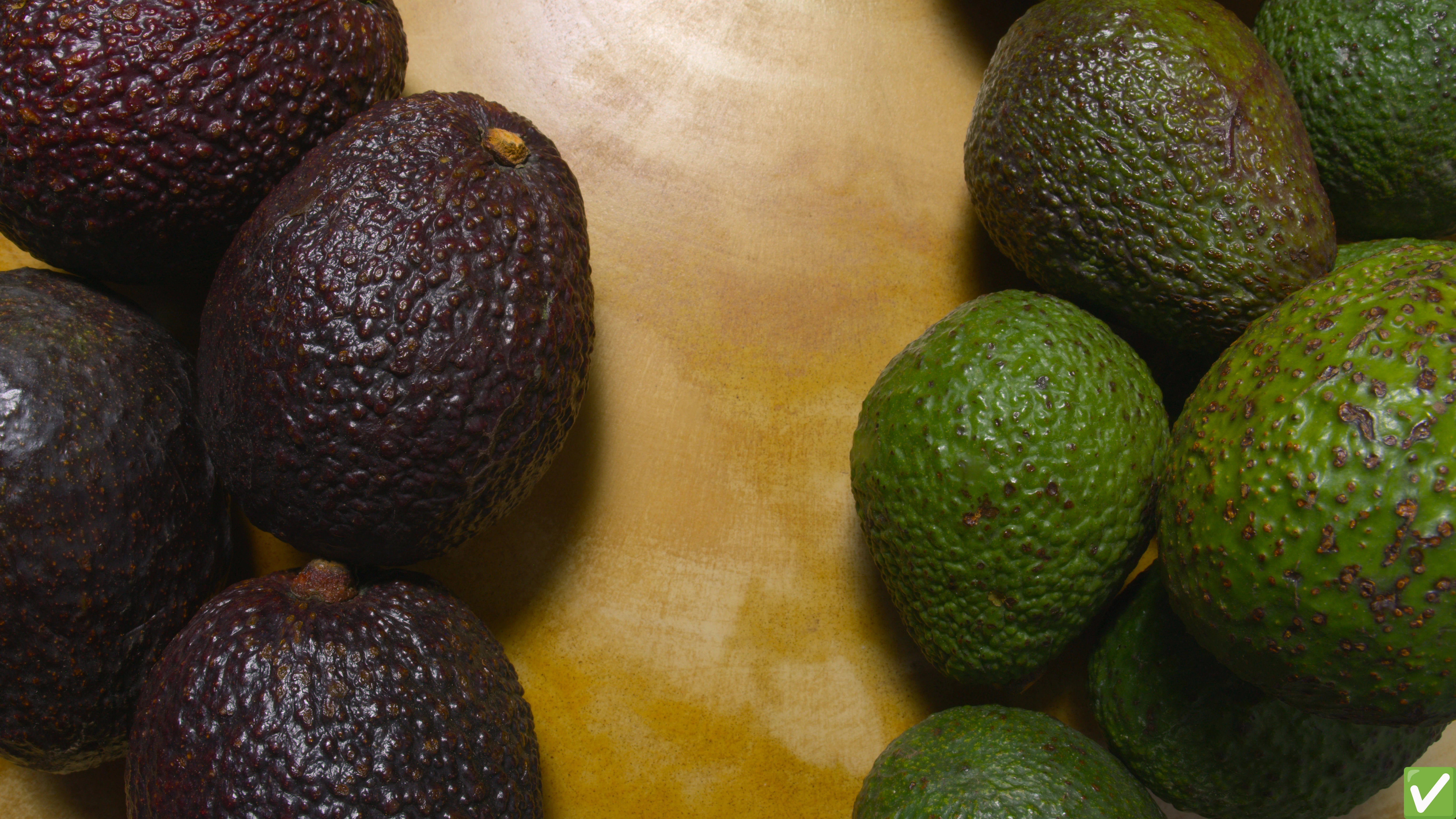
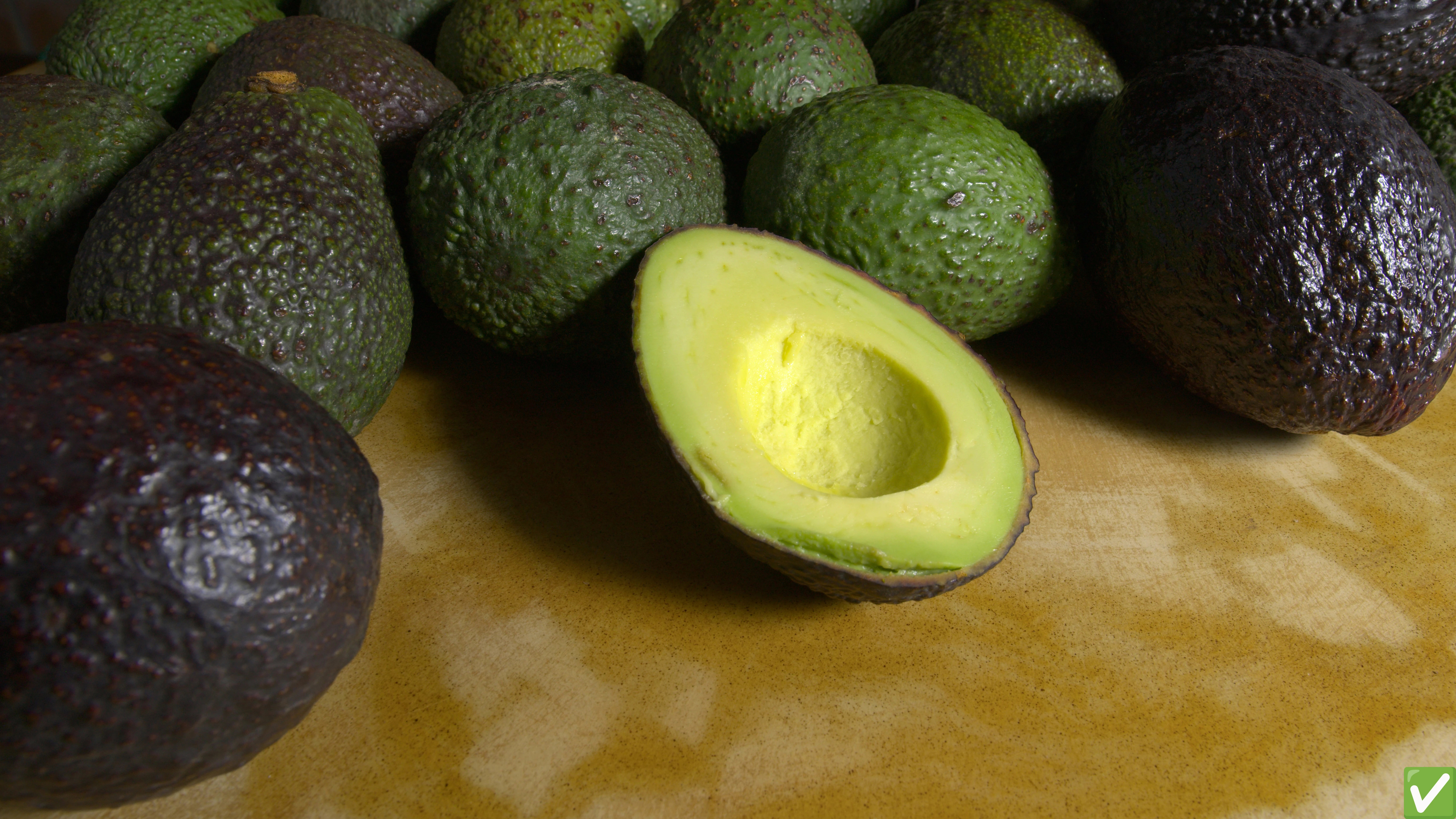
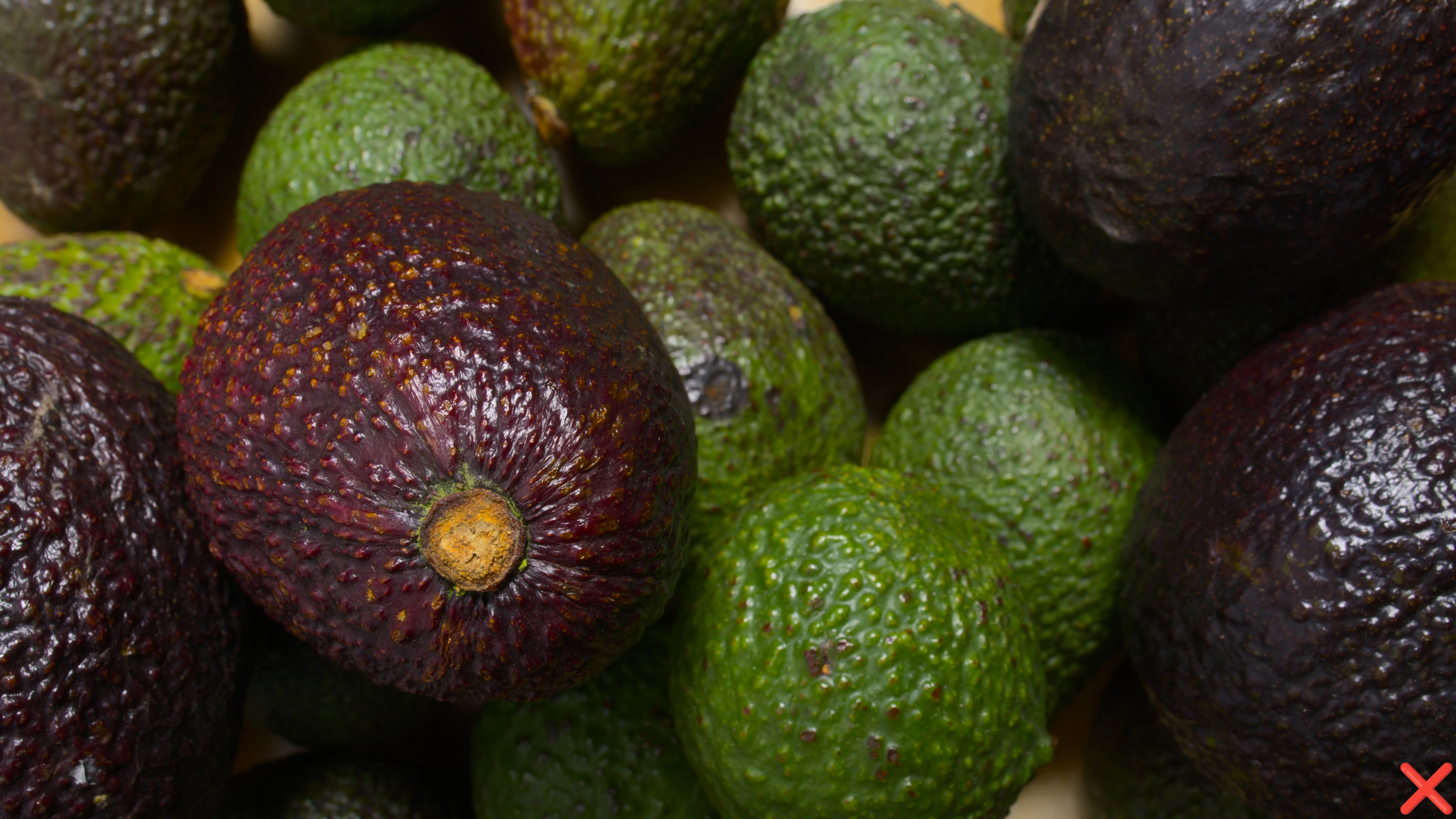
New Participant
February 11, 2025
Question

Learning about rejection by artifacts

  • February 11, 2025
  • 3 replies
  • 334 views

I don’t want to complain, I just want to learn how to avoid these mistakes in the future.

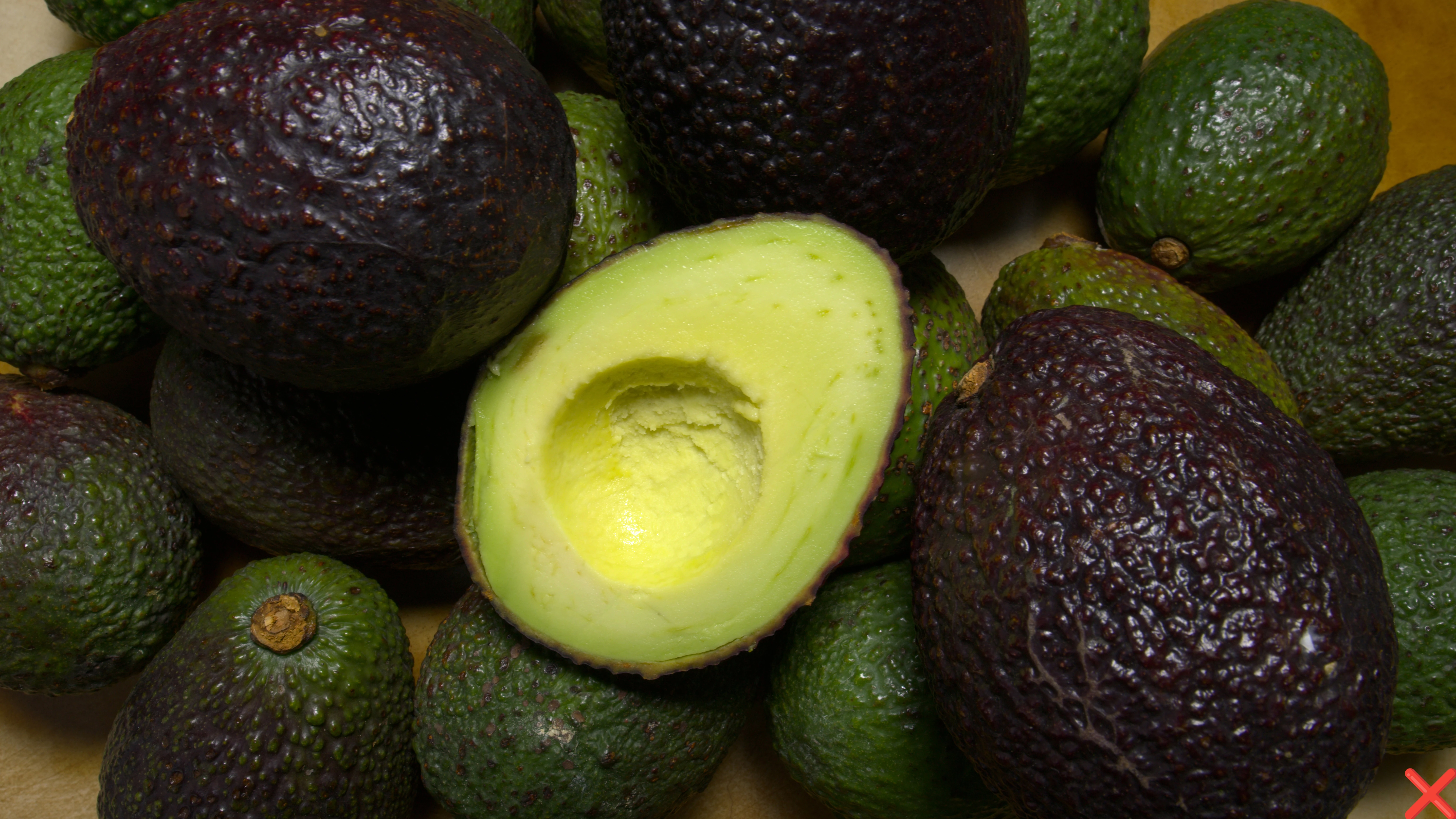
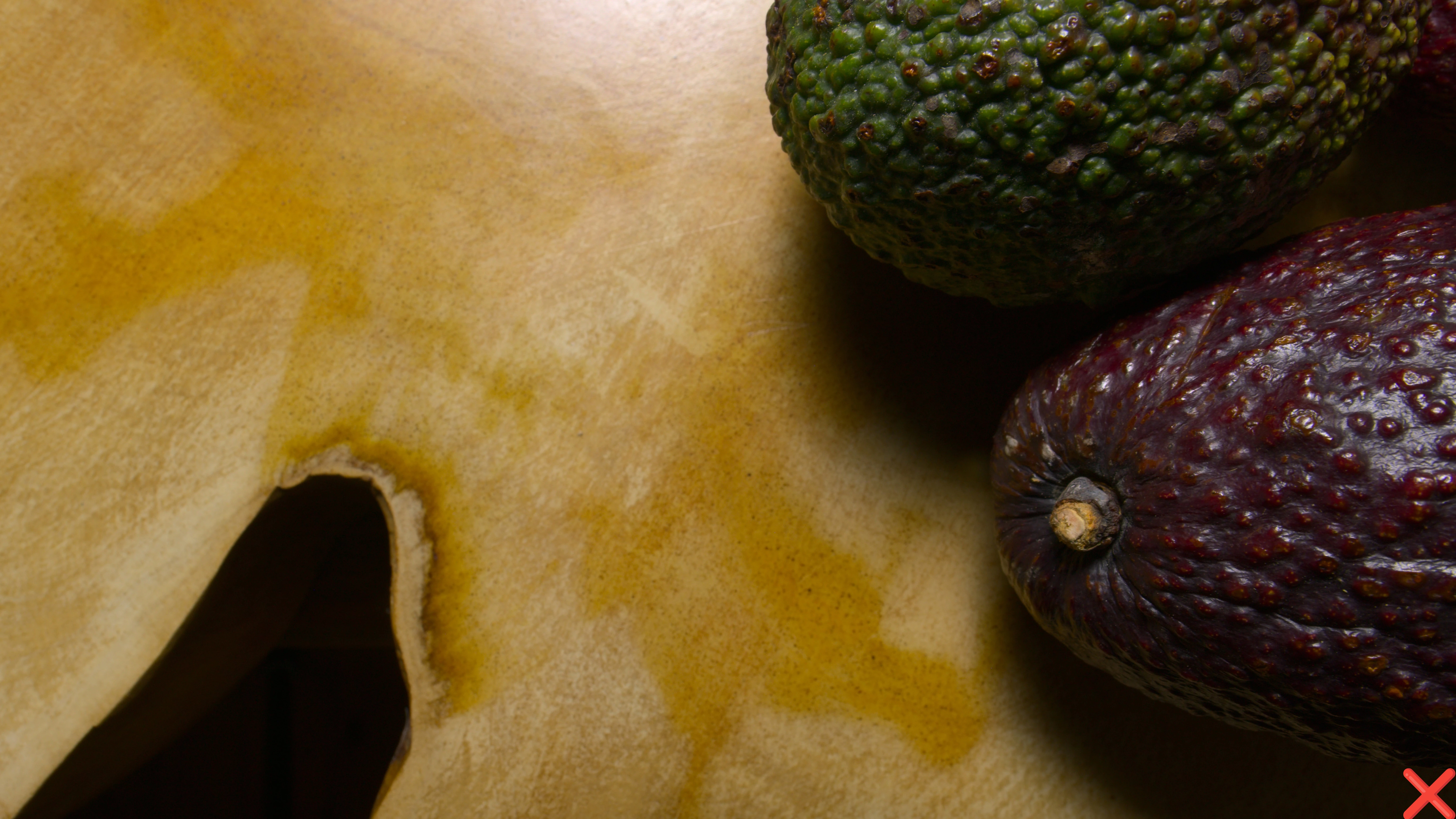
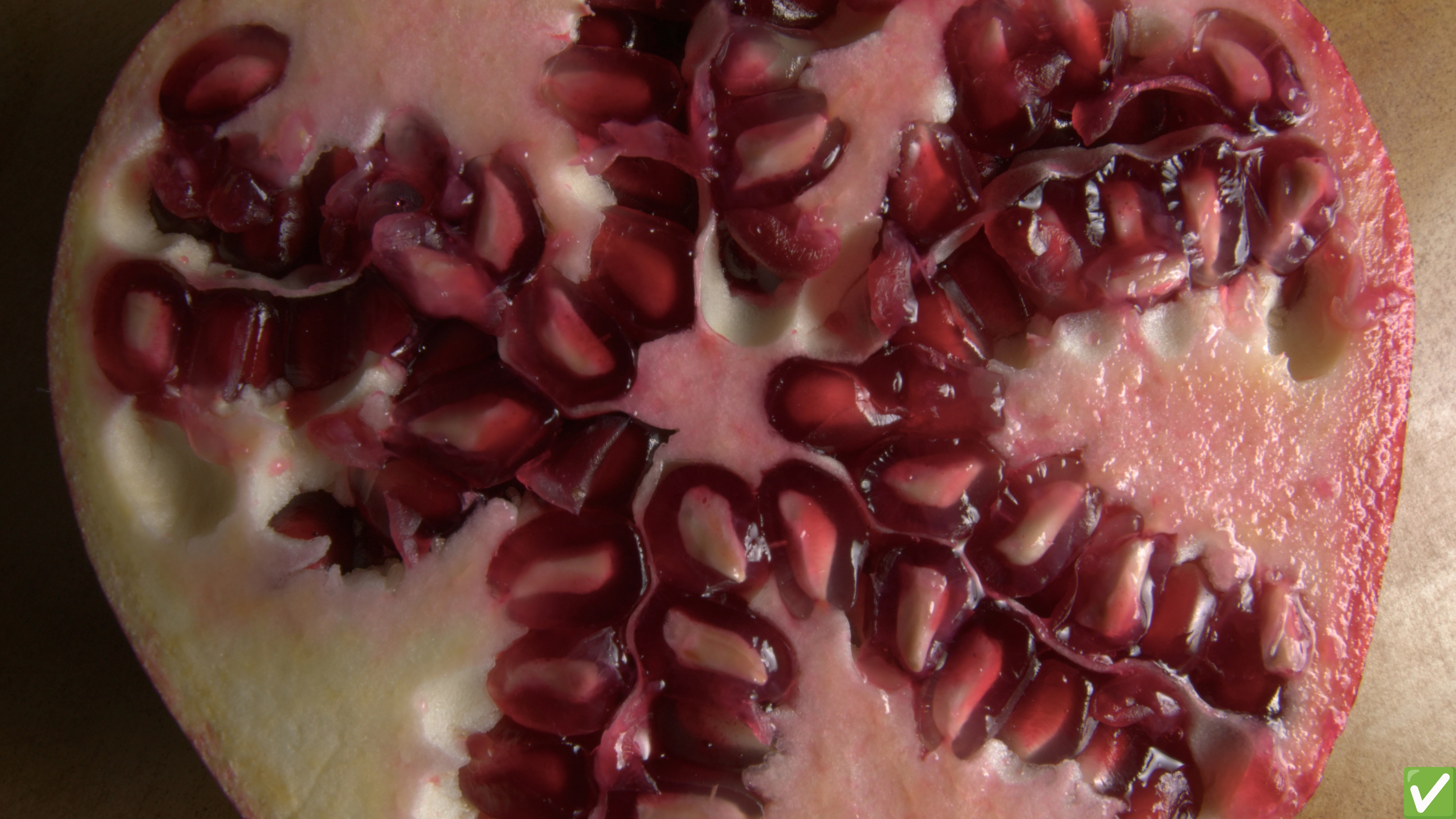
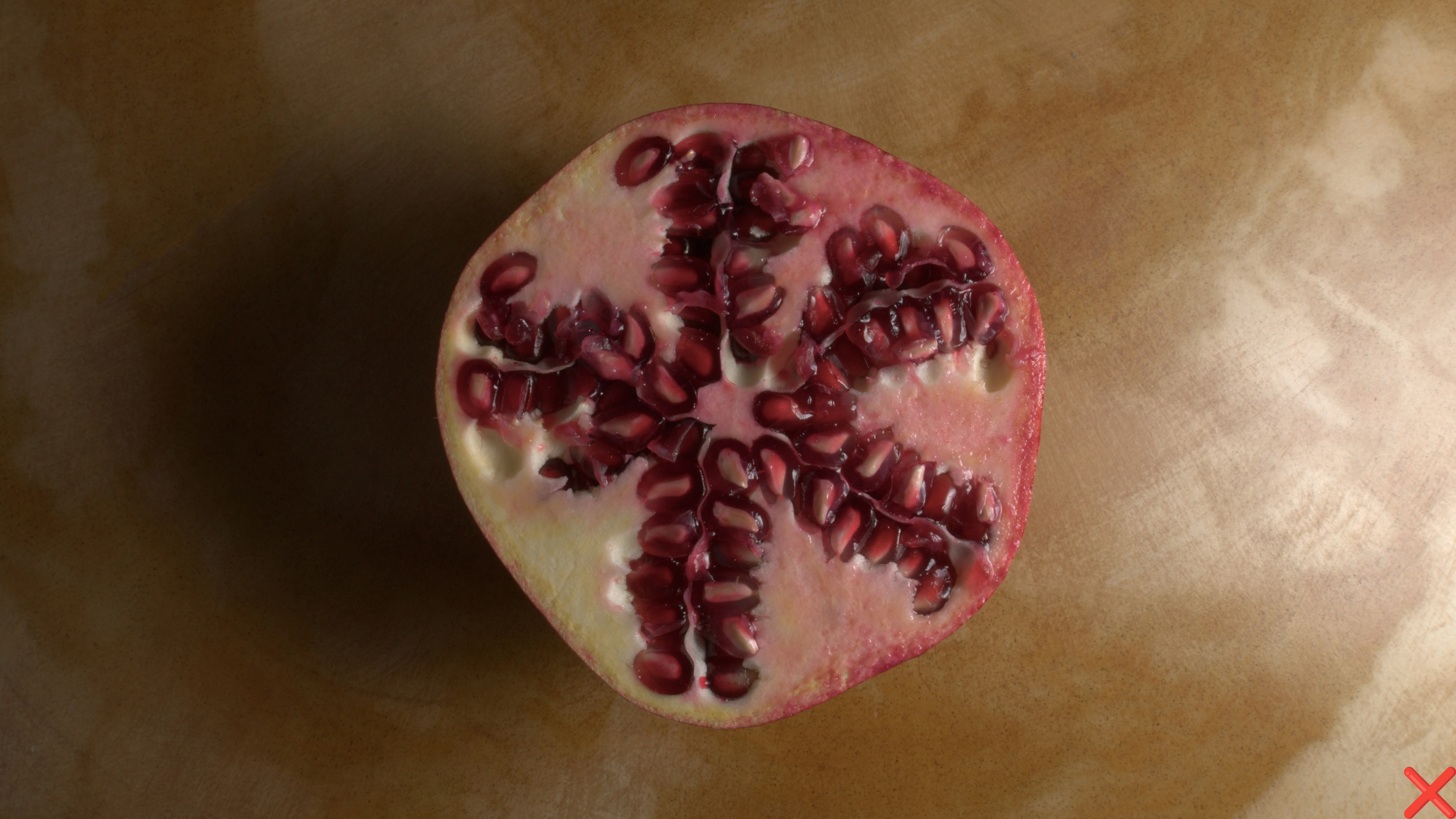
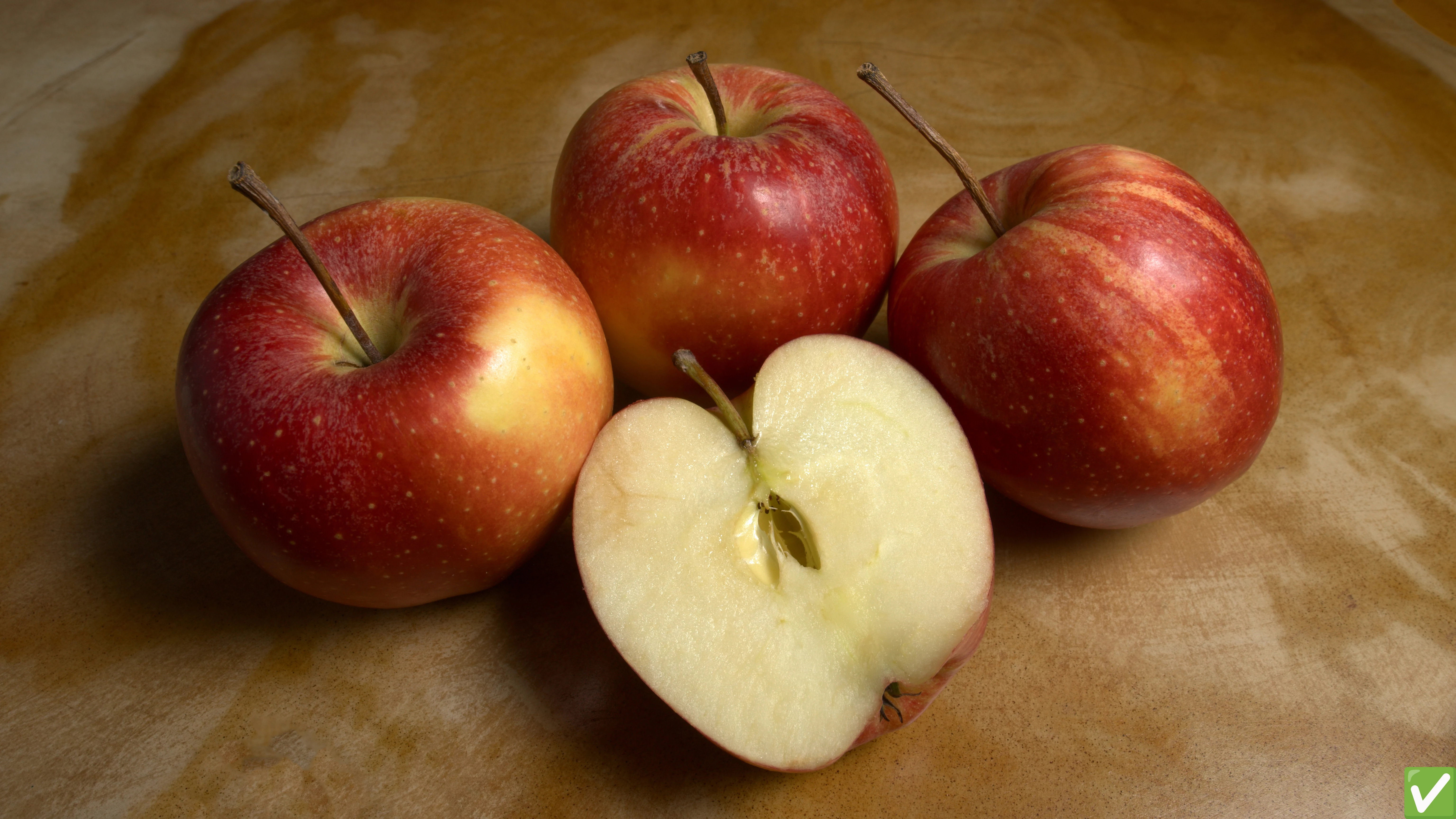
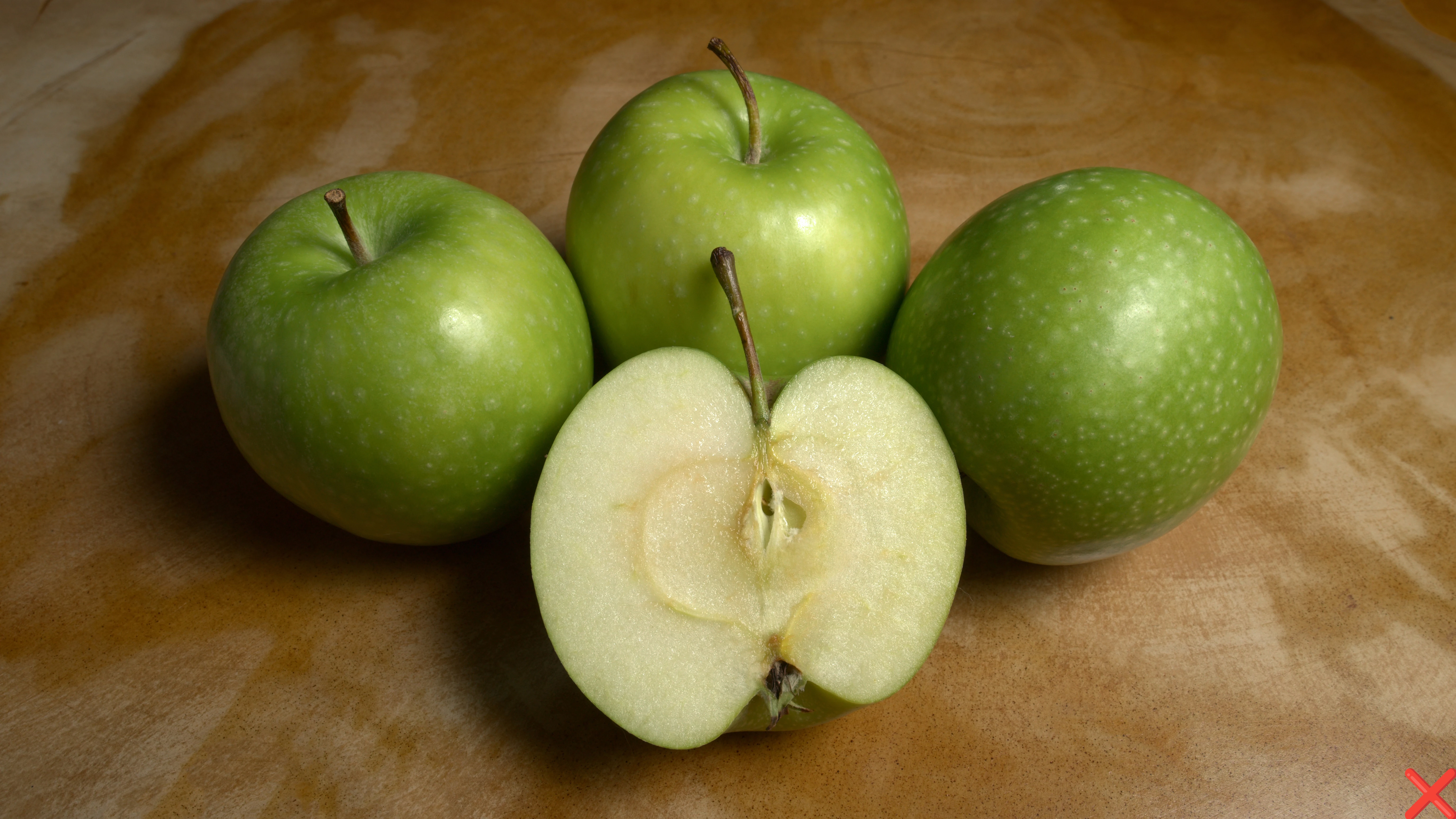
Here are some of my latest photos that have been accepted or rejected. Some of them are very similar, so I’d like to understand why. Thanks! 🙏
 

3 replies

Abambo
Community Expert
February 12, 2025

Just checking the 2 apple pictures:

Both are not excessive sharp, but the sharpness is OK. But if you check the exposure, you see a difference:


So the green apples are underexposed, the red ones are correctly exposed, even that both could be pimped up a bit.

The histogram is still correct:

New:

Old:


You should use a background that is less prominent. You could enhance the local contrasts (called Texture and Clarity in Camera Raw and Lightroom) and add a bit of sharpness. If you shoot raw, the modifications here should not be an issue.

ABAMBO | Hard- and Software Engineer | Photographer
New Participant
February 12, 2025

Thank you very much 🙏! So, using the full spectrum in the histogram seems to be very important for Adobe Stock standards, I try not to overexpose so no information is lost, but I imagine Adobe Stock is looking for an immediate commercial asset.

Abambo
Community Expert
February 12, 2025
quote

but I imagine Adobe Stock is looking for an immediate commercial asset.


By @Horacetron

Sure.

quote

I try not to overexpose so no information is lost


By @Horacetron

That's correct. I always do several pictures at different exposures. I can then choose the asset that is the nearest to the ideal exposure, and I can take parts from the other pictures to enhance the picture. When there are moving parts, that last is more difficult, however.

ABAMBO | Hard- and Software Engineer | Photographer
RALPH_L
Community Expert
February 11, 2025

I looked at your last photo and this is what I see:
-- It lacks contrast and has no all whit pixels.
-- The background is distracting.
-- The photo is not sharp.
-- The composition should leave space for text.

I altered these points in LR and PS for this example:

========================================Photography is more than just pressing a button!========================================
New Participant
February 11, 2025

Thank you for taking the time 🙏! So, should the histogram cover the full range from black to white?

RALPH_L
Community Expert
February 11, 2025

Optimal, there should  be a full range with the most in the mid-range. This is not always possible if a low- or high-key photo.
But you should try to get contrast and as much mid-range as possible. Here you see there is black and white in the histogramm even though they are not promonent in the photo.


========================================Photography is more than just pressing a button!========================================
daniellei4510
Community Expert
February 11, 2025

Something odd about the positioning of this apple.


Adobe Community Expert | If you can't fix it, hide it; if you can't hide it, delete it.