Inspiring
June 4, 2024
Answered

"Generative AI Flag Missing" issue

  • June 4, 2024
  • 3 replies
  • 1157 views

Hello.


My upload of the illustration called "a man holding a kitten", the thumbnail of which I have sent below (I cannot send it right now because the original version is at home), was rejected because this content may have been created by artificial intelligence. Adobe Stock wrote (in Turkish):


“Thank you for the opportunity to evaluate your image.

During our review, we determined that this content may have been generated by artificial intelligence and was not tagged as such. We cannot accept your image into our collection without declaring that the tag is a generative AI image.”


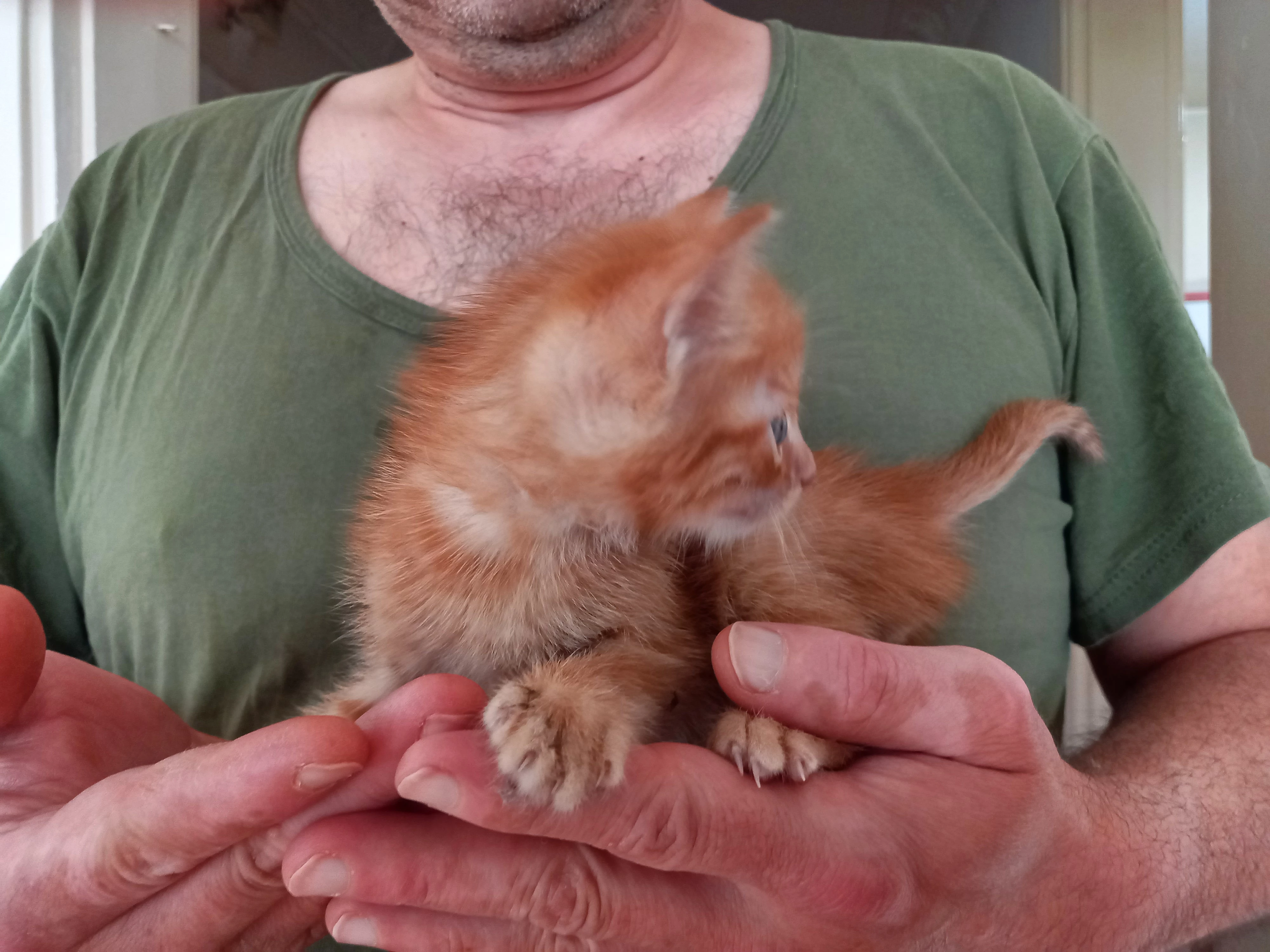
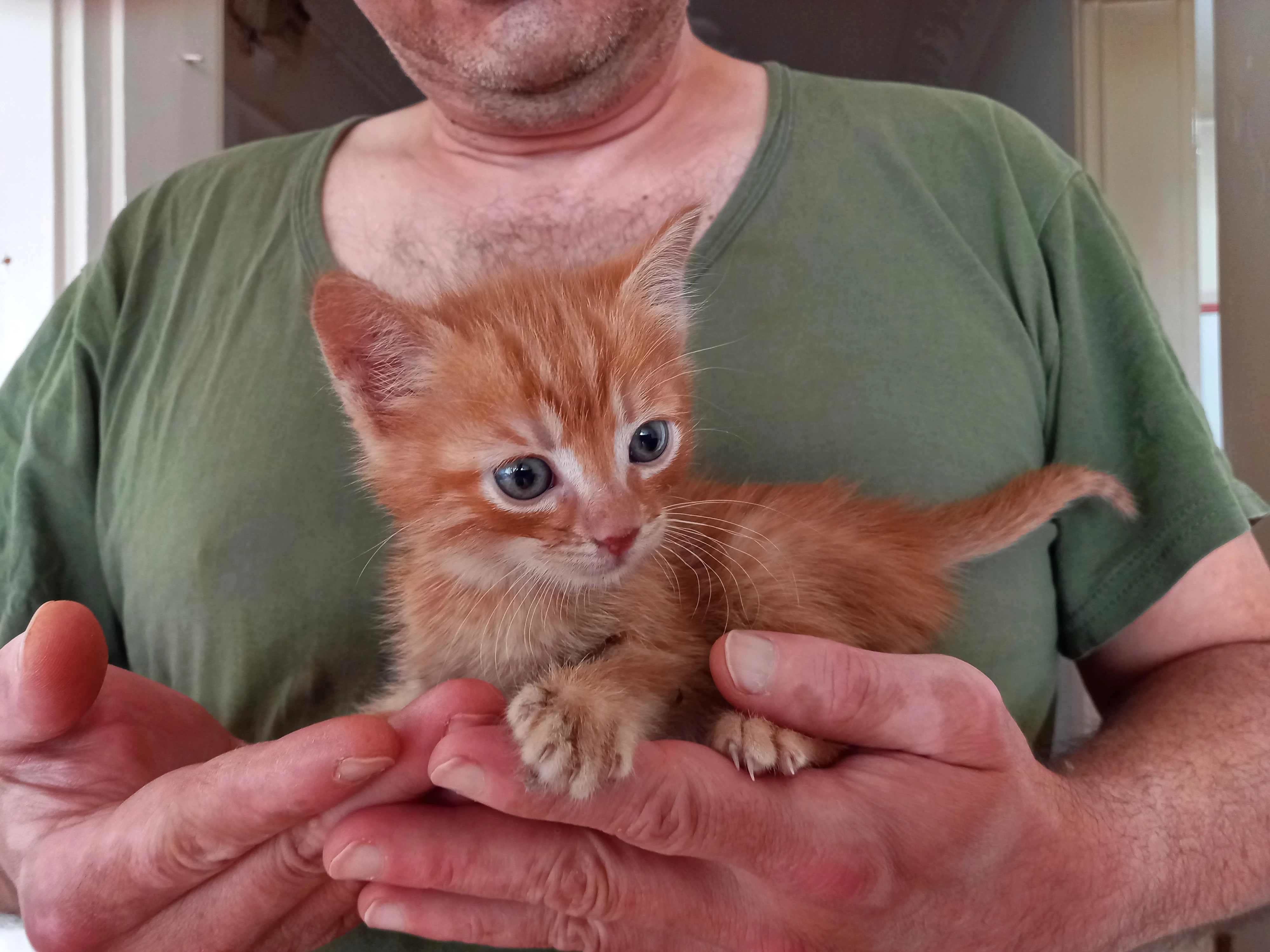
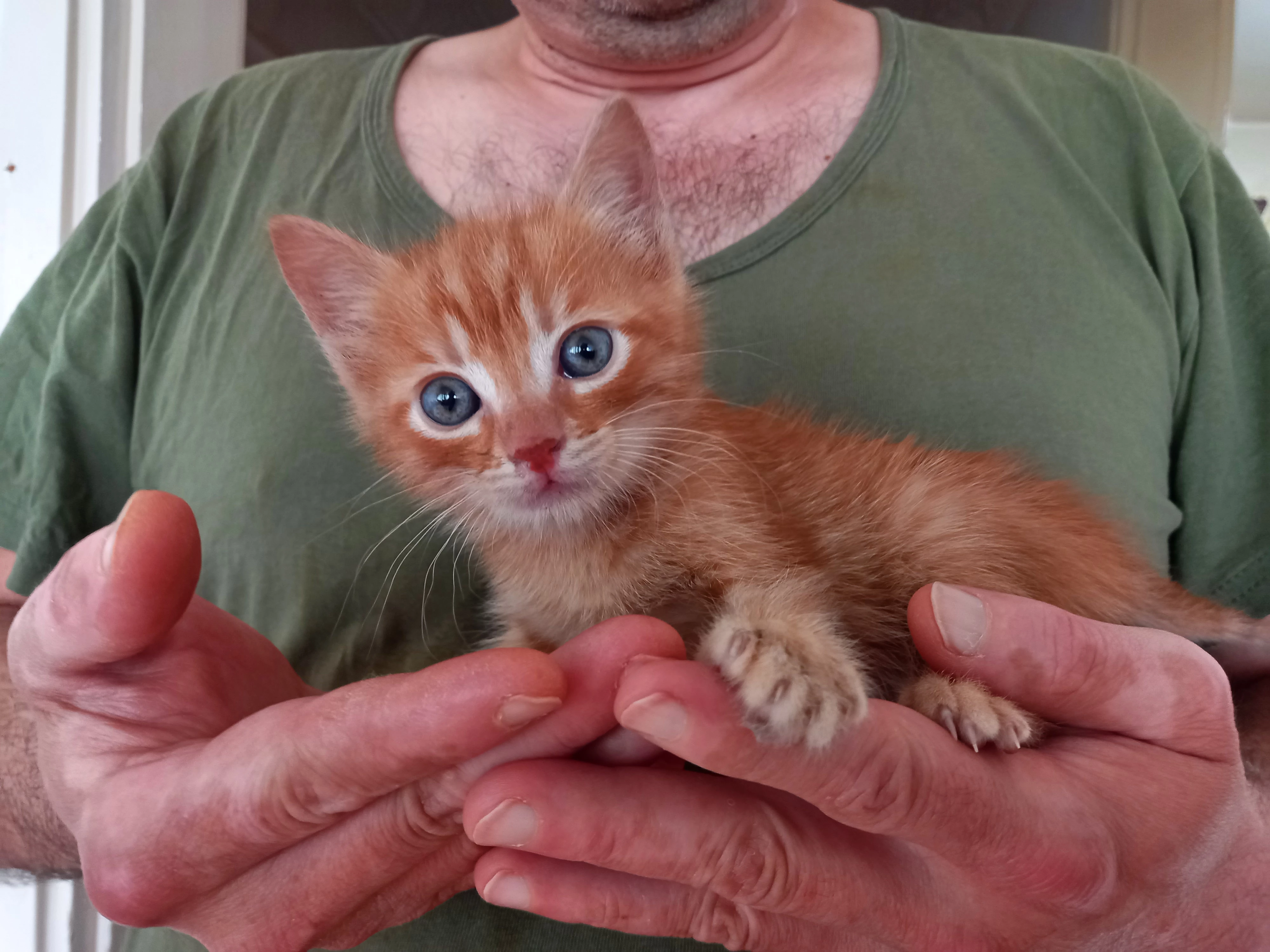
But the truth is not like that, I adopted two kittens about a week ago and took a photo of me holding one of them in my hands, then turned it into an illustration with effects and sent it to Adobe Stock for review. (I know that it is very difficult for photos to be accepted. I have read that even professional photographers who shoot with professional cameras and have spent years in this field are rejected from time to time on such platforms. I don't think the photo I took with an ordinary mobile phone would have much of a chance, so I tried my luck in illustration).


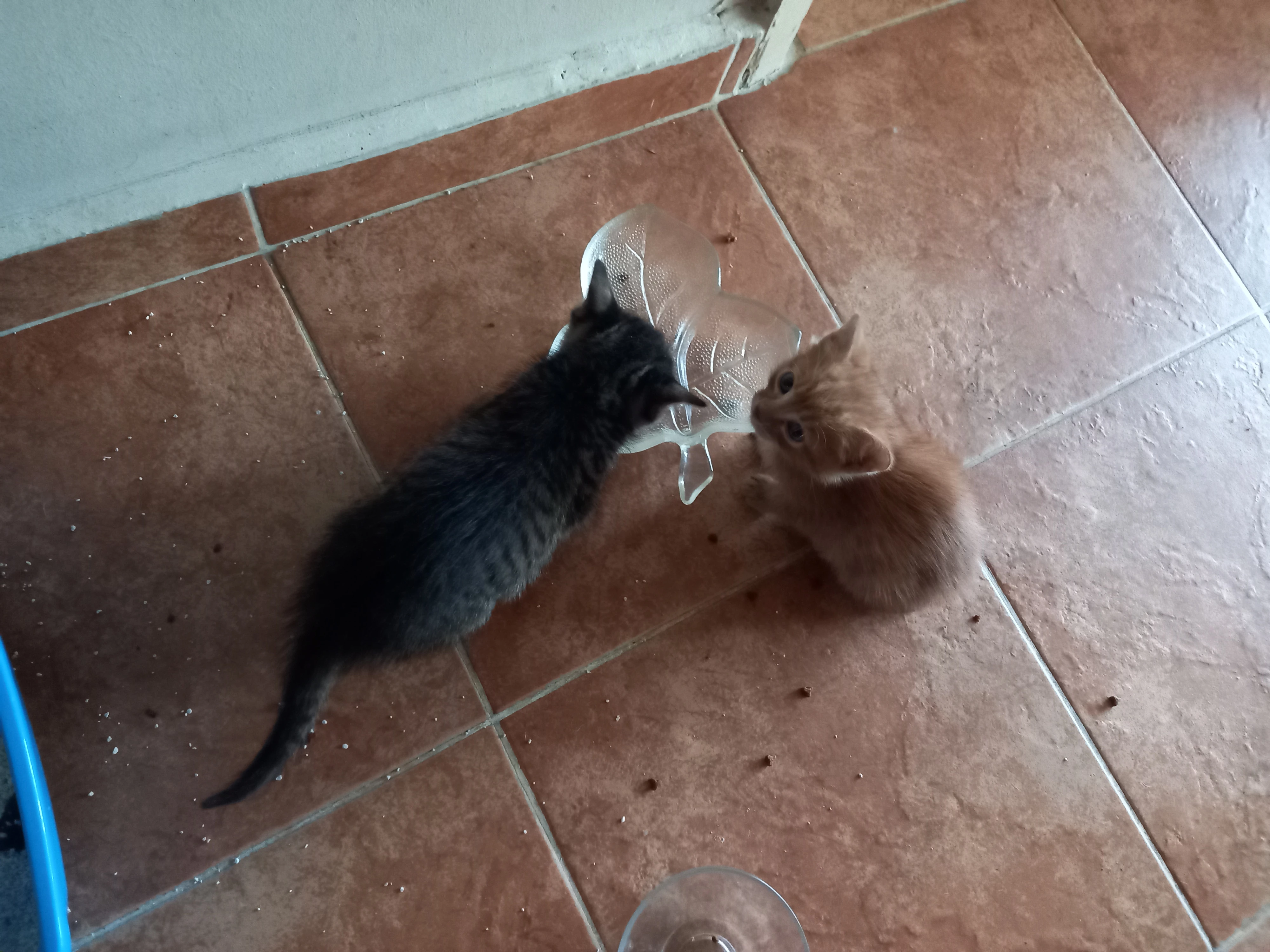
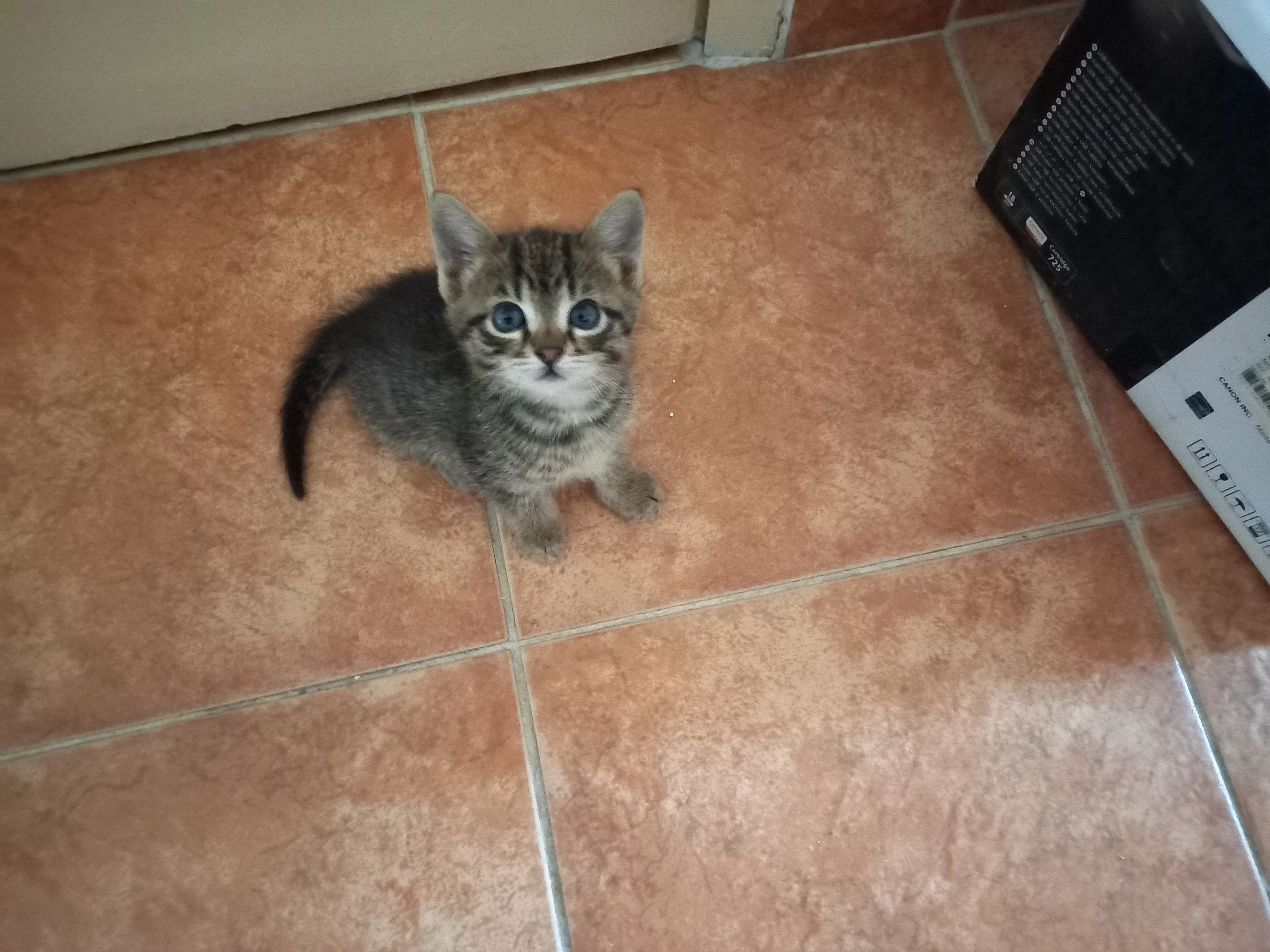
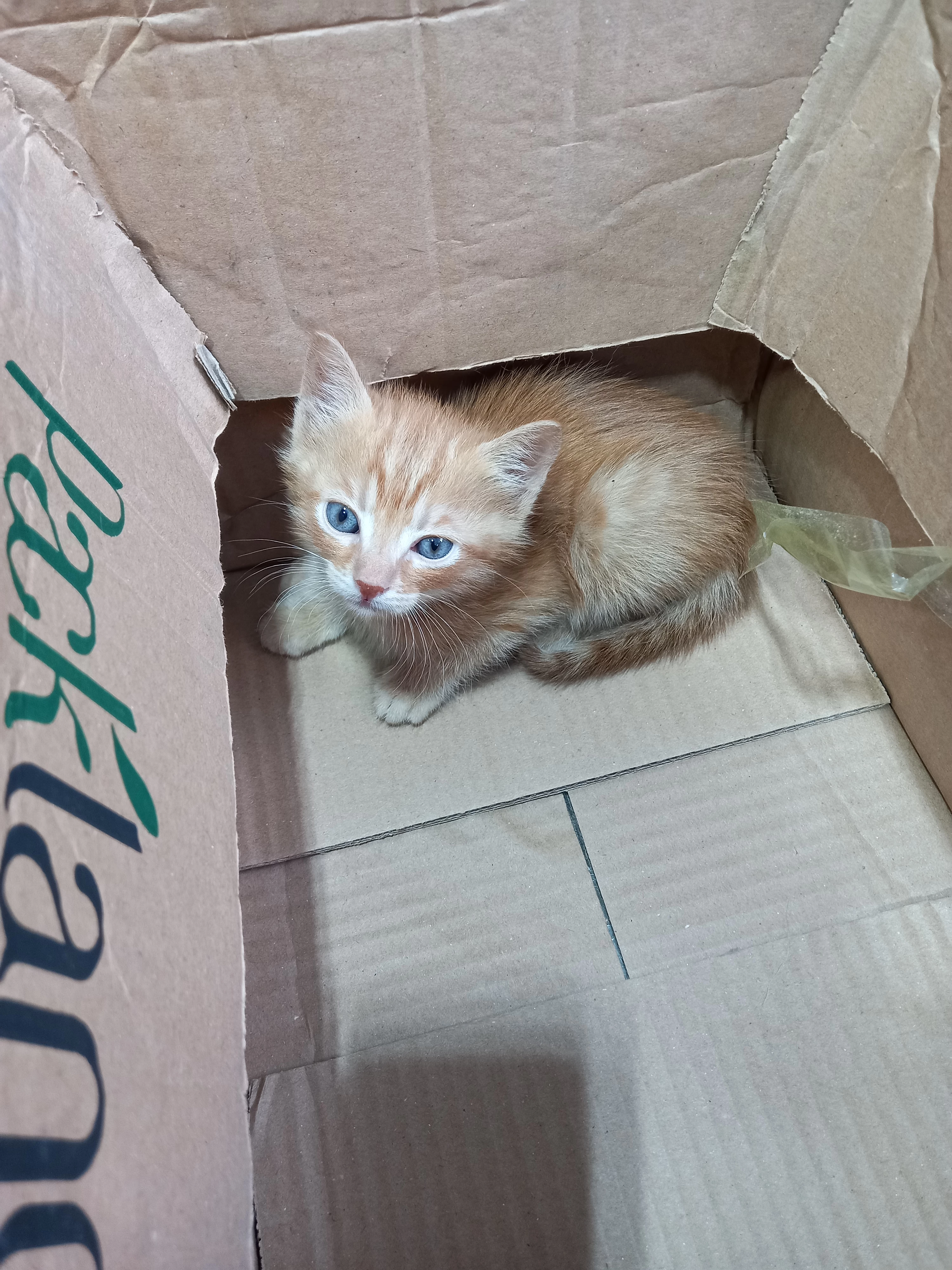
I'm posting the actual photo of the illustration I sent below, as well as other photos I took of this kitten (and its other sibling). If an Adobe employee who is interested in these things is reading this, I can take other photos of the same cat and send them as he wishes (when I get home in the evening).


This is my problem, what can I do to fix it?


,Because in this way, firstly, I become a fraudulent participant and my account is compromised in my opinion. (I attach importance to Adobe Stock, in my opinion, it is a great job that I can easily do in my retirement if I manage to stay permanent)


Secondly, I want to make and send other works like this (by taking photographs and turning them into illustrations); In this case, I won't be able to do this either.


I expect your support and suggestions. Thank you very much


(If you pay attention, my hands are mottled in the photos, I have a skin disease called "vitilogo". In other words, you cannot even make artificial intelligence draw a proper human hand, so you can also draw a hand with vitilogo.)


.

[Moderator moved the thread to the correct forum]

This topic has been closed for replies.
Correct answer Jill_C

If you have created an illustration that looks like it was created from an AI tool, attach a property release indicating that you are the creator. Nevertheless, I don't think these types of images are suitable for stock. They're poorly composed, you have an IP issue in the ine with a label on the carton, and there are already many millions of images of kittens and cats in the database.

3 replies

Inspiring
June 4, 2024

Thank you... I downloaded Adobe's "property release" pdf file. Am I going to add my information and the original photo as below, save it, and send it to Adobe Stock as a PDF file? Am I understanding this correctly?


If so, how can I fill in the "signature" section, I don't understand it? (So ​​I don't have a tablet or anything similar to draw on, I do all my work from my desktop PC.)


daniellei4510
Community Expert
Community Expert
June 4, 2024

You will need the free Adobe Reader (or Adobe Fill & Sign, I believe) to add your signature. There are YouTube videos showing the proper way to fill out a Property Release. You include the Property Release at the same time you upload your image.

All that said, I would still suggest foregoing the use of any filters or special effects, as per Adobe guidelines:


Effects

Don’t: Add sunrays or flares.

Don’t: Create mirrored images, kaleidoscopes, or patterns.

Don’t: Use effect filters.

Don’t: Add vignettes or frames.


And:


Don’t: Convert your image to black & white or duotone. Buyers want the maximum flexibility provided by the full color image. 

Adobe Community Expert | If you can't fix it, hide it; if you can't hide it, delete it.
Inspiring
June 4, 2024

I didn't know these, thank you so much for teaching me daniellei4510.


In fact, it seems better to continue with artificial intelligence without getting into photography at all. I am already a person who goes from home to work and from work to home, so how many photos can I take?


But artificial intelligence soon overwhelmed me: I open all the free artificial intelligence sites I can find (10-15 of them at the same time), create a simple prompt and have images produced.


But the result is almost always problematic: six-fingered hands, three-legged and four-armed people, half-moustached and half-shaved male faces, knitted ropes that go smoothly but suddenly become two, etc. 🙂

I don't have much of an idea what to do.

daniellei4510
Community Expert
Community Expert
June 4, 2024

Adobe tends to frown on have been manipulated with filters, special effects, etc. If you still wish to submit it that way, do as @Jill_C suggested. Otherwise, submit the original photograph without the special effects and let the buyer add them if they wish to do so.

Adobe Community Expert | If you can't fix it, hide it; if you can't hide it, delete it.
Jill_C
Community Expert
Jill_CCommunity ExpertCorrect answer
Community Expert
June 4, 2024

If you have created an illustration that looks like it was created from an AI tool, attach a property release indicating that you are the creator. Nevertheless, I don't think these types of images are suitable for stock. They're poorly composed, you have an IP issue in the ine with a label on the carton, and there are already many millions of images of kittens and cats in the database.

Jill C., Forum Volunteer