

Known Participant
June 15, 2021
Answered

Technical issues rejection

  • June 15, 2021
  • 2 replies
  • 1476 views

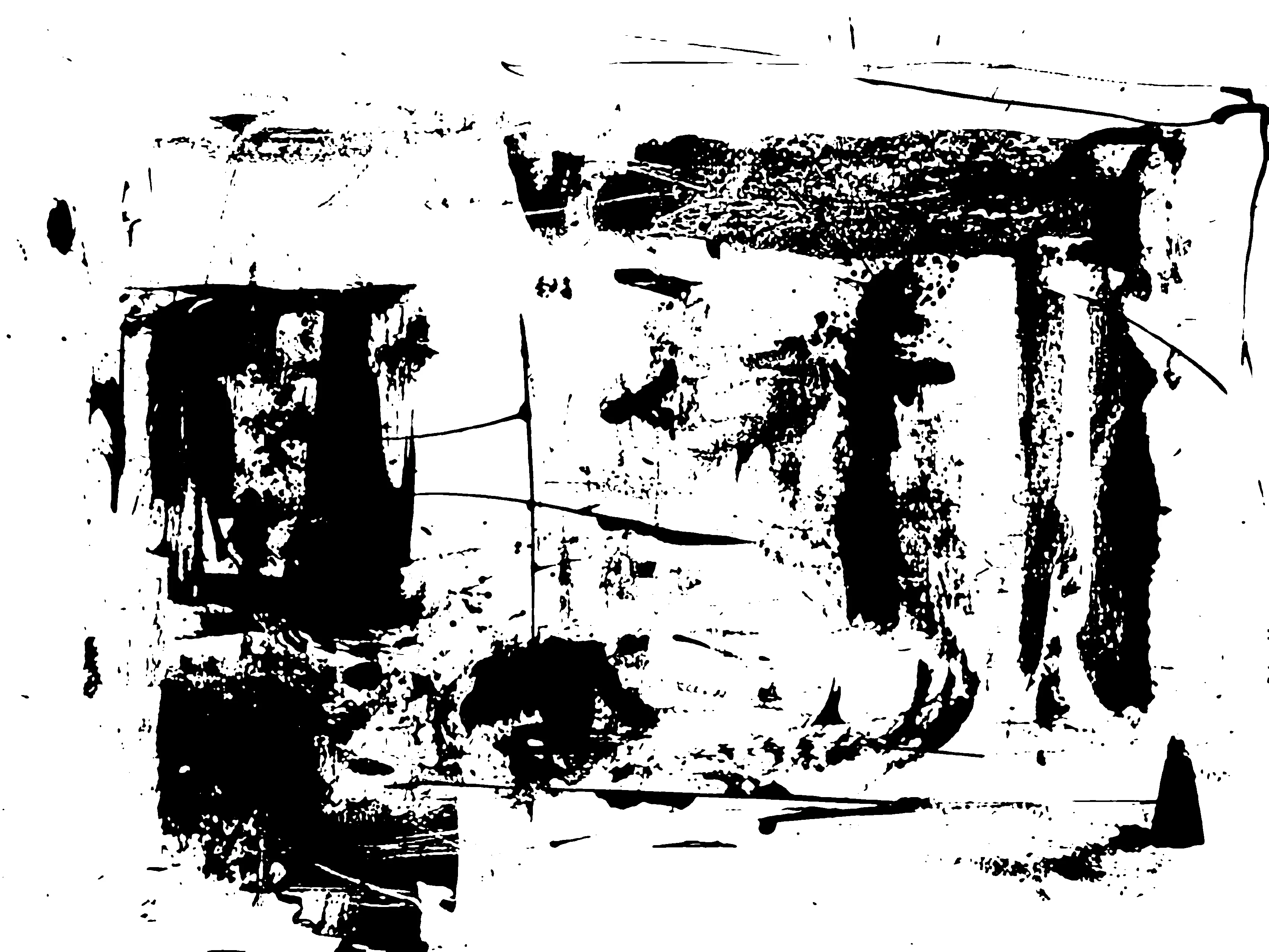
Hello, Could I get some more info please. The image was keyworded as an artistic grunge backround or overlay. Thanks in advance

This topic has been closed for replies.
Correct answer Jill_C

Lots of jagged edges. I attached a zoomed in section. Did you upsize the image after creating it?

2 replies

Nancy OShea
Community Expert
June 15, 2021

Hi @rose 6060,

I think Grunge & Distressed overlays are fairly well represented in Stock already. 

Grunge


Did you submit this as an editable vector graphic (AI, EPS or SVG) or did you submit a JPG?


Nancy O'Shea— Product User & Community Expert
rose 6060Author
Known Participant
June 15, 2021

Thanks Nancy, I will bear that in mind

Jill_C
Jill_CCorrect answer
Community Expert
June 15, 2021

Lots of jagged edges. I attached a zoomed in section. Did you upsize the image after creating it?

Jill C., Forum Volunteer
rose 6060Author
Known Participant
June 15, 2021

Yes, I find that I get jaggered edges when I changed it to a bitmap and then back to grey scale. So should the rule of thumb be - No jaggered edges at 100% size? 🙂

Nancy OShea
Community Expert
June 15, 2021
Sure, I can do that for the grunge pattern - I just need to figure out how
to do the pattern in illustrator (illustrator is not my strength)
Rose

Free Grunge textures are widely available online with instructions on how to use them in your own projects.

https://logosbynick.com/15-free-grunge-textures/


You'll also find plenty of Illustrator tutorials on YouTube.


Good luck with your project!


Nancy O'Shea— Product User & Community Expert