

Known Participant
June 15, 2021
Answered

Technical issues rejection

  • June 15, 2021
  • 2 replies
  • 1476 views

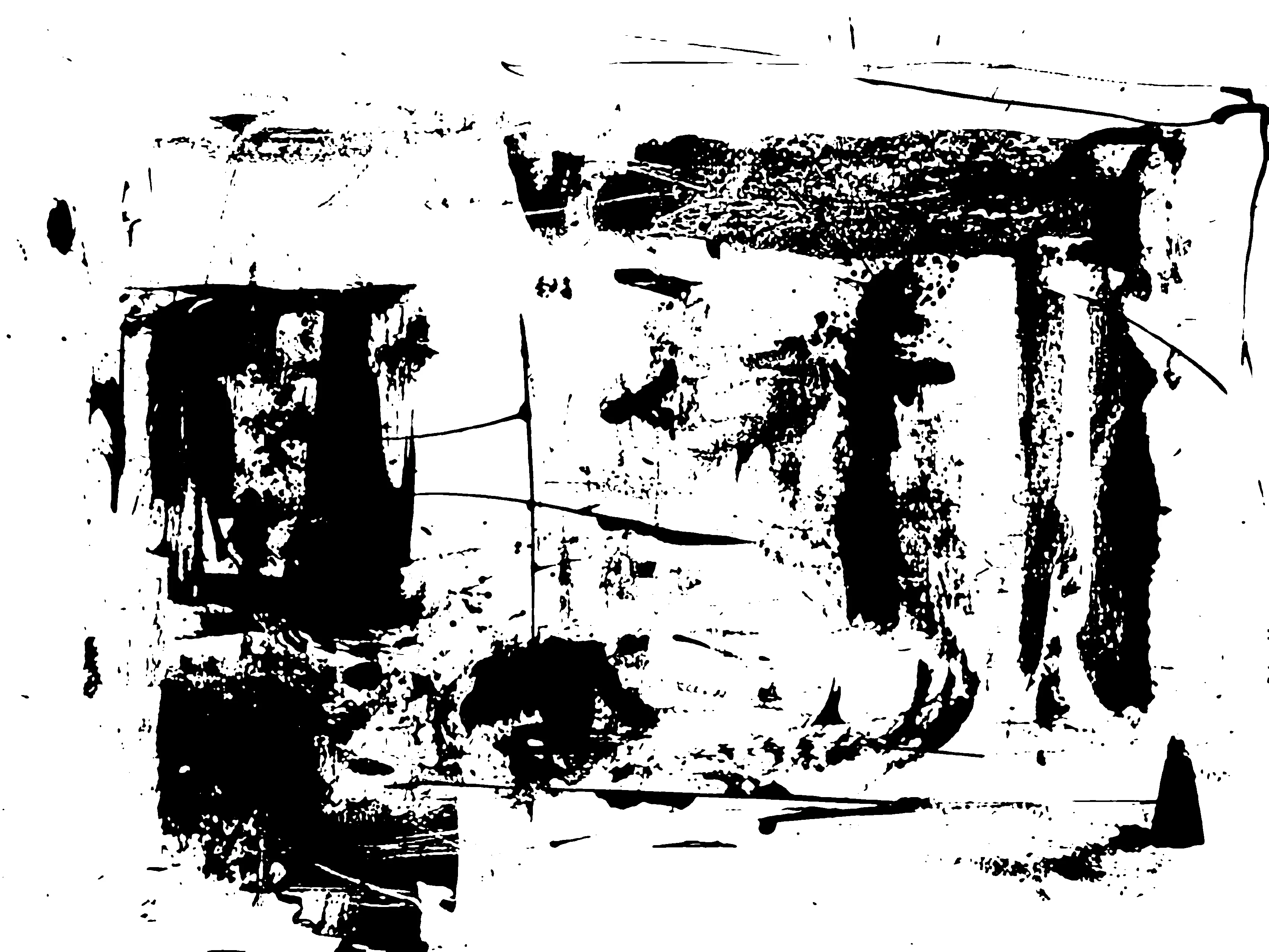
Hello, Could I get some more info please. The image was keyworded as an artistic grunge backround or overlay. Thanks in advance

This topic has been closed for replies.
Correct answer Jill_C

Lots of jagged edges. I attached a zoomed in section. Did you upsize the image after creating it?

2 replies

Nancy OShea
Community Expert
June 15, 2021

Hi @rose 6060,

I think Grunge & Distressed overlays are fairly well represented in Stock already. 

Grunge


Did you submit this as an editable vector graphic (AI, EPS or SVG) or did you submit a JPG?


Nancy O'Shea— Product User & Community Expert
rose 6060Author
Known Participant
June 15, 2021

Thanks Nancy, I will bear that in mind

Jill_C
Jill_CCorrect answer
Community Expert
June 15, 2021

Lots of jagged edges. I attached a zoomed in section. Did you upsize the image after creating it?

Jill C., Forum Volunteer
rose 6060Author
Known Participant
June 15, 2021

Yes, I find that I get jaggered edges when I changed it to a bitmap and then back to grey scale. So should the rule of thumb be - No jaggered edges at 100% size? 🙂

Nancy OShea
Community Expert
June 15, 2021

Thank you Nancy, they look great, however they are a little small for printing only 10cm x 7cm

And yes I do refer toYouTube alot! 🙂


Like I said above, vector images in Illustrator can be re-scaled to any size that's needed for print without ANY loss in quality.   You cannot do that with raster images.  😉


Nancy O'Shea— Product User & Community Expert