


New Participant
July 5, 2025
Question

Uploads disappearing without being formally rejected (?)

  • July 5, 2025
  • 3 replies
  • 345 views

Hi all! New contributor to Adobe Stock here.

I've been uploading several raster and vector illustrations in the last couple of days. One has been rejected for quality standards, which is fine and I can understand, but a couple more have disappeared from the review page without a formal rejection or explanation. Is that a common practice here? I'm a bit confused right now. 

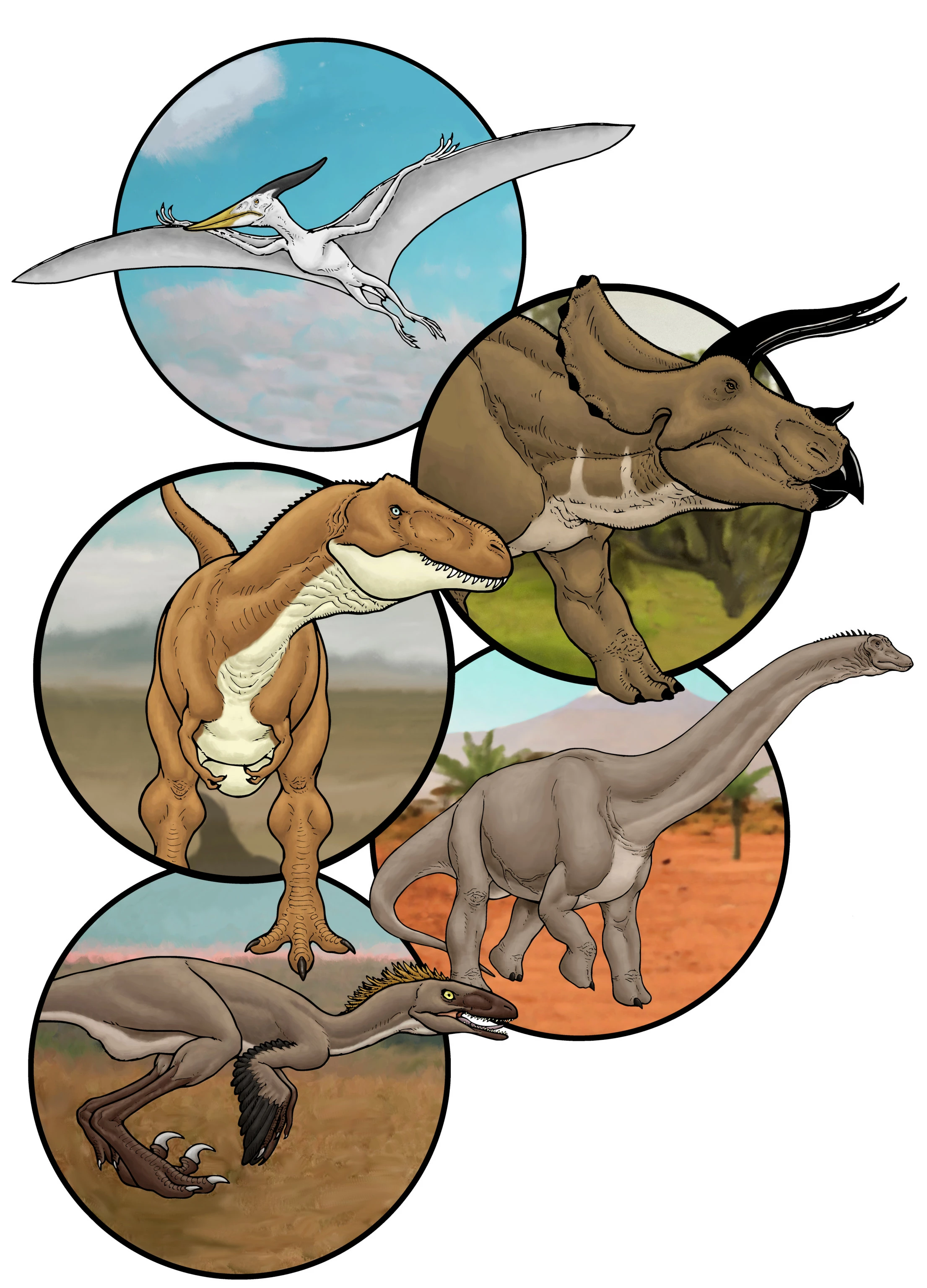
By the way, I'm attaching a low-res JPEG of the formally rejected illustration. Any advice is welcome. 

Thanks in advance!
3 replies

jacquelingphoto2017
Community Expert
July 6, 2025

Hi @PaleoFantasies ,

A Tip on how to find your accepted files.

On your contributor page, click/tap on "Dashboard" on the top black menu bar. You should see them there. If you have more than 100 files accepted, on the top white menu bar tap on the down arrow beside "Sort by downloads" and select "Date". You will see the most recent accepted files there.  Otherwise, scroll to the end of the page and click on the "next arrow" or the number beside the next arrow. To see your files on the website, on the black menu bar tap on "Contributor account". Then, click on "See my public profile" at the top right. Those are the places you will find your files that are accepted. 

Best wishes

Jacquelin

New Participant
July 7, 2025

Thank you! 🙂

Nancy OShea
Community Expert
July 5, 2025

Glad you found your missing assets. 


As to part II of your question, FRAMES could be the problem. 

Also, don't combine rasters with vectors.


Nancy O'Shea— Product User & Community Expert
New Participant
July 5, 2025

Thanks for your reply!

I never combine rasters with vectors. The rejected upload was a pure raster image (PNG). 

Also, I noticed one of my 2 approved images has those frames too, so I'm actually assuming they were too similar and the preferred one was chosen. Both are compositions featuring several dinosaur portraits in circular frames, so probably the one with the more identifiable dinosaurs was just a better sell.

Thanks again! 🙂

daniellei4510
Community Expert
July 5, 2025

Just a guess, but it might be a bug. A similar post was submitted yesterday. Upload another image as a test to see if the missing images re-appear. This has happened to me on occasion.

Adobe Community Expert | If you can't fix it, hide it; if you can't hide it, delete it.
New Participant
July 5, 2025

Thank you! 🙂

Sorry, I should have checked if there were previous threads about it. Didn't see one on the front page and just went with it.