

Known Participant
February 27, 2023
Question

Whenever i upload a file it doesn't show

  • February 27, 2023
  • 3 replies
  • 1579 views

Hello,

Whenever i upload a picture that what happens:
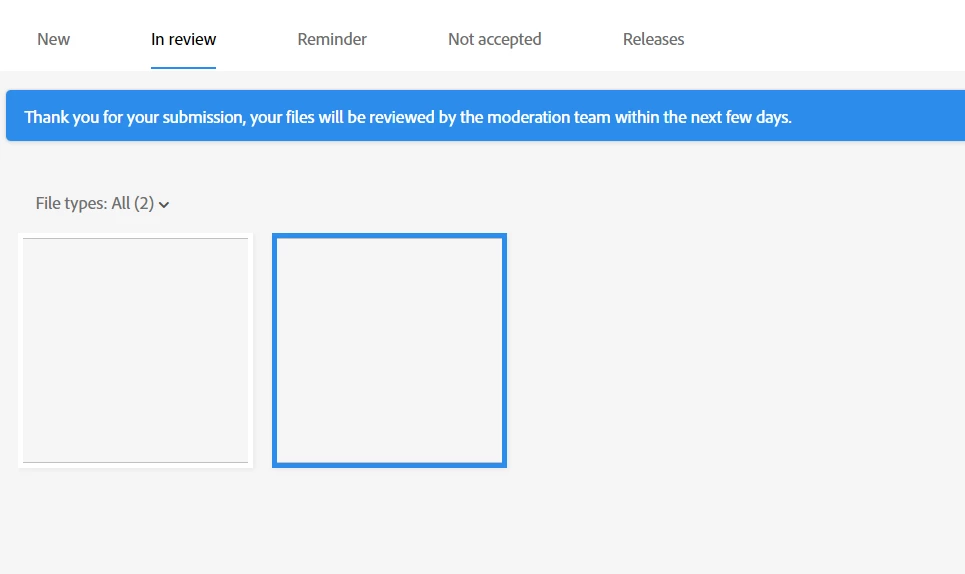
why is that?

This topic has been closed for replies.

3 replies

RALPH_L
Community Expert
Community Expert
February 27, 2023

This is usually a browser error. First try a different browser. If it works in another browser, try deleting and clearing browser data and cookies. If it doesnt work, make sure your graffics card drivers are up to date.

Known Participant
February 28, 2023

I tried on my iphone it appeared the same ..?

Abambo
Community Expert
Community Expert
February 28, 2023

This problem happed 3 days ago, i never saw a problem in my graphics as well. 


What were your browsers? (and the full version numbers, please)


You are with a home network, not with a corporate network?


ABAMBO | Hard- and Software Engineer | Photographer
Abambo
Community Expert
Community Expert
February 27, 2023

If you have submitted your assets for review, and you get a picture like this, you have a problem with your browser, or you have locked out some network addresses needed for stock. Try with a different browser.

ABAMBO | Hard- and Software Engineer | Photographer
Known Participant
February 27, 2023

I switched to another browser still the same

Abambo
Community Expert
Community Expert
February 28, 2023

Switch to a different network. When using your corporate network, use your home network or your cell network. Your proxy or firewall may block some internet addresses that Adobe is using.


The second browser should be a browser you never use because so, there is little chance that a configuration issue or an add-on is the blocking factor.

ABAMBO | Hard- and Software Engineer | Photographer
Inspiring
February 27, 2023

Initially it should show under "New" in "uploaded Files".  It will stay in this folder until you submit or delete it.

Known Participant
February 27, 2023

Its still in review though