
Participant
February 12, 2019
Beantwortet

Can't open Ait file

  • February 12, 2019
  • 2 Antworten
  • 1750 Ansichten

Sorry for my english.

I buy the file :

but when I want to open it I just have a blank page with the text:

Bingo Night Flyer Layout - Acheter ce template libre de droit et découvrir des templates similaires sur Adobe Stock | Ad…

"This is an Adobe® Illustrator® file that was saved without PDF content. To place or open this file in other applications, it should be re-saved from Adobe Illustrator with the "Create PDF Compatible File" options turned on. This option is in the Illustrator Native Format Options dialog box, which appears when saving an Adobe Illustrator file using the Save As command."

Has anyone ever had the same problem?
Dieses Thema wurde für Antworten geschlossen.
Beste Antwort von twaritar3263062

Hi Jerome,

Sorry to hear that you are facing issues with an Adobe Stock file.

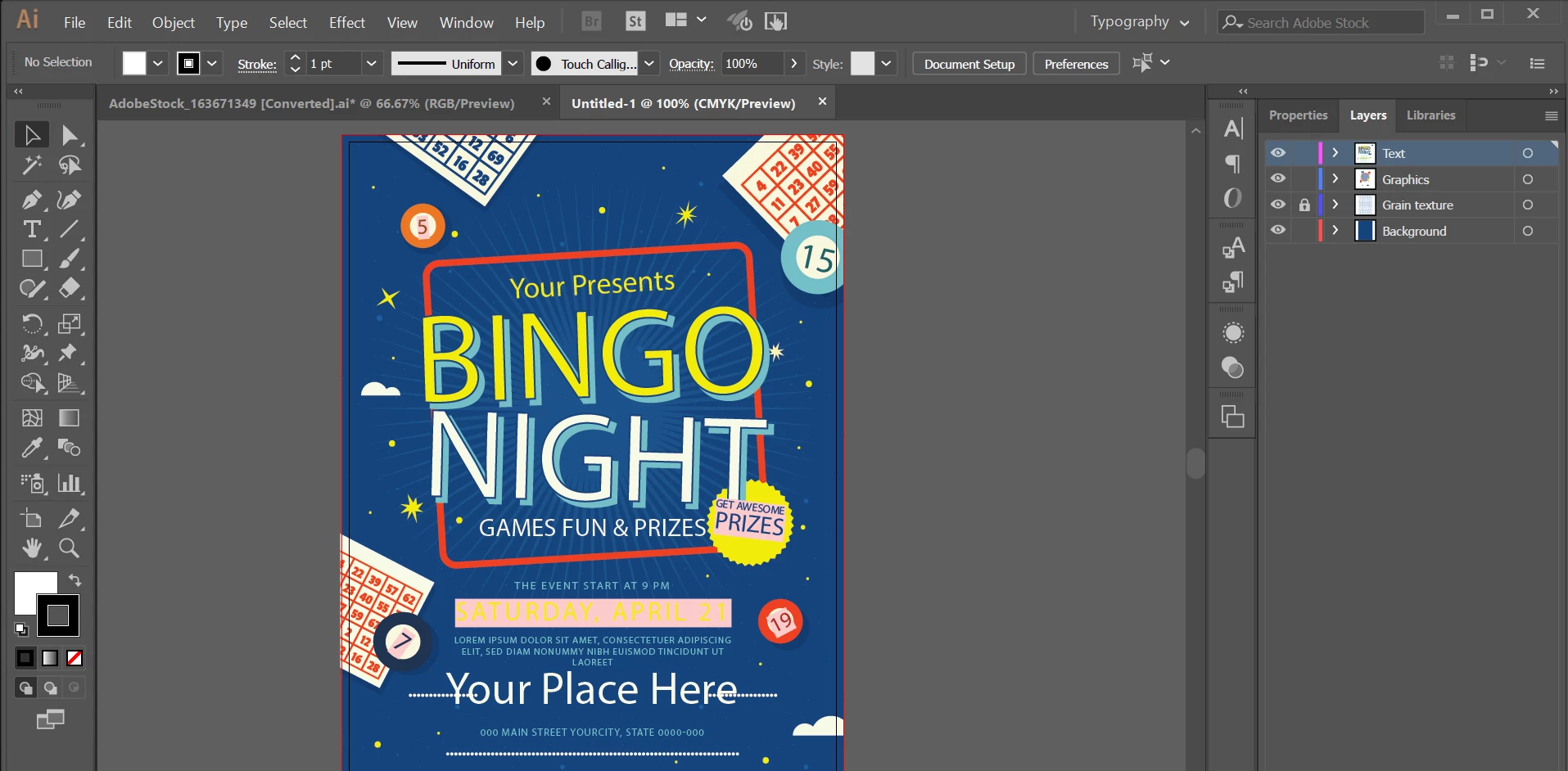
I have checked the file at my end and did not encounter any issues. Please see the screenshot:

Can you please let us know the version of Illustrator you are using so that we can further assist you?

Regards,

Twarita

2 Antworten

Participant
August 17, 2020

I'm having the same issue. Please advise.

WendellaBee
Adobe Employee
Adobe Employee
August 17, 2020

Please see reply to Ruchita.

Participant
November 11, 2020

Hi can you help, I also have the same problem. I use Illustrator CS 6 and here's the Adobe Stock template that I use: https://stock.adobe.com/templates/hype-social-media-puzzle-layout/359751663

twaritar3263062
Community Manager
Community Manager
February 12, 2019

Hi Jerome,

Sorry to hear that you are facing issues with an Adobe Stock file.

I have checked the file at my end and did not encounter any issues. Please see the screenshot:

Can you please let us know the version of Illustrator you are using so that we can further assist you?

Regards,

Twarita

Participant
February 12, 2019

Illustrator CS6 64bits

twaritar3263062
Community Manager
Community Manager
February 12, 2019

Jerome,

Please check your private message.

Regards,

Twarita