


Creating default Libraries with Stock
I'm testing Adobe Stock and how it works with CC Libraries for possible implementation for a larger team. We're getting hung up on creating a default library and managing images that are saved to the library.
First, we can't select a library to save the images to. It always defaults to "My Library". I now have 5 "My Libraries". In the past we were able to select the library that we wanted to save to in the drop down menu in the upper right corner. That is no longer an option? When I select a library it either gives a pop up window for a reverse image search or takes me to a page containing that library.
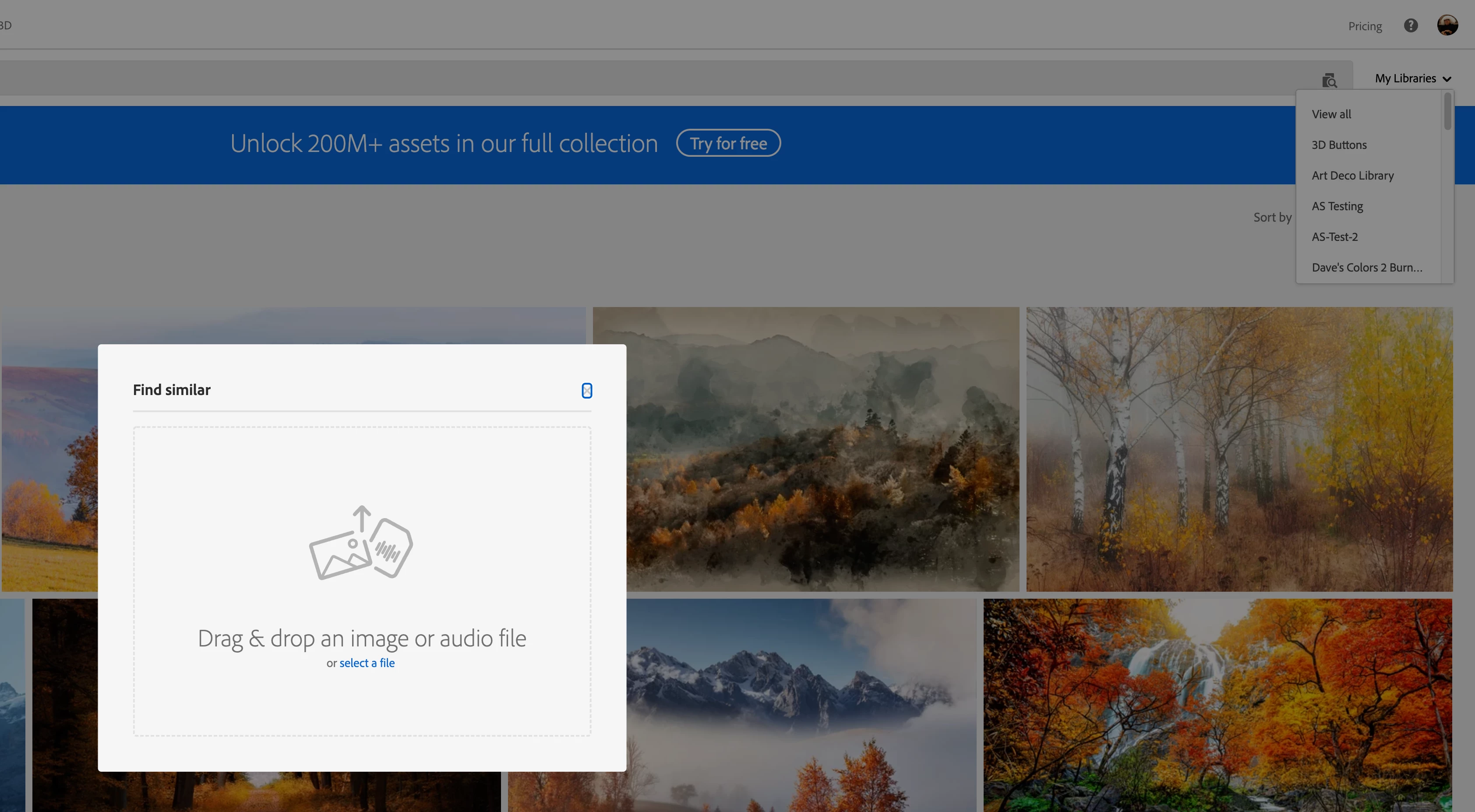
Second, when I heart the image and select "manage" in the tiny box in the corner it's only show libraries that were shared with my by other team members and none of my own. This is completely useless.
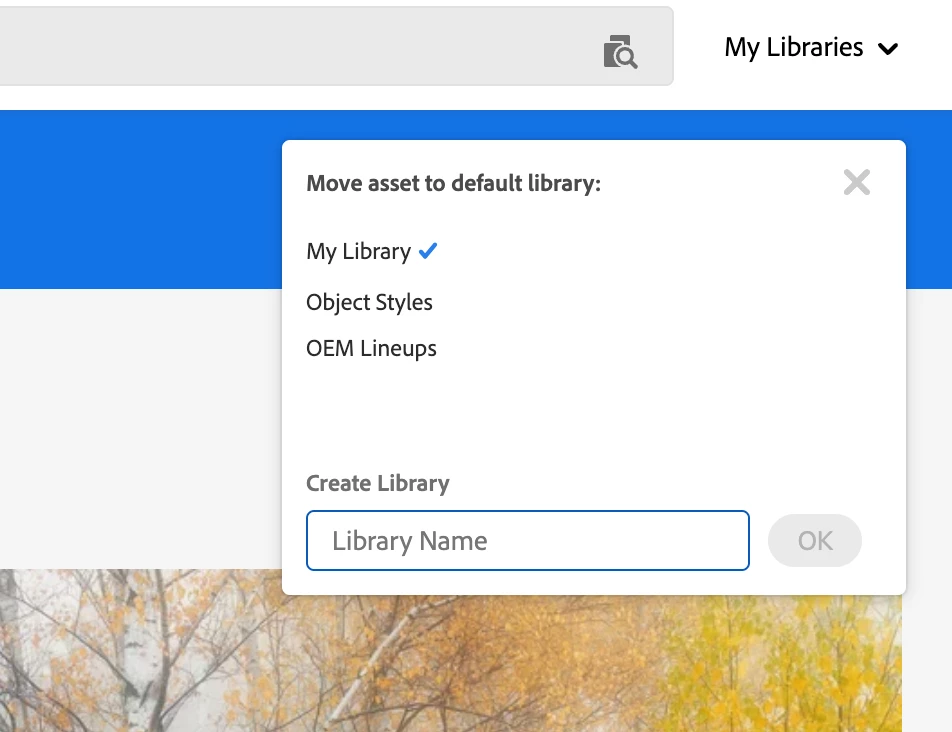
Going into the CC Libraries panel after saving and moving things around is just not effecient. Is there not a way to select a library and save an image to it? This seems really basic.
 AdChoices