


Answered
How do you save stock items to a specific library
Every time I click the littler heart icon when you hover over a stock item, it only saves to my default library which is the latest one created. Is there a way to save to a specific library?

Every time I click the littler heart icon when you hover over a stock item, it only saves to my default library which is the latest one created. Is there a way to save to a specific library?
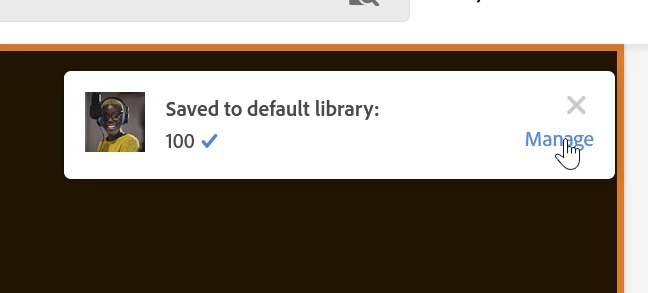
Easy, step by step:

Click manage:
Choose a new default library:
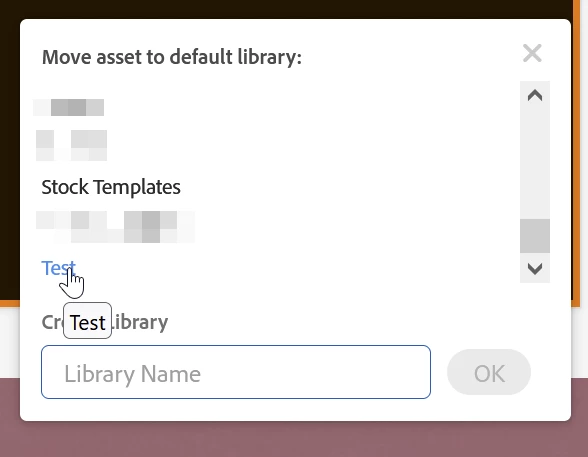
The asset gets moved to that library and that library becomes the new default.
Already have an account? Login
Enter your E-mail address. We'll send you an e-mail with instructions to reset your password.
 AdChoices