


Participant
January 31, 2023
Question

Rename Downloads

  • January 31, 2023
  • 1 reply
  • 290 views

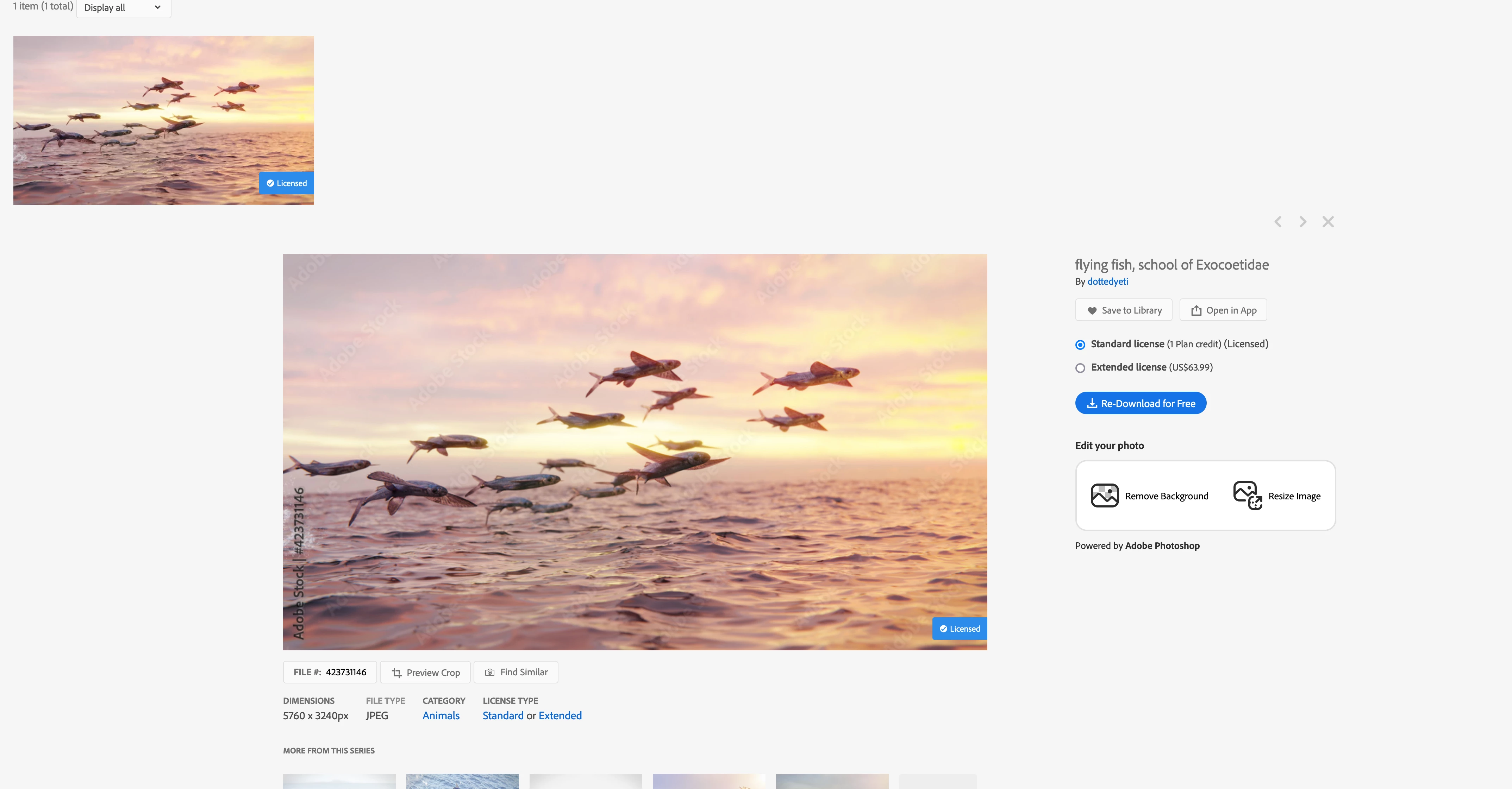
I bought images from Stock and put into my Library. Then I downloaded it for use. However the download name is xxxxxx.jpg.part and I do not have any application that will open it up. And I want just a plain jpg that I can move and use anywhere which is what I thought I paid for.

How do I download the image in just a plain .jpg extension?

4Jc1ER8R.jpg.part  this is what I get and cannot use.

Here is the only place I know to go to download and cannot see where I can change the .jpg.part
This topic has been closed for replies.

1 reply

WendellaBee
Adobe Employee
Adobe Employee
January 31, 2023

Generally when you see that the file has an extension of .part it is in the process of downloading. Once the download completes you'll see the .jpg extension.

Abambo
Community Expert
Community Expert
January 31, 2023

To add to @WendellaBee's analysys:

  • If the download is incomplete for some reason, the file will stay in this status and is not usable.
  • Some networks use a proxy caching internet access data. If you retry to download, the same incomplete data gets loaded.
  • Sometimes, using a different browser solves the issue, if a redownload creates the same faulty file.
ABAMBO | Hard- and Software Engineer | Photographer
Participant
February 1, 2023

Thank you Abambo. Using a different browser allowed the download to complete.  It is disappointing that Adobe always has their products lokced down to their benefit more than any other company so that one constantly has problems. This was a stupid problem and totally unnecessary.