

Participant
July 27, 2020
Answered

I want to delete the team project file.
  • July 27, 2020
  • 3 replies
  • 5724 views

I want to delete the team project file.

Correct answer Udo_Pawlik

Hi,

The owner of the Team Project can remove the Team Project in the 'Manage Team Projects' dialog (File > Open Team project...).
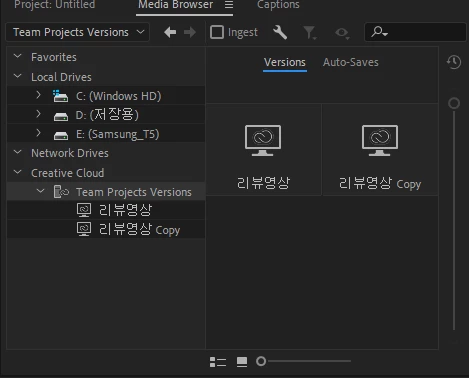
Just select the Team Project you want to remove and click the 'Archive' button. At this point the Project will no longer show in the Media Browser, but it can still be restored. If you want to delete the project permanently, select the Team Project in Archive tab and click 'Delete...'

Best,
Udo

3 replies

Participant
November 3, 2020

Thanks


Udo_PawlikCorrect answer
Adobe Employee
July 27, 2020

Hi,

The owner of the Team Project can remove the Team Project in the 'Manage Team Projects' dialog (File > Open Team project...).
Just select the Team Project you want to remove and click the 'Archive' button. At this point the Project will no longer show in the Media Browser, but it can still be restored. If you want to delete the project permanently, select the Team Project in Archive tab and click 'Delete...'

Best,
Udo

oddforms
Participating Frequently
September 27, 2022

I am not the owner of the project, how can I remove myself from the project?

Nate Boerman
Community Manager
Community Manager
September 27, 2022

Thanks Nathan,

Seems like a bug that I need the owner to remove myself. Can I report it somehow?


I'll put in a feature request for you.
-Nathan

Community Expert
July 27, 2020

Go through your operating system to the file’s location and then delete it.