

Team Project randomly unlinks media?
I'm doing my first big project with a team of editors. I'm running Premiere Pro cc 2018 on a Mac w/Sierra. We've been pulling clips for the last few days and all seemed fine.
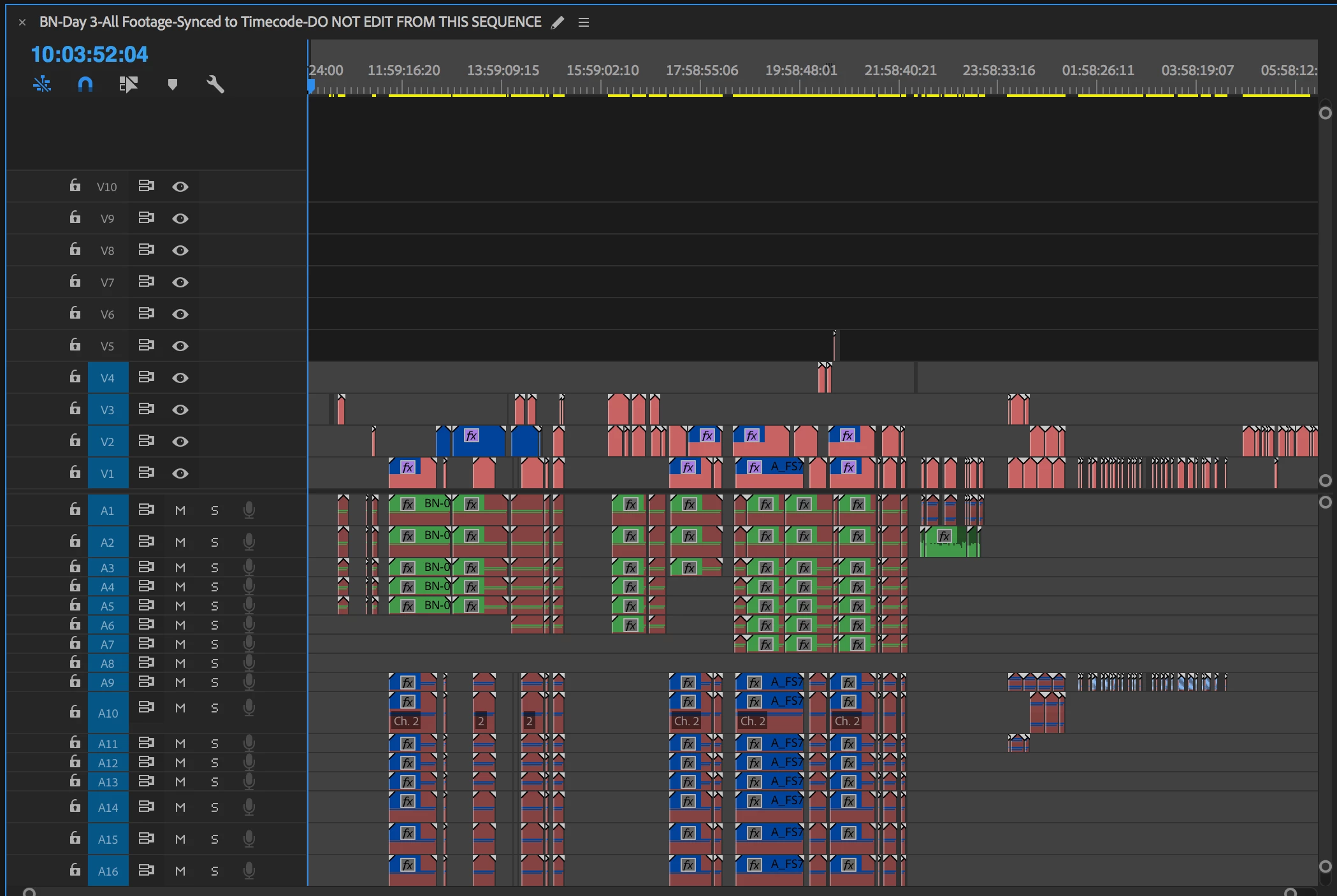
An hour ago, all the media for a particular day became unlinked. All the drives are readable, no system change, just opened the sequence and it was all unlinked.
This file was originally converted (via cut and paste) from a single user Premiere file to a Team Project. As a test, I opened the original single-user file and all the media remained linked.
What's worse, is when I try to re-link all the footage, the 'automatically find other media' choice doesn't seem to be working. I need to manually go into and out of dozens of folders on the hard drive to re-link video/audio files.
When I open the team project, all the assets seem to load correctly (there are no notices about missing media).
What is happening here, and how to I fix it? It wouldn't be so bad if I could just highlight all the media, link one and it would find the rest. However, doing this one by one will take hours... and given there's no indication why they became unlinked, I'm loath to relink it all manually.
Any help/assistance would be appreciated.
Here is the sequence in the single-user Premiere from 06-11-2018
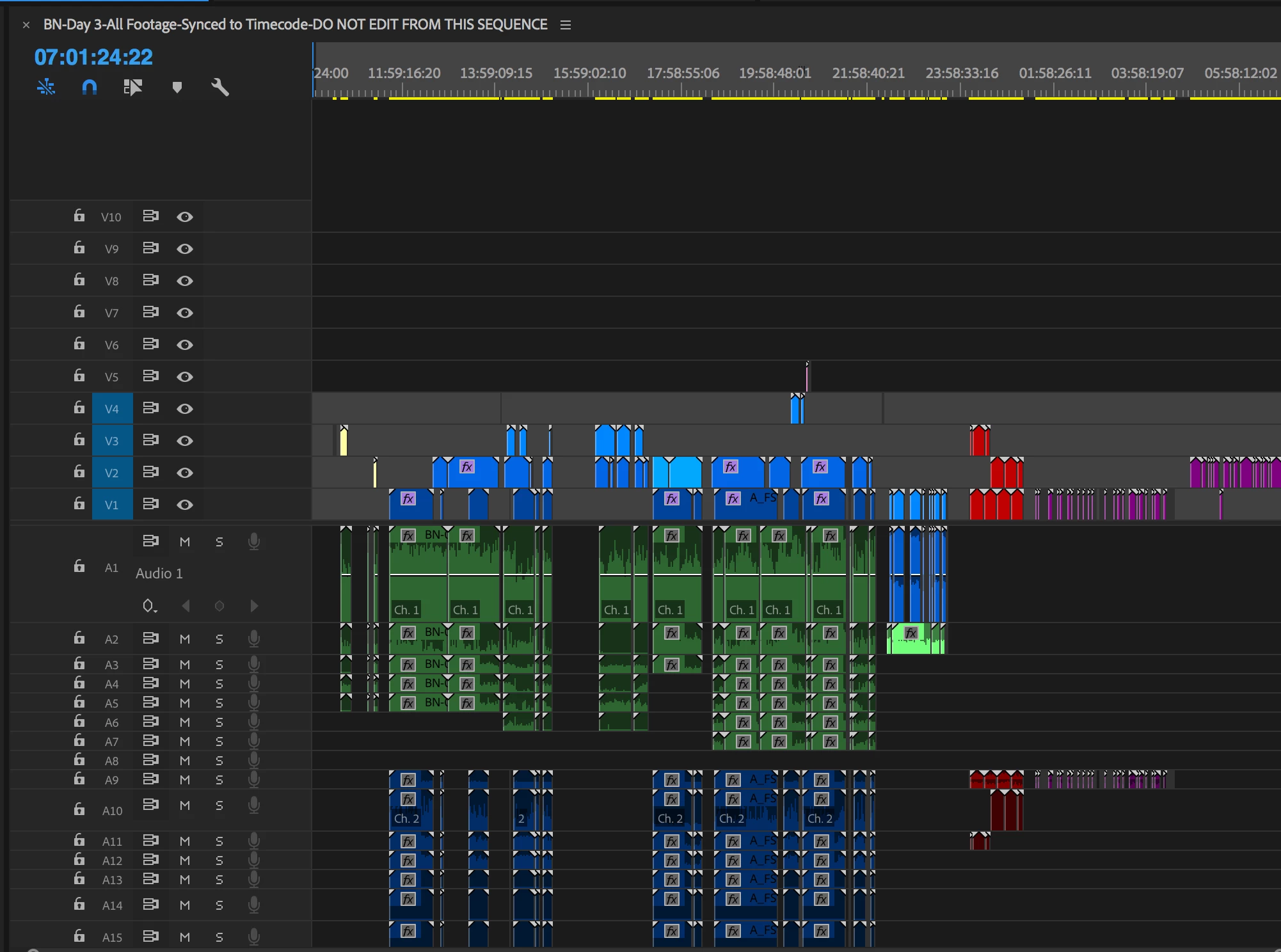
Here is the same sequence in the Team Project version:
 AdChoices