Get Acrobat Reader Mobile answers, news, tips. Join us!
Recente
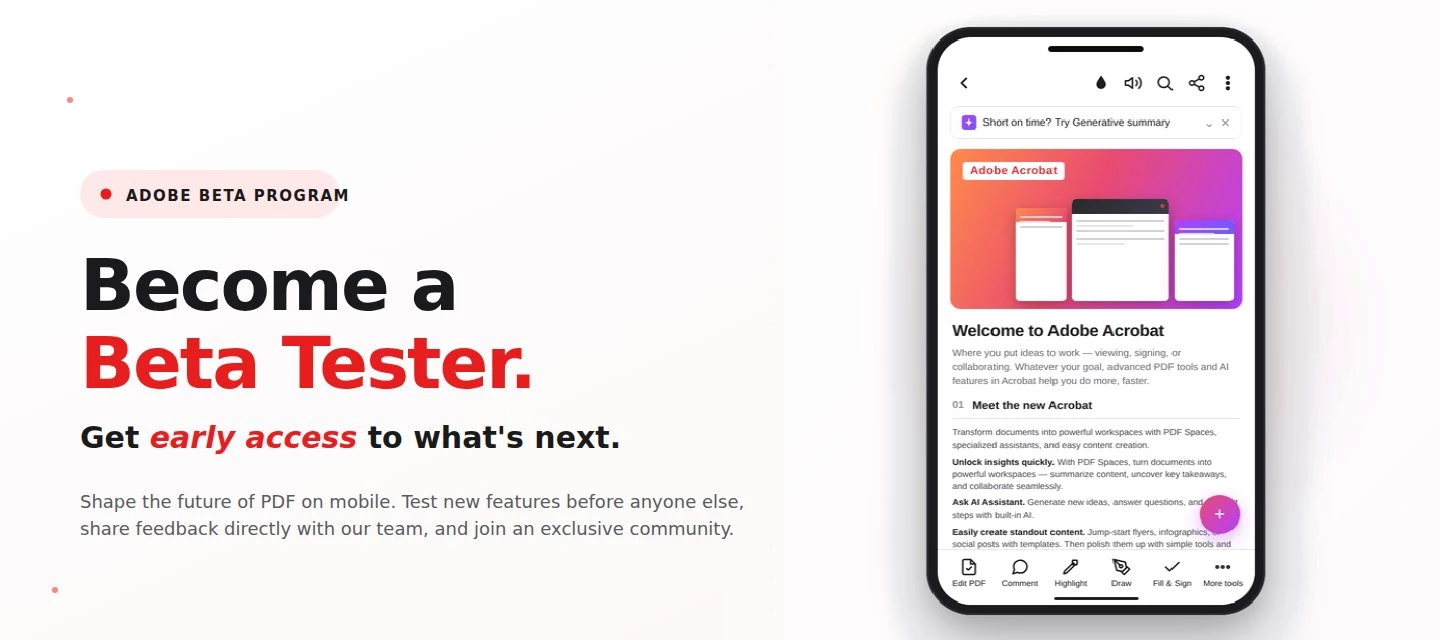
About this articleRead time: 3 min.Published: May 21, 2026 Author: Amal Jaiswal – Community Manager TL;DRThe Adobe Acrobat Reader Android beta program gives Android users free, early access to new Adobe Acrobat Reader features via Google Play. Enrolment takes one tap, it's reversible anytime, and your in-app feedback routes directly to the Adobe Acrobat Reader product team.Adobe Acrobat Reader beta access is an opt-in Google Play testing track for the app on Android that lets everyday users try new features before public release. If you sign PDFs on the bus, scan receipts at lunch, and mark up docs at midnight, this is your backstage pass. What is the Adobe Acrobat Reader beta program?The Adobe Acrobat Reader beta program is the side door into the app on Android, a free testing track on the Google Play Store where the features land before they hit everyone else's phone. Beta testers get pre-release builds straight from the team, a dedicated in-app feedback form wired straight to the p
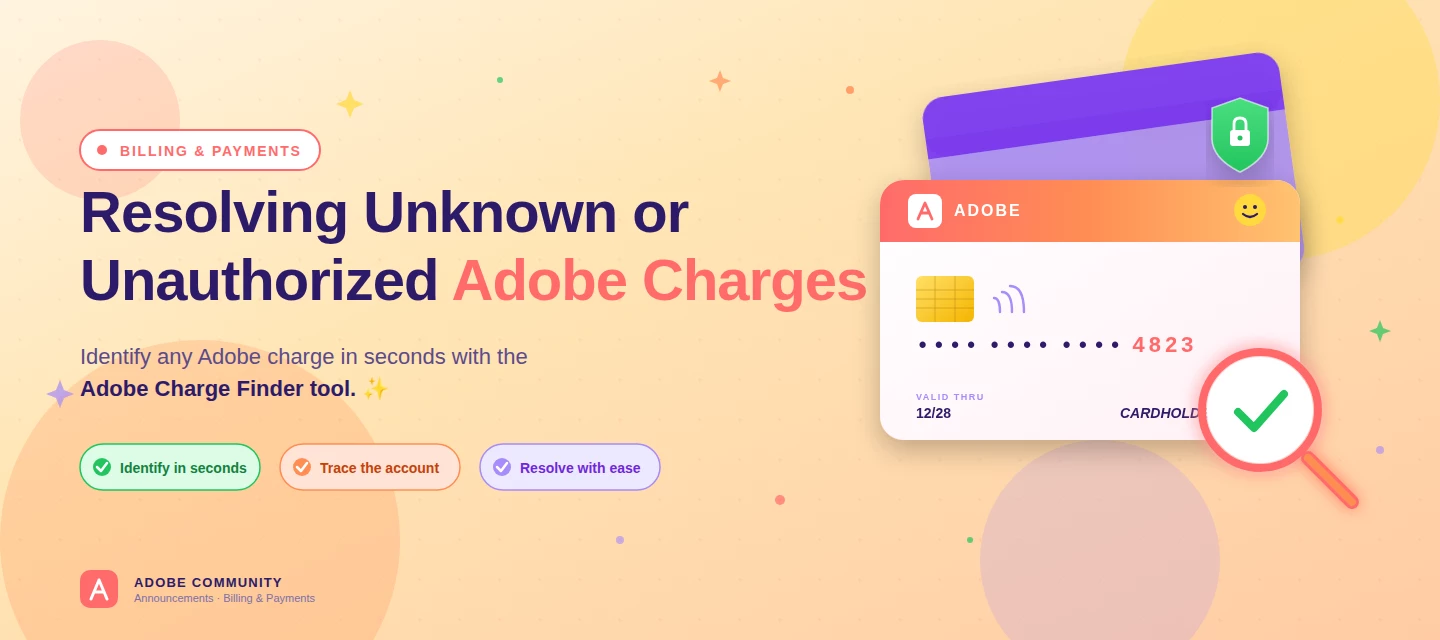
About this articleRead time: ~3 min Published: May 18, 2026 TL;DR: See an unfamiliar Adobe charge on your statement? Use the Adobe Charge Finder tool to identify it , enter your card and transaction details exactly as they appear on your statement, and it'll show the linked Adobe account, subscription type, and date.Spotted an unfamiliar charge from Adobe on your bank or credit card statement? You’re not alone, and in most cases, the charge can be traced and resolved within minutes. Use the Adobe Charge Finder tool to identify the transaction, locate the associated Adobe account, and take the right next step. We know how unsettling it feels to see a charge you don’t recognize. That’s why Adobe has streamlined the process of identifying unknown charges, so you can quickly confirm whether the transaction came from Adobe, trace it to the right account, and resolve it without the back-and-forth. With the Adobe Charge Finder tool, you can look up any Adobe charge using the transaction ID fr
About this articleRead time: ~3 min Published: May 8, 2026 TL;DR: Podcasts in Adobe Acrobat mobile turns the documents inside a PDF Space into AI-generated audio you can listen to on the go. Pick Highlights for a quick summary or Deep dive for a longer walkthrough then edit the transcript so it sounds exactly how you want. Reading a 40-page spec. or listening to it like a podcast while you walk to your next meeting? That’s the move. Acrobat on mobile now lets you turn the contents of a PDF Space into a custom AI-generated podcast built around the focus you define, for the audience you choose, on iOS and Android.We would love to hear what’s working, what’s weird, and what you wish it did next. Drop your thoughts in the reply, we are listening. What is “Podcasts” in PDF Spaces?Podcasts in PDF Spaces is an AI Assistant feature in Adobe Acrobat on mobile that converts the documents grouped inside a PDF Space into a listenable, audio-first version of that content. Each podcast is generated
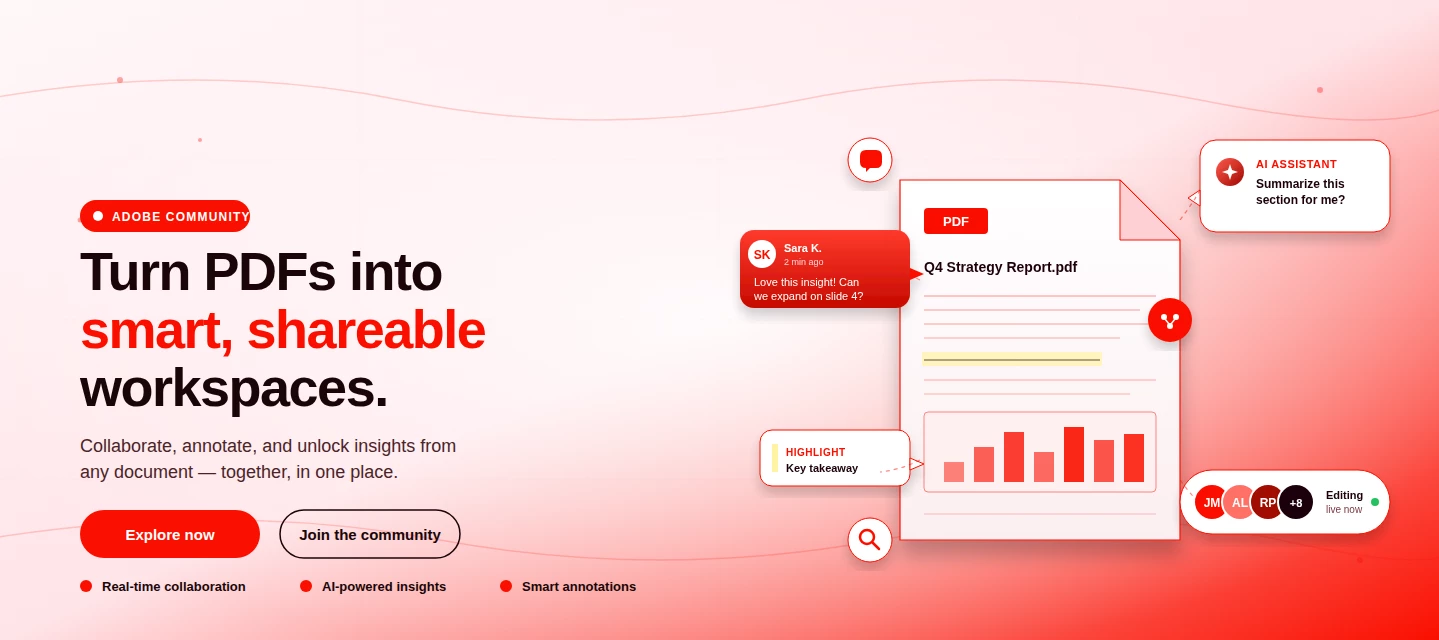
About This Article Read time: ~3 minPublished: May 8, 2026 TL;DR: PDF Spaces in Adobe Acrobat Mobile brings PDFs, photos, webpages, and notes into one AI-powered workspace you can customize and share right from your phone. Add your sources, let AI Assistant summarize and answer questions grounded in your content, then share with role-based permissions.Nobody wants to open multiple PDFs on their phone to find one paragraph. That’s the whole problem PDF Spaces solves. Instead of a folder you scroll past, you get one workspace where AI reads everything for you, and you just ask. This post is part announcement, part open discussion, we want to hear what’s working and what we should improve next. What is PDF Spaces in Acrobat Mobile?PDF Spaces is an AI-powered workspace inside Adobe Acrobat Mobile (Android and iOS) that lets you collect PDFs, scanned documents, photos, webpage links, and text snippets into one place then use AI Assistant to summarize, answer questions, and generate two
The Adobe Fill & Sign app will soon be retired and no longer receive updates or support. We encourage you to migrate to the Acrobat Reader Mobile app to access the Fill & Sign feature for form-filling and signature workflows. Switch to the Acrobat Reader Mobile app The Adobe Fill & Sign app launch now displays a dialog that notifies you about the upcoming change. Select Go to Acrobat Reader to explore the Fill & Sign functionality within the Acrobat Reader app. You may choose Maybe later to continue with the Adobe Fill & Sign app until the app is retired. The Acrobat Reader Mobile app offers a more comprehensive set of features that cater to a broader range of PDF-related tasks. Advanced PDF viewing: The Acrobat Reader app allows you to explore PDFs in advanced modes, locate specific topics within PDFs, and enhance readability through Liquid Mode. Annotation and collaboration: Acrobat Reader Mobile app's annotation features are great for re
AI Assistant is now available on Acrobat Reader mobile! Experience the power of AI Assistant for Acrobat, now accessible on Acrobat Reader mobile and across all devices. Seamlessly integrated into the Reader mobile app, AI Assistant elevates your productivity wherever you are. With AI Assistant on mobile, you can use voice commands to quickly understand your documents. AI Assistant can also create content for emails, study guides, blog posts, and more, all on the go from your phone. Level up your productivity and try AI Assistant for Acrobat on Acrobat Reader mobile or on your favourite Acrobat app today! Resources: AI Assistant for Acrobat User Guide Use Case Video Library For more information and FAQs, visit adobe.com Community Resources: AI Assistant for Acrobat is now available on all devices! Give us your feedback on the new Acrobat GenAI
Adobe Document Cloud storage is migrating to Adobe Cloud storage, which will streamline file storage and increase the efficiency of file operations in Acrobat. The change involves infrastructure optimizations and improvements, unlocking new value in Acrobat, including advanced collaboration workflows, support for deep integrations with third-party collaborative apps, and enterprise-wide adoption of PDF services. Benefits of Adobe Cloud Storage Efficient Storage: Enhances storage efficiency and file-handling capabilities. Seamless Sharing: Facilitates smooth collaboration between users on shared documents and creative assets. Better Performance: Reduces latency in cloud-based operations and workflows involving documents and creative assets. Scalable Infrastructure: Provides better controls and a regional data centre, accelerating enterprise adoption. Unified View: Presents a consistent user experience on shared assets for Adobe Creative Cloud and Acrobat users. Global Presence: Adobe c
Be the first to experience: Become a beta user for Acrobat Mobile Android! Acrobat Mobile always has exciting new features and updates! If you want to be among the first to try out the latest updates, join the Acrobat Mobile Play Store Beta program on Android. As a Beta user: You have exclusive early access to all new Acrobat Mobile features on Android, You determine the future of features on Acrobat with your valuable feedback. Become a Super User by enrolling in the Play Store Beta program for Acrobat on Android by clicking on the link. Alternatively, you can directly Open the Play Store on your Android device > Search for Adobe Acrobat Reader > Click on Adobe Acrobat Reader: Edit PDF and scroll below to click on ‘Join the Beta.’ If you no longer wish to be a part of the Beta, you can leave using the above steps. Your feedback is extremely valuabl
Bug Fix: Opening PDFs from Outlook crashes application or shows an error The issue is occurring with Microsoft Outlook 4.2203.1 version. The fix for this issue is now available with the latest Microsoft Outlook 4.2203.2 version. Please update the Outlook application to the newest version. You may update the application to the latest version (Microsoft Outlook 4.2203.2) from Google Play Store on your respective devices. After updating the application, you may try opening PDFs from Outlook in Adobe Acrobat mobile application. Did you find it helpful? If yes, share your experience with us: Join the conversation here. We are listening! To discover a host of other great features – Go straight to: General device permissions - Device settings | Reimagined reading experience for PDF on mobile devices through Acrobat Reader Mobile App
Bug Fix: Unable to link my OneDrive account on Android The fix for the issue “Unable to link OneDrive account on Android” is now available with the latest Acrobat Reader 21.7.0. The update is available on Google Play Store and Samsung Store. Please update the application to the latest version. You may update the application to the latest version from Google Play Store and Samsung Store on your respective devices. After updating the application, you may link your One Drive account from the application. Did you find it helpful? If yes, share your experience with us: Join the conversation here. We are listening! To discover a host of other great features – Go straight to: New OneDrive connector: Access & work on your OneDrive files in Acrobat Reader iOS | Reimagined reading experience for PDF on mobile devices through Acrobat Reader Mobile App
We have received several reports where some individuals in the community are posing as Adobe Employees. These individuals are falsely representing who they are to gain your trust, and possibly access to your computer or personal information by offering to help troubleshoot issues. Here are 3 easy ways you can identify Adobe Staff: ➊ All Adobe Staff have a RED ADOBE BADGE below their profile picture and an Adobe logo after their username. This staff badge is visible on Adobe Staff profile pages, original posts, and reply threads. ➋ Genuine Adobe emails are always __________@adobe.com ➌ Adobe Staff will never ask you to share your passwords or sensitive information in the Adobe Community. Adobe employees will always direct you to communicate through an official Adobe channel to set up support sessions. Report abuse or suspicious behavior to phishing@adobe.com
Remix with Firefly Community Gallery
Thousands of free creations to fall in love with and remix in Firefly.
Você já é cadastrado? Entrar
Ainda não tem uma conta? Crie uma conta
Enter your E-mail address. We'll send you an e-mail with instructions to reset your password.












 AdChoices