Get Acrobat Reader Mobile answers, news, tips. Join us!
Recente
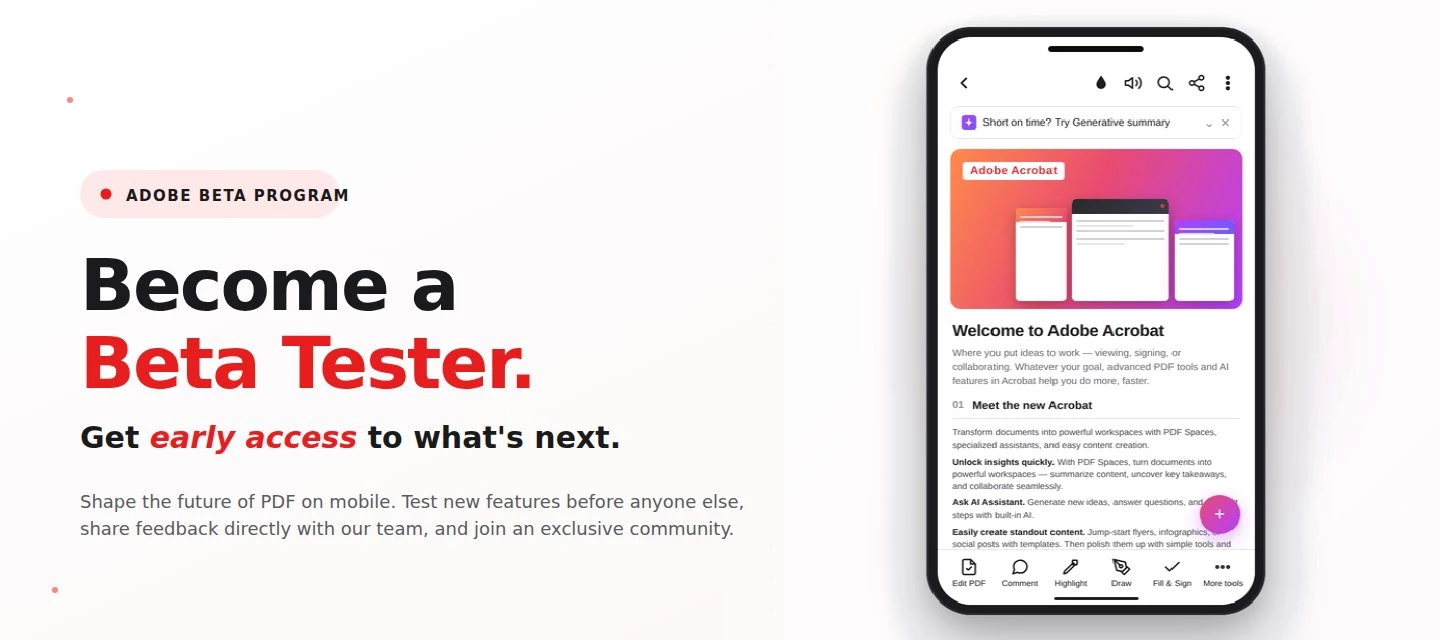
About this articleRead time: 3 min.Published: May 21, 2026 Author: Amal Jaiswal – Community Manager TL;DRThe Adobe Acrobat Reader Android beta program gives Android users free, early access to new Adobe Acrobat Reader features via Google Play. Enrolment takes one tap, it's reversible anytime, and your in-app feedback routes directly to the Adobe Acrobat Reader product team.Adobe Acrobat Reader beta access is an opt-in Google Play testing track for the app on Android that lets everyday users try new features before public release. If you sign PDFs on the bus, scan receipts at lunch, and mark up docs at midnight, this is your backstage pass. What is the Adobe Acrobat Reader beta program?The Adobe Acrobat Reader beta program is the side door into the app on Android, a free testing track on the Google Play Store where the features land before they hit everyone else's phone. Beta testers get pre-release builds straight from the team, a dedicated in-app feedback form wired straight to the p
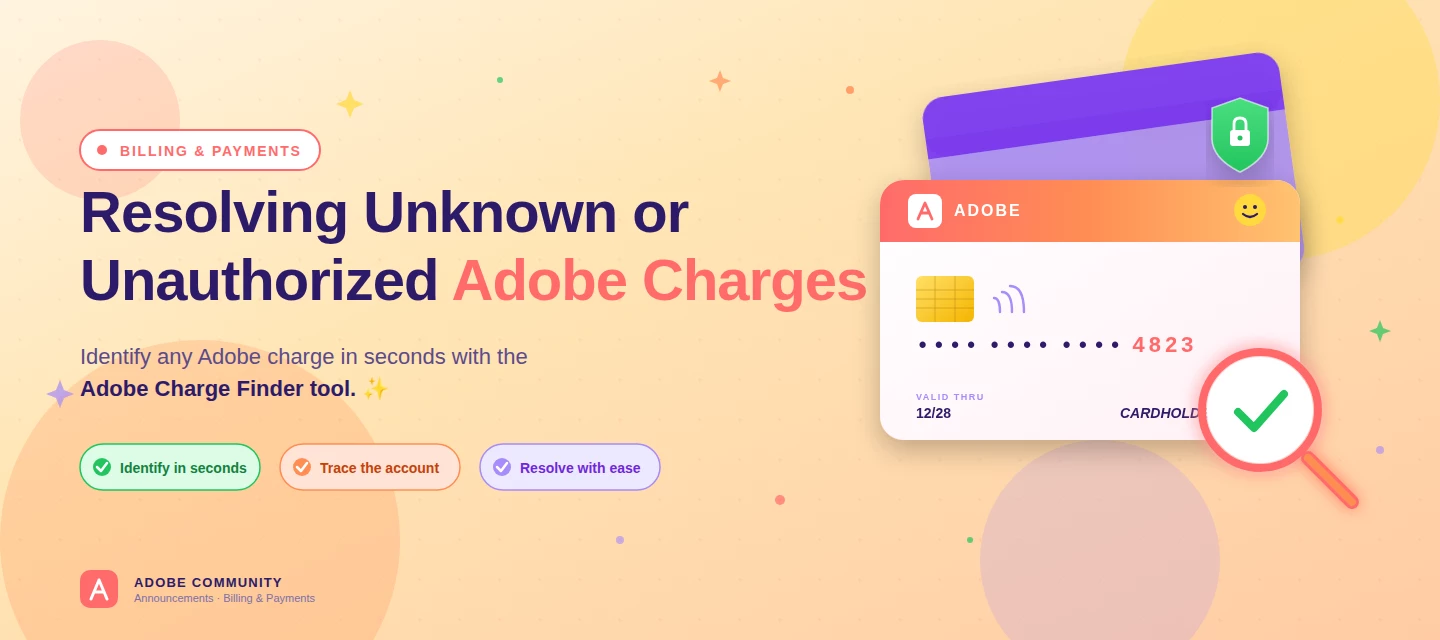
About this articleRead time: ~3 min Published: May 18, 2026 TL;DR: See an unfamiliar Adobe charge on your statement? Use the Adobe Charge Finder tool to identify it , enter your card and transaction details exactly as they appear on your statement, and it'll show the linked Adobe account, subscription type, and date.Spotted an unfamiliar charge from Adobe on your bank or credit card statement? You’re not alone, and in most cases, the charge can be traced and resolved within minutes. Use the Adobe Charge Finder tool to identify the transaction, locate the associated Adobe account, and take the right next step. We know how unsettling it feels to see a charge you don’t recognize. That’s why Adobe has streamlined the process of identifying unknown charges, so you can quickly confirm whether the transaction came from Adobe, trace it to the right account, and resolve it without the back-and-forth. With the Adobe Charge Finder tool, you can look up any Adobe charge using the transaction ID fr
About this articleRead time: ~3 min Published: May 8, 2026 TL;DR: Podcasts in Adobe Acrobat mobile turns the documents inside a PDF Space into AI-generated audio you can listen to on the go. Pick Highlights for a quick summary or Deep dive for a longer walkthrough then edit the transcript so it sounds exactly how you want. Reading a 40-page spec. or listening to it like a podcast while you walk to your next meeting? That’s the move. Acrobat on mobile now lets you turn the contents of a PDF Space into a custom AI-generated podcast built around the focus you define, for the audience you choose, on iOS and Android.We would love to hear what’s working, what’s weird, and what you wish it did next. Drop your thoughts in the reply, we are listening. What is “Podcasts” in PDF Spaces?Podcasts in PDF Spaces is an AI Assistant feature in Adobe Acrobat on mobile that converts the documents grouped inside a PDF Space into a listenable, audio-first version of that content. Each podcast is generated
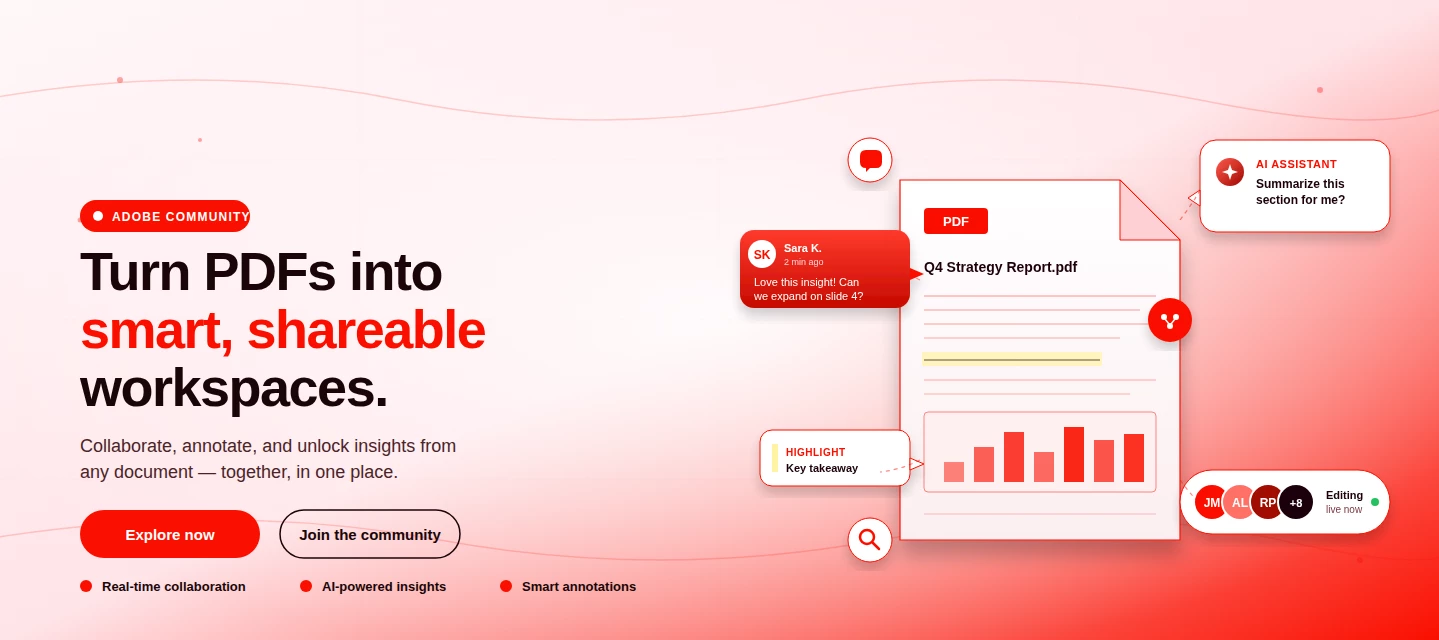
About This Article Read time: ~3 minPublished: May 8, 2026 TL;DR: PDF Spaces in Adobe Acrobat Mobile brings PDFs, photos, webpages, and notes into one AI-powered workspace you can customize and share right from your phone. Add your sources, let AI Assistant summarize and answer questions grounded in your content, then share with role-based permissions.Nobody wants to open multiple PDFs on their phone to find one paragraph. That’s the whole problem PDF Spaces solves. Instead of a folder you scroll past, you get one workspace where AI reads everything for you, and you just ask. This post is part announcement, part open discussion, we want to hear what’s working and what we should improve next. What is PDF Spaces in Acrobat Mobile?PDF Spaces is an AI-powered workspace inside Adobe Acrobat Mobile (Android and iOS) that lets you collect PDFs, scanned documents, photos, webpage links, and text snippets into one place then use AI Assistant to summarize, answer questions, and generate two
We truly appreciate the time you've spent with Acrobat Mobile or Scan. While we’re sad to see you go, our priority is to make cancellation simple, transparent, and respectful of your time. Before you proceed, here’s what you need to know about refunds:If you cancel within 14 days of your original purchase, you’ll get a full refund. If you cancel after 14 days, your subscription will remain active until the end of the current billing period, but no refund will be given. For full details, please review our Subscription Terms & Cancellation Policy. Here’s how to cancel based on your subscription type:On Android: Use our automated cancellation form to submit your request. It only takes a few moments. On iOS (iPhone or iPad): To cancel your subscription, follow the instructions outlined in the help article. On Desktop (Acrobat Pro): You can cancel anytime through your Adobe Account by following the steps in this guide. Wondering about your account, payment, or plan? Ask away right he
Ich habe meine Datei in Adobe gelöscht, und leider wurde sie auch aus dem Speicher meines Handys gelöscht.Kann ich sie jetzt wiederherstellen?
I just paid for my annual subscription, but I still appear as a free-tier user. What should I do?
En junio del 2026 pagué 69.99 por la suscripción de un año y siempre me pone problema para usar la aplicación. Ya me lo han descontado 2 veces y aún así no funciona, dice en la aplicación que tome la prueba gratis pero por qué si ya pagué ? Otras veces dice que está paga la suscripción pero muestra un error. Necesito el reintegro del dinero
Hi, I opted for 7 days free trial subscription and was directed to pay 349 rs. for auto repayment. I wanted to explore the trial version. I humbly request to refund the payment. I cancelled my subscription immediately.
Why its easy to subscribed with any adobe services and very diffucult to unsubscribed, can any body help me to unsubscribed to pro and AI services, when i reached out cancel plan the page not appear at all and make continous loading without appearthis is continous problem , so iam subscribed with monthly plan so its logic when i wanna unsubscribed i can do it easily , i tried different browsers different time private page mobile or web but i cant and if i wanna to add services its so easy
Objet : Formulaires PDF interactifs — absence de synchronisation inter-pages et de JavaScript dans Acrobat Reader pour iPad Bonjour,Nous concevons des formulaires PDF interactifs professionnels (questionnaires de diagnostic) destinés à être remplis au stylet sur iPad, dans Adobe Acrobat Reader.Nous rencontrons une limitation bloquante, spécifique à Acrobat Reader sur iPadOS. Trois mécanismes standard du format PDF, qui fonctionnent parfaitement sur Acrobat pour Mac/Windows et sur le lecteur natif d'Apple (Aperçu / PDFKit), ne sont pas pris en charge sur Acrobat Reader iPad :Champs de formulaire partagés (plusieurs widgets portant le même nom de champ) : lorsqu'une case est cochée sur une page, le widget correspondant situé sur une autre page n'est pas réactualisé. La valeur du champ est pourtant bien enregistrée ; seul l'affichage du widget d'une autre page reste figé. JavaScript de formulaire : les scripts de calcul, les actions de champ (MouseUp), et les scripts d'ouverture de docume
The scanner feature on my app to create new scans no longer works
I am writing to formally dispute and request a full refund for a charge that was deducted from my account after I had already cancelled my subscription via the Adobe application.Despite the successful cancellation, the amount was automatically withdrawn without my authorization, consent, or prior notification. I did not approve this transaction, and therefore consider it an unauthorized charge.Please note that continuing to bill a customer after subscription cancellation constitutes improper billing. As no valid authorization existed at the time of the charge, I am requesting a full and immediate refund of the amount deducted. I expect written confirmation once the refund has been processed. Please let me know if you require any additional information from my side.Sincerely,Ahmed Adel
I have lost all my Adobe pdf files in my mobile phone, can I recover it?
Hello all,Does anyone know how to verify digital signatures in pdf document on android mobile? I am opening the file in Acrobat reader mobile app.Is there any way to do it without using laptop?
When combining files it takes much to long to combine it’s almost been 24 hours. I have off loaded the app, made sure it’s updated, deleted files and ensured I had space, and closed the app on my IPhone. However it still will not complete the combination. What else should I do? Why is this occurring?
I just started the free trial by setting Autopay with free trial, I refreshed the page but now I am not able to find any subscription account even if have logged in with same email, it says to start free trial again but I have already started and the auto pay is also updated now not able to cancel or use the account
I was using the free trial for one day and I forgot to cancel before being charged. I tried canceling my subscription today 7/24/26 which is the day I got charged. It says canceled but plan renewals on 7/24/27. I do not want to continue the plan and would like to cancel and receive a refund. Please advise. Thank you
لا يمكنني الغاء الاشتراك اريد الالغاء الفوري للاشتراك وسحب بطاقتي لعدم وجود ما احتاجه في البرنامج مع العلم انني في ونائيه والغاء اشتراكي في البرنامج الفتره المجانيه ، اريد فقط سحب بطاقتي بصوره فوريه
I cancelled my Adobe acrobat subscription last July 1, 2026 and was approved for refund. And it’s been 16 days but I I still didn’t receive my refund on the Gcash account that I used.Case Number: ADB-45980283-L5K3
I was going to fill a form out so i signed up for year free trail should start straight away. Money taken out of my account 20 cent afzer i give my approval. But i still cant fill in my files. Keep saying have to signe up
I started the free trial for Adobe on my phone today. It was the yearly subscription which came with a 2 week free trial. Why am I being charged for the year 2 weeks before im suppose to
Why was my bank charged when I don't have an account set up for subscription
my issue started with the case number above, which seemed to be an activation issue. The tool, “Request e–signatures” was no longer available to me and I had noticed that under my account when I click my icon in the upper right hand corner, it stated that I was a free user. I have paid a subscription to Acrobat Pro for many many years. The above case was a result of my phone call and waiting hours on the phone and finally speaking with someone that was unable to resolve the issue. Then I get that email above. Tell me the case was closed without resolution.After my own troubleshooting, I discovered that the price of the Acrobat Pro plan went up from $15.99 per month to $19.99 a month. So I upgraded my plan and I had to do that process on both, my iPhone and my iPad. After doing that, they told, “Request e-signatures” Became an option on my iPad; however, it still does not show on the iPhone. I do run beta software on the iPad and I run non-beta software with the latest version on my iPh
Muy buen día, he cancelado la suscripción Premiun al 7mo día del uso gratis, pero no he recibido el reembolso del pago. Me gustaría tener información de que debo hacer y cuando tendré mi dinero de vuelta
Remix with Firefly Community Gallery
Thousands of free creations to fall in love with and remix in Firefly.
Você já é cadastrado? Entrar
Ainda não tem uma conta? Crie uma conta
Enter your E-mail address. We'll send you an e-mail with instructions to reset your password.









 AdChoices