
Participant
August 4, 2021

P: Color Distortion When Opening Images saved from Facebook in Photoshop 26.5

  • August 4, 2021
  • 75 replies
  • 28211 views

After updating to the latest version of Photoshop, we encountered an issue where images saved from Facebook from the previous year display color distortions when opened in the program. However, images saved recently from Facebook open without any issues and display correctly.
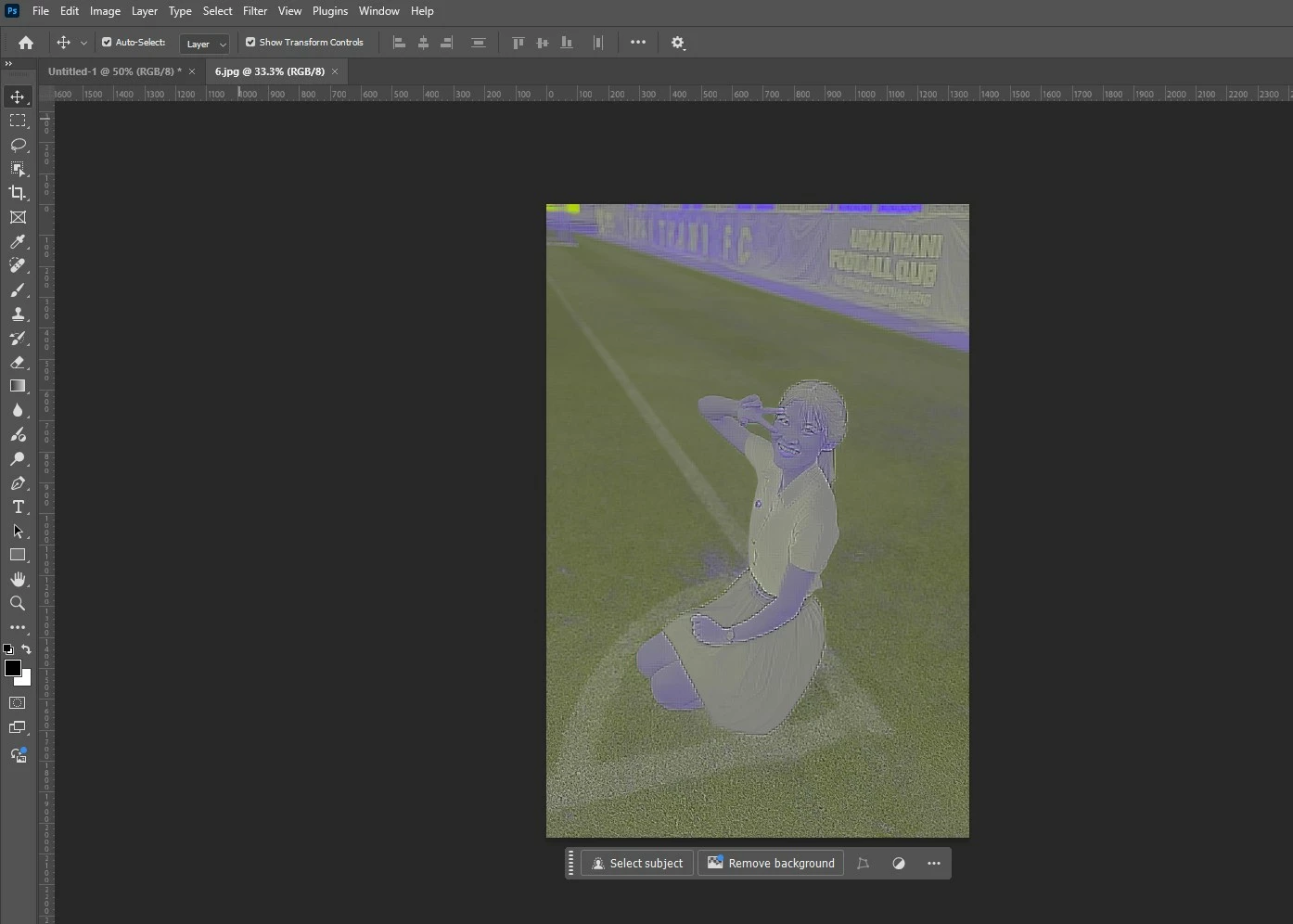
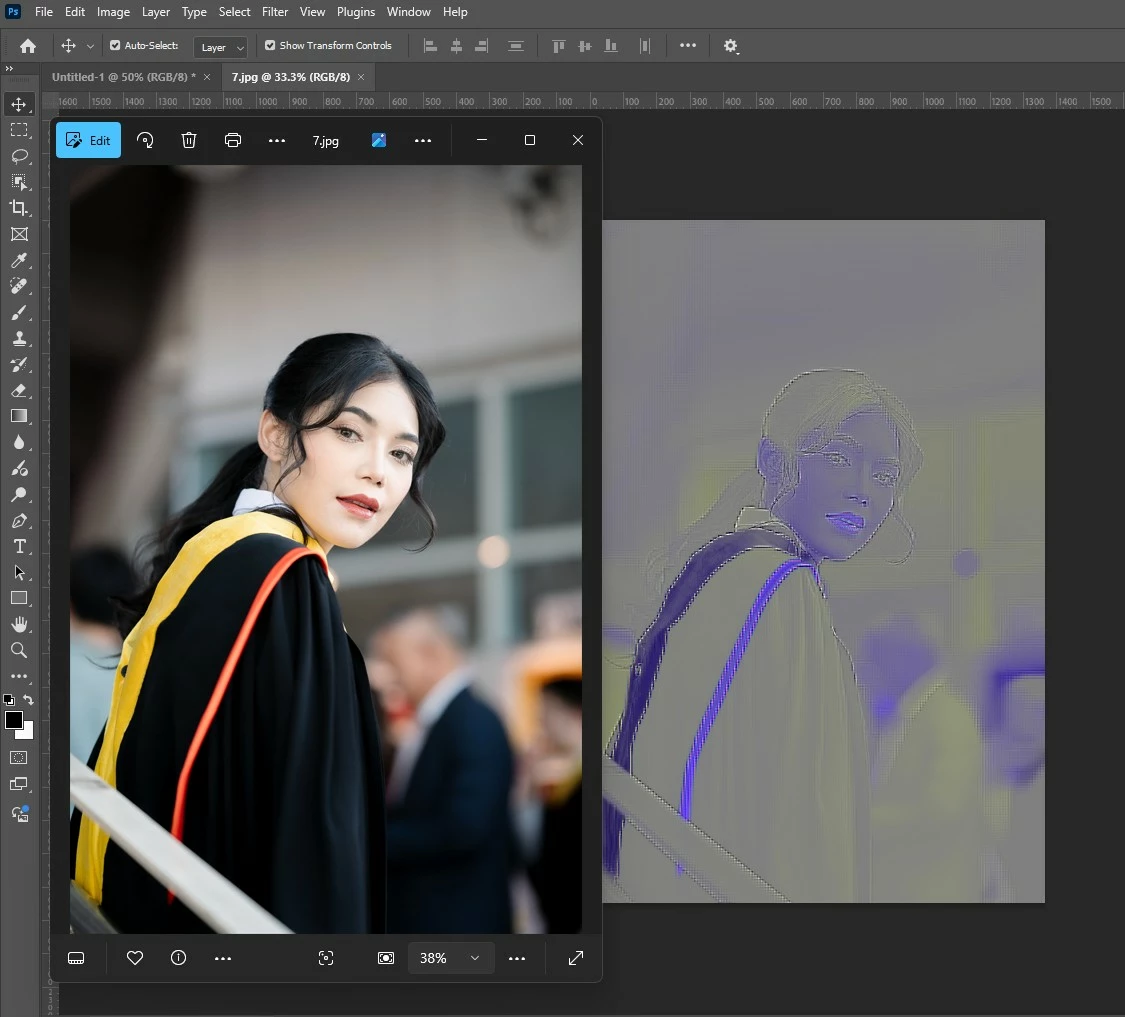


75 replies

Participant
August 13, 2025

My images are looking a blue print

Known Participant
August 11, 2025

Strange issue. I can confirm I see the same color and artifacts problem opening the Awkwafina image in PS 26.9 and 25.12.4. Opens showing the uRGB profile. I checked the profile in EXIFTool. Normal enough, D65 white point, 2.2 gamma, sRGB colorants. I don't think that is the problem. Image opens normally in other applications. Opening and saving as TIFF then opening TIFF in PS displays normally. I'm curious to learn what is causing this to happen in PS with the JPG..

Gixxxa75
Inspiring
August 1, 2025

Its always worth trying opening the file in microsoft paint and saving as tiff from there if on a PC. Thats my default go to if anything wont open in photoshop. I thought this was some sort of new copyright protection when this happened to me a couple of weeks a go, not just another photoshop bug !.

Stephen Marsh
Community Expert
Community Expert
July 29, 2025

@kathyv48620894 


JPEG requires a flattened image with no floating layers, no alpha channels and 8 BPC mode.


Ensure that the opened PNG meets these criteria and/or set Legacy Save As in your Preferences/File Handling settings. Or use Save a Copy, Export As or Save for Web.

Participant
July 29, 2025

I uploaded the images to an online file converter and converted them to PNG files. Interesting that when I open the converted PNG files I can't save them as JPGs from Photoshop. That file type is not an option.

Participant
July 28, 2025

I'm having the same problem and also downloading from Facebook.

Participant
July 28, 2025

I probably don't fit in with all the others who have posted about this problem because I'm not a professional, I'm on an old Windows 10 computer and I'm using CS5. This same thing just happened to me recently with only some graphics out of many that I get from the same  person who uploads free images on Facebook daily and has done so for years. The images all work in other software. 
Does this make it even more confusing?

Participant
July 27, 2025

i open with windows photos click edit, click mark, up overwrite the file, bring it into photoshop 

rickyj89135955
Known Participant
July 26, 2025

I never had this problem before but when I open this picture in Photoshop its corrupted but when I open it in picture viewer on my computer it loads fine.  I redownloaded it and I still have the same problem.  Photoshop has been updated with the latest update.


Participant
July 26, 2025

Could you send me the file to test whats going on?

Participant
July 26, 2025

I have an image that i am trying to touch up and crop in Photoshop. I have attached that image below. I have also attached a copy of what it looks like right after I import it into Photoshop without any modifications. Any help to fix this is appreciated.

Legend
July 26, 2025

Your file has minor data structure corruption. Here is the converted version
