










Community specific content related to using products and features
Recently active
I’m having an issue with the Auto Caption feature. When I upload a video and start generating captions, the process gets stuck at “Analyzing” at 17% and doesn’t progress any further, even after waiting for a long time.I’ve tried restarting the app and retrying, but the issue still occurs. Please look into this and let me know how I can fix it.
Error message when trying to “Add row” to a table in Adobe ExpressThis happens both when right clicking on the table and using the pop up menu to add a row or when clicking “Add row” in the edit menu at the top of the page.
We have the option to apply brand colours: great :)Coming from Adobe PDF Spaces.There is an option in Adobe Spaces to create a slide deck. After the slide deck is created, I can choose to edit the slide deck. I often have to change the colours for the client to match their branding.It would be great if we can select all the pages and apply the brand colours to the entire slide deck.CheersNate
When Adobe Express is doing translation, it must put the translation in the front NOT in the back.It took a long time for me to find the translation because of this behavior.
When trying to edit my badge from Fantasy Premier League there is no option to enter an AI prompt. There are only choices of badges for selection which when selected do not open up an AI prompt option either. The ‘edit my badge’ option is there foe more of a ‘trash my badge and select a new one’ as a template for editing.
This is what my browser console looks like.I even cleared LocalStorage and refreshed the page, and this is the result. Because LocalStorage is overfull for the page, the top menu bar refuses to load.
I recently edit a poster work, so after finishing it I couldn't download it, when start to download it, it gets loaded to 90% and stops, but at the same time I can download my edits except my recent edit
Whenever I perform a Share of an image to social media (iPad) the screen is now 1/3 the size. Any idea why? It’s difficult to enter options.
Hi everyone,I've been exploring Adobe Express recently and I'm interested in learning how others use its AI features to speed up content creation.Which AI-powered tools have made the biggest difference in your workflow? For example, features like image generation, background removal, text effects, or quick design suggestions.I'd also appreciate any tips for beginners on creating social media graphics, blog images, or simple marketing materials more efficiently.Looking forward to hearing about your experiences and recommendations. Thanks!
Ya que puedes animar elementos, pero se queda solo en eso, en animar en el mismo sitio, sería atractivo poder hacer una animación de un sticker por ejemplo siguiendo una ruta que tu le marques con una línea con un inicio, un final y una velocidad, luego esa linea no se vería al exportar y podríamos tener unas animaciones más creativas
Hello everyone,I recently started using Adobe Express, and it has quickly become one of my favorite tools for creating visual content. The platform is simple to use, yet it offers many features that help create professional-looking designs in just a few minutes.One of the things I enjoy most is the large collection of ready-made templates. Whether I need a social media post, flyer, presentation, poster, or YouTube thumbnail, I can usually find a template that fits my project. The drag-and-drop editor also makes it easy to customize colors, fonts, icons, and images without needing advanced design experience.Another feature I appreciate is the ability to work on projects from different devices. It makes it convenient to start a design on one device and continue editing later. This flexibility is especially useful when working on multiple projects.I'm still exploring all of the available features, and I'm sure there are many useful tips I haven't discovered yet.I'd love to hear from other
Hey everyone! I'm sharing my video here, challenging entrepreneurs in Brazil to take advantage of the current football frenzy and how Adobe Express can help you capitalize on it!https://www.instagram.com/reel/DZs8c3SvsAg/?utm_source=ig_web_copy_link&igsh=MzRlODBiNWFlZA==Your help in improving future content is welcome!
As Safe zones on Adobe Express are now available for limited social media templates, It would be great if this list gets extended.Available safe zonesFor example, the YouTube channel banner is a tricky one because YouTube shows only its middle horizontal part on most devices (except TV), and new users don’t always know why the banner template has a larger height.YouTube channel banner safe zonesYouTube also puts a dark time stamp above video thumbnails on the channel page so the safe zone for the correspodning template shoud not include right lower corner.And so on. It would be great if this super-useful feature were available for all social media templates where visual issues can appear.
I'm generating a video with Google Veo 3.1/3.1 Fast. After clicking Generate, I get: "The reference image doesn't meet our User Guidelines." However, the image was generated by Nano Banana Pro. Why is it being rejected?
Hi Adobe Express team,We are an agency using Adobe Express regularly for client presentations, workshops, and internal training materials. Overall, we are happy with the tool and appreciate how easy it is to create visually strong presentations.However, the current 99-page limit for Adobe Express presentations is a major limitation for professional use cases.In our workflow, we often create longer client presentations that need to be shown live in fullscreen mode. Splitting the presentation into multiple Adobe Express files is not a practical solution, because it forces the presenter to leave fullscreen mode, open a second file, and restart the presentation. This creates an interruption in front of the client and breaks the flow of the presentation.Exporting to PDF can work for static presentations, but it is not a real solution for presentations with animated content, videos, transitions, or other motion-based elements. Exporting to PowerPoint is also limited, because animations, vide
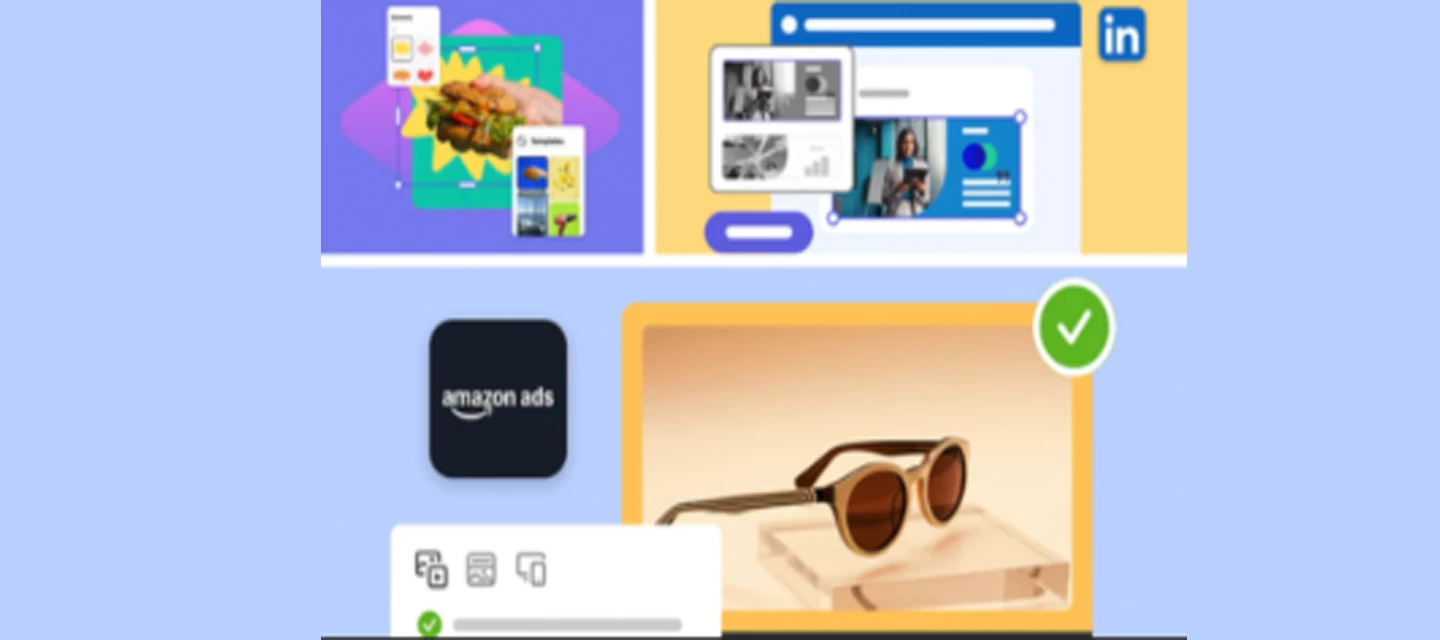
Adobe Express: Latest Fixes & enhancements We're pleased to announce the recent updates to Adobe Express. Your feedback matters, and we've been listening. We understand the concerns highlighted in your reviews, and we will continue to work towards improving your experience.SVG Imports SVG ImportImport, edit, and export SVG files directly in Adobe Express, making it easier to create scalable, on-brand assets. Customize colors and layouts, and export in multiple formats for crisp, consistent designs across all channels. Express for Ads Create and share TikTok, Amazon, LinkedIn, and Google ads directly from Adobe Express. Stay creative, consistent, and campaign-ready—all in one platform. One-Click Brand Set-Up Adobe Express can now analyze your images to create a cohesive brand kit, complete with colors, logos, and type styles. Video Layers Create professional-quality videos from scratch. Upload media, add music, customize layers, and refine every scene using the intuitive time
Remix with Firefly Community Gallery
Thousands of free creations to fall in love with and remix in Firefly.
Already have an account? Login
No account yet? Create an account
Enter your E-mail address. We'll send you an e-mail with instructions to reset your password.