Participant
May 6, 2026
Answered

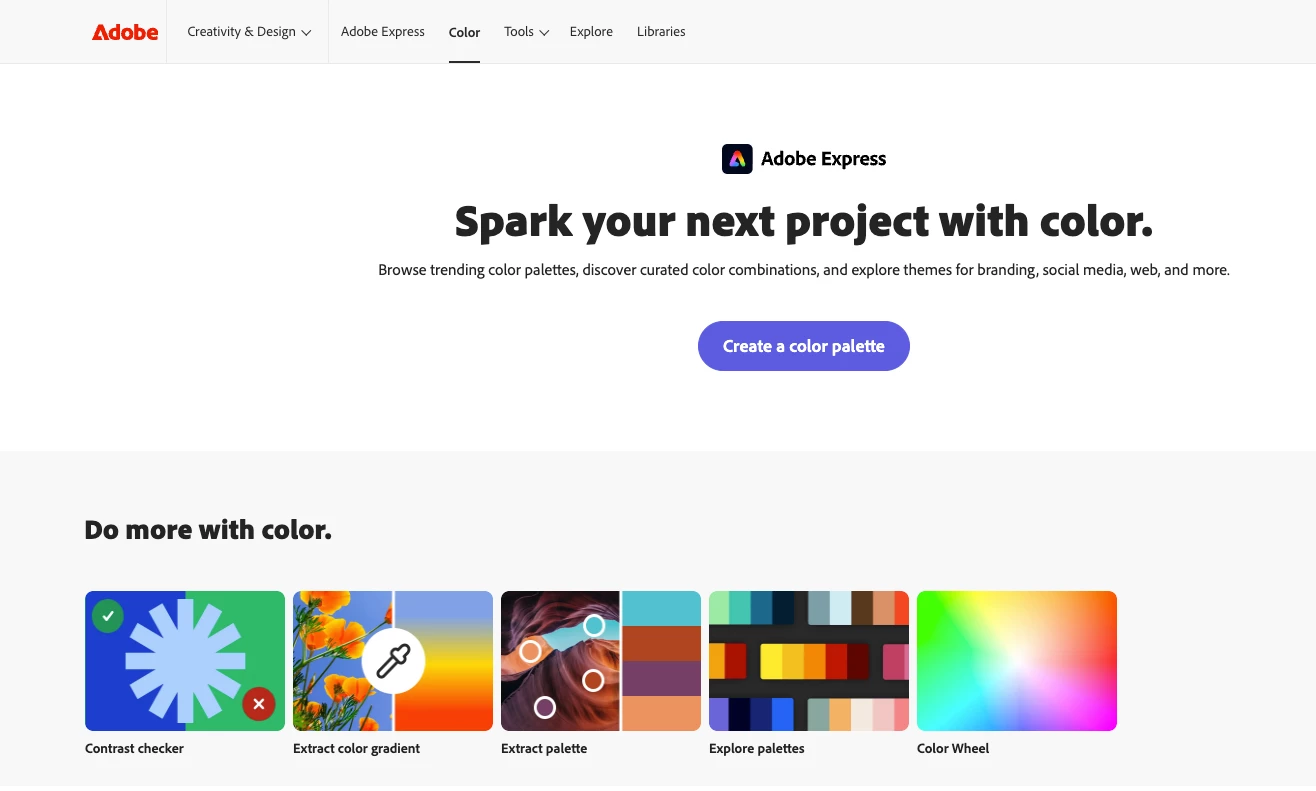
When I go to the https://color.adobe.com/ site it doesnt show up as usual and I cant access My Library, there are options to create but not options to see all the color palettes I've created

  • May 6, 2026
  • 5 replies
  • 84 views

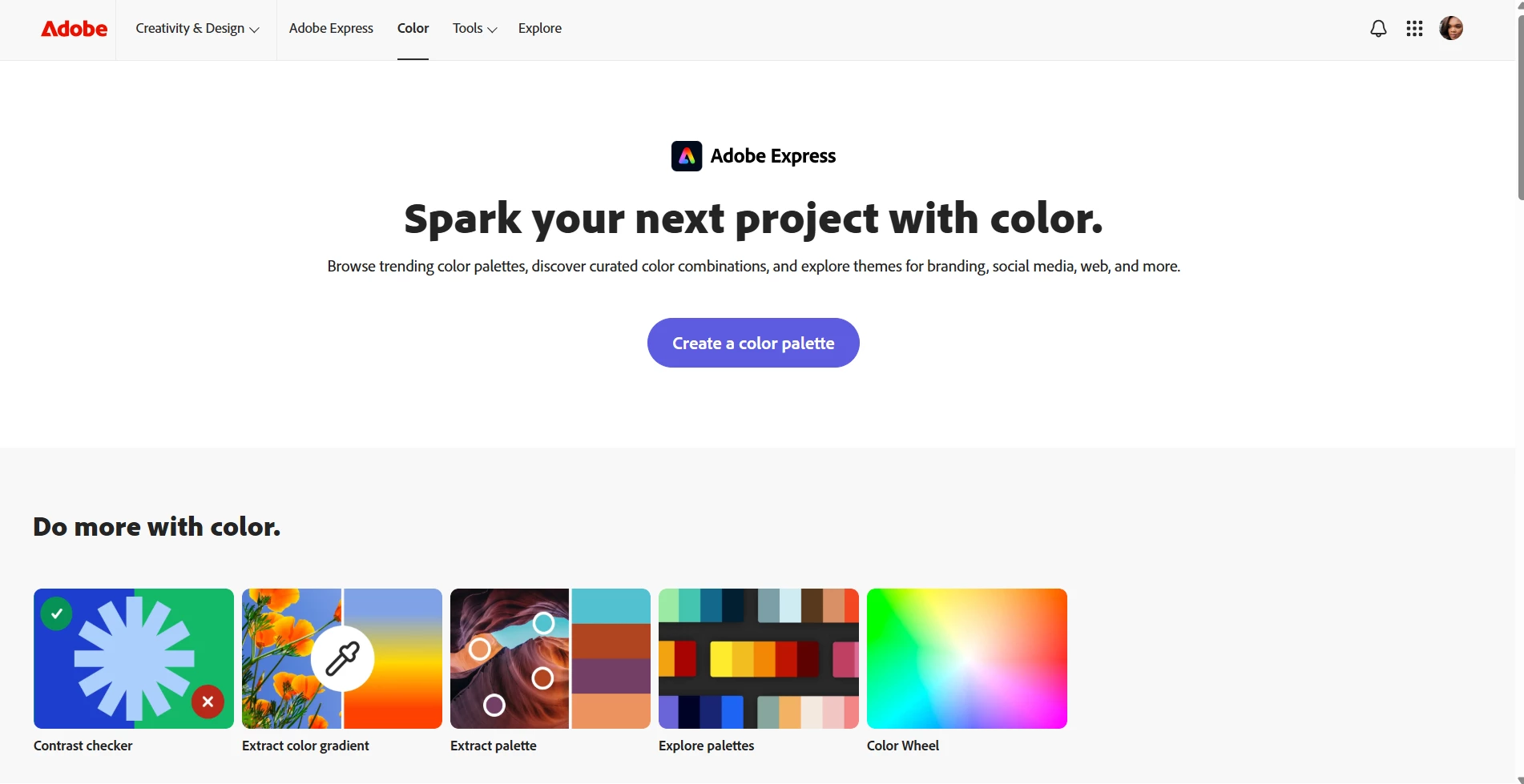
Given that this is the new Adobe color site where are the My lIbraries and My Themes? please help thanks


Current Adobe site 
Adobe.color.com

Previous Adobe color site 


Correct answer Oh.N8

Hey ​@Mercedes5E69 
Homepage as you know.
As an example Press Create Colour Palette. This applies to tools and explore options as well. :)

At the bottom press the tag: Colour Libraries


Cheers

Nate

5 replies

atom_bro
Participant
May 7, 2026

I also couldn’t find my saved color themes and found this thread. At first it looks like just an image of the palette, but luckily the hex and RGB values are in the info pane on the right. No easy “click to copy” anymore and it also looks like you can’t take it back to Color and play around with the swatches or check it’s contrast. Way to go Adobe, so glad you’re taking away features and usability. What else would my subscription dollars be going towards?

“i” icon on the upper right contains hex and RGB values for manual copying


DavidMatos
Inspiring
May 7, 2026

So now we cannot easily access or own colour themes and respective codes (to quickly copy/paste) because Adobe thought —once again— that it was a good idea to push for features that nobody asked for (AI and Express shovelled down your throat). It’s indecent. And it’s productivity damaging. Again.

Oh.N8Community ExpertCorrect answer
May 7, 2026

Hey ​@Mercedes5E69 
Homepage as you know.
As an example Press Create Colour Palette. This applies to tools and explore options as well. :)

At the bottom press the tag: Colour Libraries


Cheers

Nate

Participant
May 8, 2026

Where do I view all of the color palettes I’ve created?

Participant
May 6, 2026

The color palette has totally changed and IMO I prefer the old one 1000x better...But besides the link someone else posted, I was also  able to find them in the creative cloud app in the files folder..from my desktop app..

Abhinav2549556574gz
Participant
May 6, 2026

You can always find library here- https://www.adobe.com/files/libraries