


Participant
September 3, 2018
質問

My file has a lot of blank space "outside" the artboard that I can't get rid of?

  • September 3, 2018
  • 返信数 1.
  • 1024 ビュー

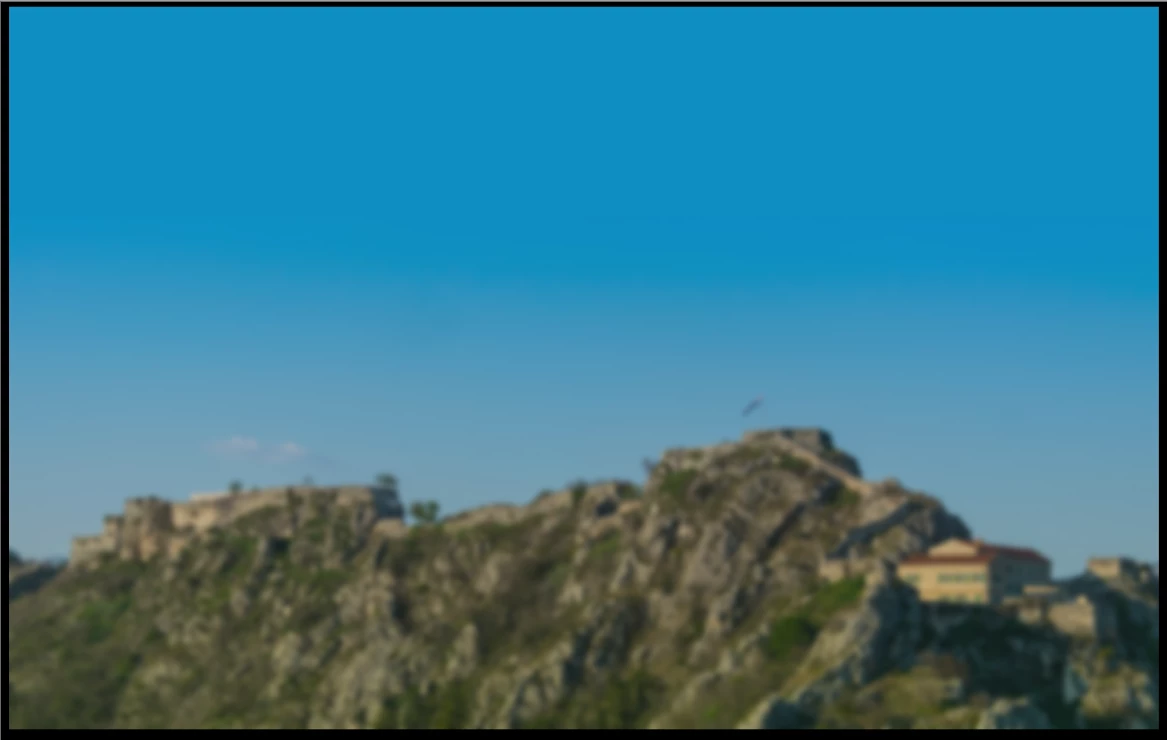
So, I made background picture for tablet application in Adobe XD, 1200x800. When I run it in adobe xd it all looks great, but when I exported it, it has a blank space on left, right, top and bottom of my background picture. And I got no idea how to get rid of it. On this screenshot blank space is in black color (IrfanView)
    このトピックへの返信は締め切られました。

    返信数 1

    Preran
    Legend
    September 4, 2018

    Does the size of the background match the dimensions of the artboard? I tried reproducing your issue but couldn't. Can you provide me with the exact steps to do that?

    nano5285作成者
    Participant
    September 4, 2018

    So artboard dimensions are 1280 x 800, so is my background. So my background consists a picture (DSC_1022) that is not up to the whole high of a page, to be exact W1280, H566, x0, y234, and artboard background is blue color (#009FE0). For the finish, there is a blurred transparent square above it all (W1280, H800,  x0, y0). Artboard dimension and coordinate are W1280, H800, x-2652, y-1586. It's just when I export it has blank space as you can see.