
AIR iOS BUG: landscape only app, lock phone, set to portrait, unlock phone, app stays in landscape but visible viewport is portrait (black band on the right)
ios 10.3.3, iphone 5, AIR 28.0.0125
But also happens on some other devices.
Problem Description:
App setup to run only in landscape, when phone locked and unlocked, reopens in landscape but with stage sized for portrait (width < height)
Steps to Reproduce:
- Application is in landscape only, and can be rotated.
- Launch application (it stays in landscape, even if rotated it flips but in landscape)
- Lock phone
- Rotate phone to portrait
- Unlock phone
Actual Result:
App stays in landscape, but stage dimensions are portrait
You can see it on this video: www.pippoapps.com/_downloads/iphone_rotation_bug.mov
Expected Result:
Stage size remains landscape with width > height.
Any Workarounds:
none (other than shrink the whole app to occupy only visible portion)
This is in portrait mode:
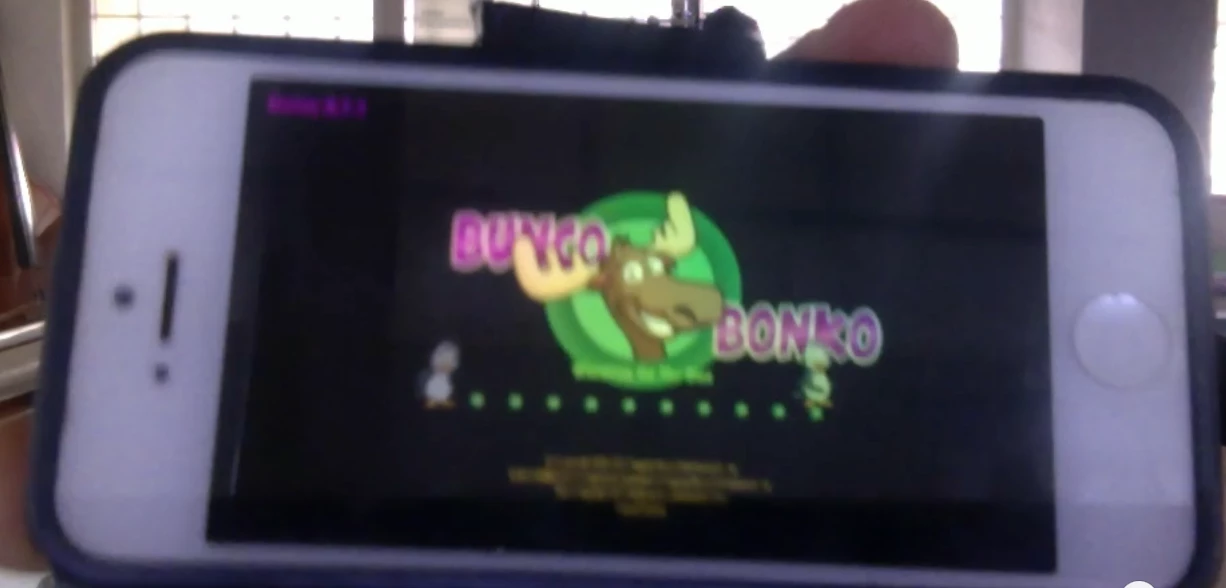
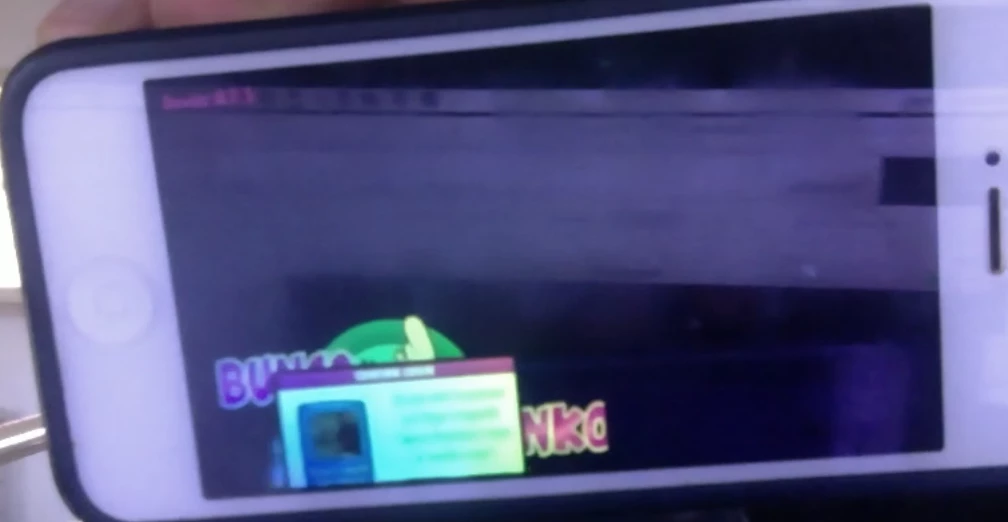
This is the result. App thinks it's in portrait mode, and available viewport is in portrait mode (black band on the right, content going off screen on the bottom).
I have already opened a bug, please vote it: Tracker


 AdChoices