
Answered
Lightroom & Photoshop color doesn't match | same Color Workspace
Hi there,
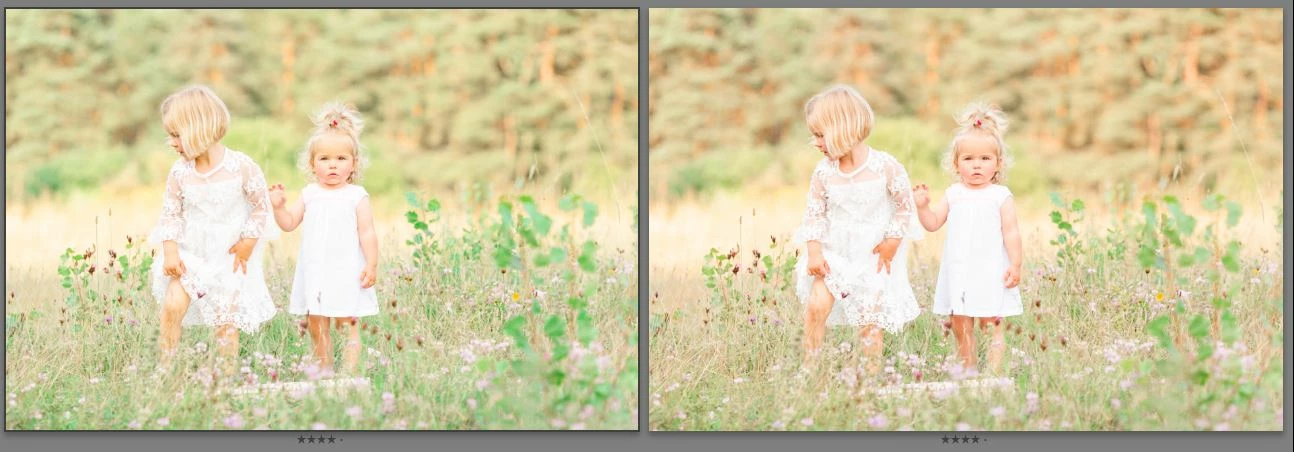
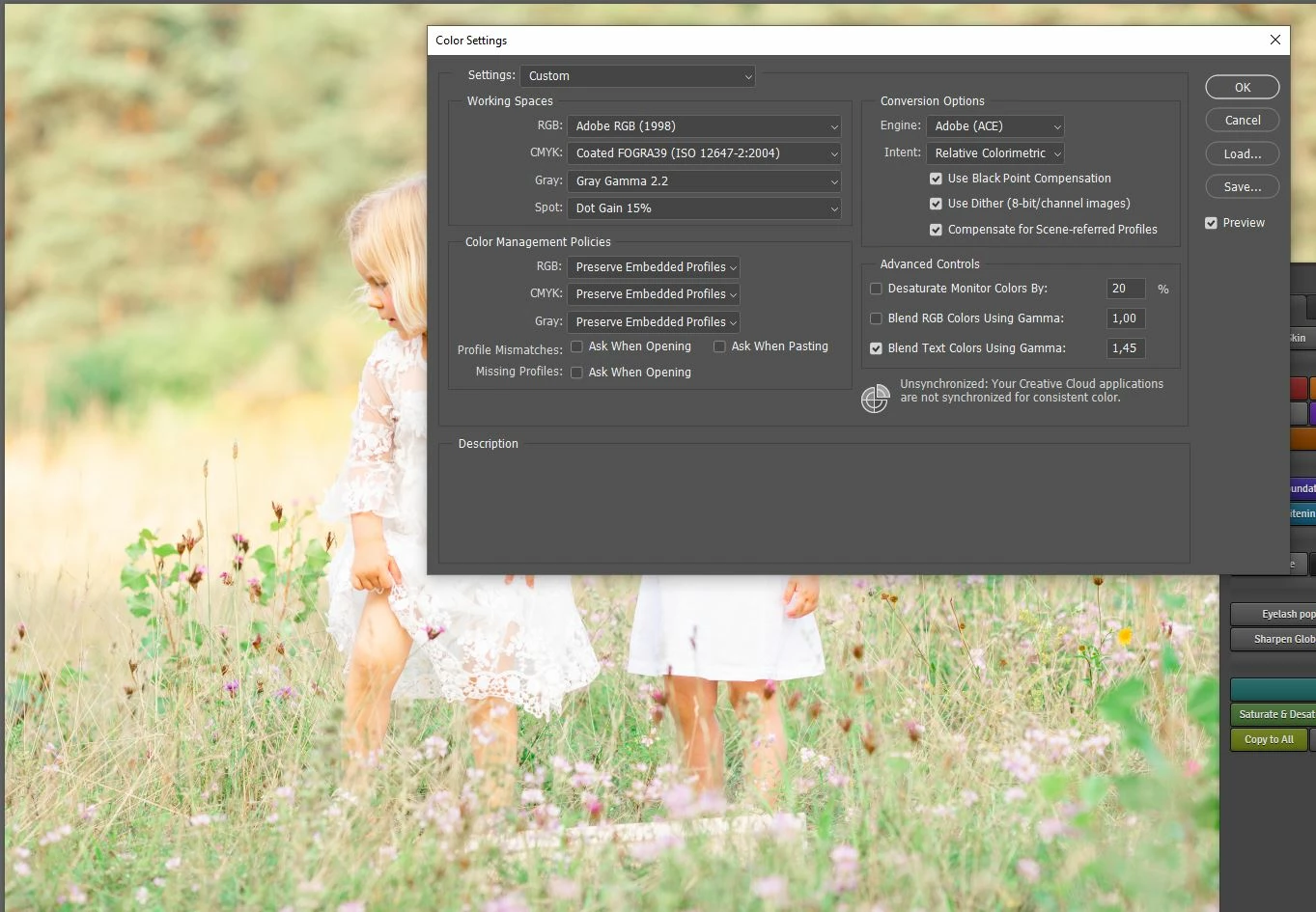
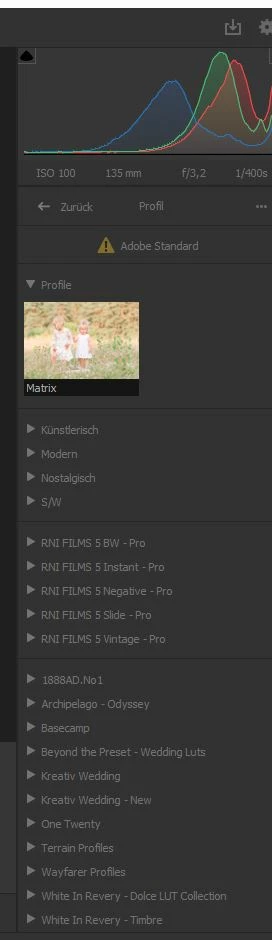
my colors of Lightroom and Photoshop doesn't match. I'm working on both in Adobe RGB and no Color Profiles (Adobe color).
Open file in LR "Edit in PS" and save in Photoshop - the colors have changed dramatically.
Win 10 / x86
LR classic version: 10.3
PS version: 22.4.2 20210602.r.242 a4f6042 x64
ACR version: 13.3.0.807
I also add in the Color Management the monitor profile " sRGB IEC61966-2.1 " with "Use my settings" checked and setted it to default (for both monitors). I also added a virtual sRGB version.
But the problem is still there (of course after a newstart every time I changed something).
And ideas? Would be so great, if you could help me!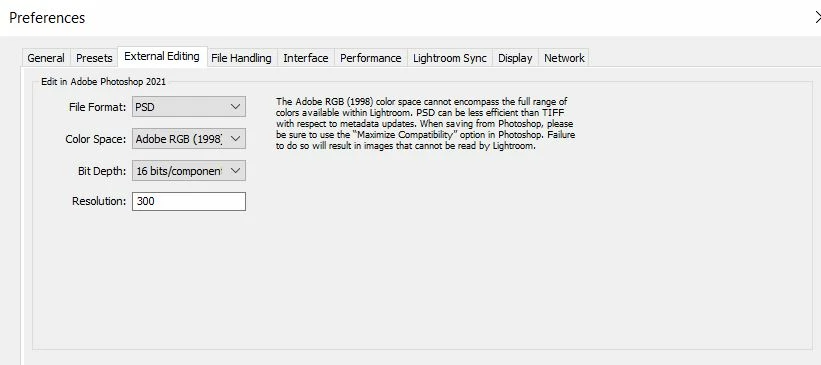


 AdChoices