


Every Attempt to Export a video from Premier Pro or Media Encoder ends in CRASH
I have been attempting to export a completed video for nearly 6 days now from Premiere Pro. It is an hour long video, only contains basic editing. But no matter what I do, every time I try to export the video, the program crashes. Whether I use Premier Pro or Media Encoder to export, I get the Exact Same result. I'm attaching a screenshot of what comes up everytime it happens, no matter which program I use.
And no, it does not crash at the same place in the video. I've seen it crash as early as 9% all the way up to around 80-90% and everywhere in between. It never crashes in the same place twice.
Yes, I have restarted the computer multiple times, etc etc.
Yes, I have All Adobe Programs up to date.
Yes, I have windows 10 up to date.
Yes, my graphics card, a GeForce GTX 1060, All Drivers are up to date.
Yes, my internet browser (chrome) and IE are both up to date... have no idea what that has to do with adobe software, but I always get asked...
Yes, I am using the same saved video settings that I have always used. But after multiple crashes, I then tried to set it up from scratch with different settings, but still got the same result.
I've had Premiere Pro crash in the past, but usually just restarting it and trying again it would render out and compile the video without issue. But this time no matter what I do, it just continues to crash. I needed this video done and uploaded this past thursday, and I have submitted at least 10-15 crash reports. I don't know what the issue is, but I need this working Today.
Any Help would be Greatly Appreciated.
Thanks,
Warren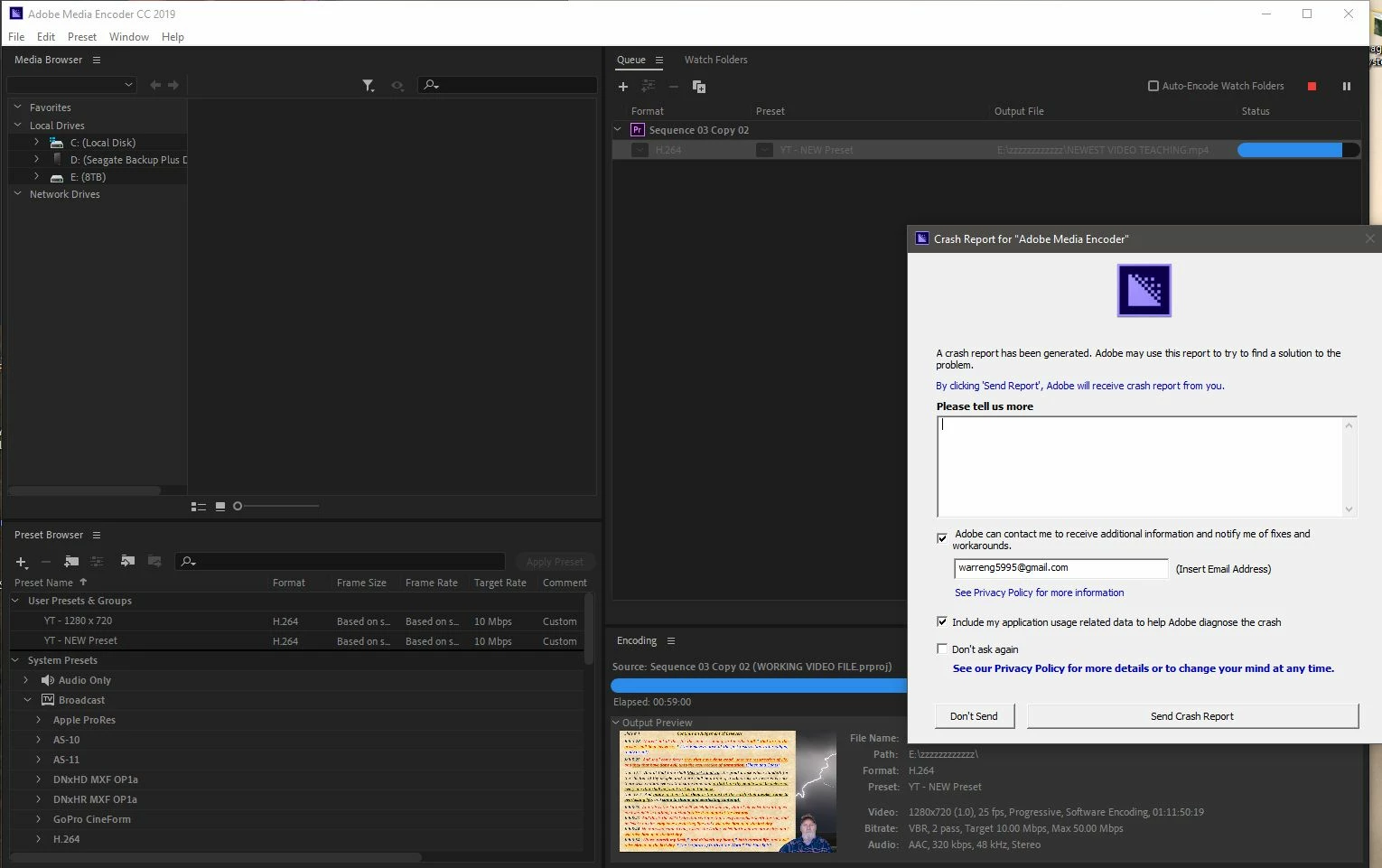
 AdChoices