

Answered
how to use point control in motion graphic
hello y'all...
I need to create a motion graphic with point control, what's the best method of doing this? It seems the expression control still isn't supported in AE.

hello y'all...
I need to create a motion graphic with point control, what's the best method of doing this? It seems the expression control still isn't supported in AE.
OK I keep my timeline and Essential Graphics full screen on my right monitor like the below. What you've done above looks like exactly what I want to do!
Basically, what I've done so far is I've used sliders for the X,Y positions, but it's not ideal. I'd prefer to use point control as it makes it easier to import tracking data straight in and link it up.

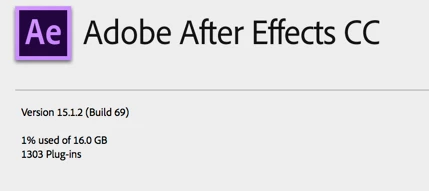
When I solo supported properties, all the point controls disappear as below, so it's interesting to see you still have them. I'm running AE CC 15.0.1 on Windows 10 Pro... I wonder if it's because you're on Mac? What version are you on?

Just tried again to connect the point control from the null to the Essential Graphics pane. Still not working.
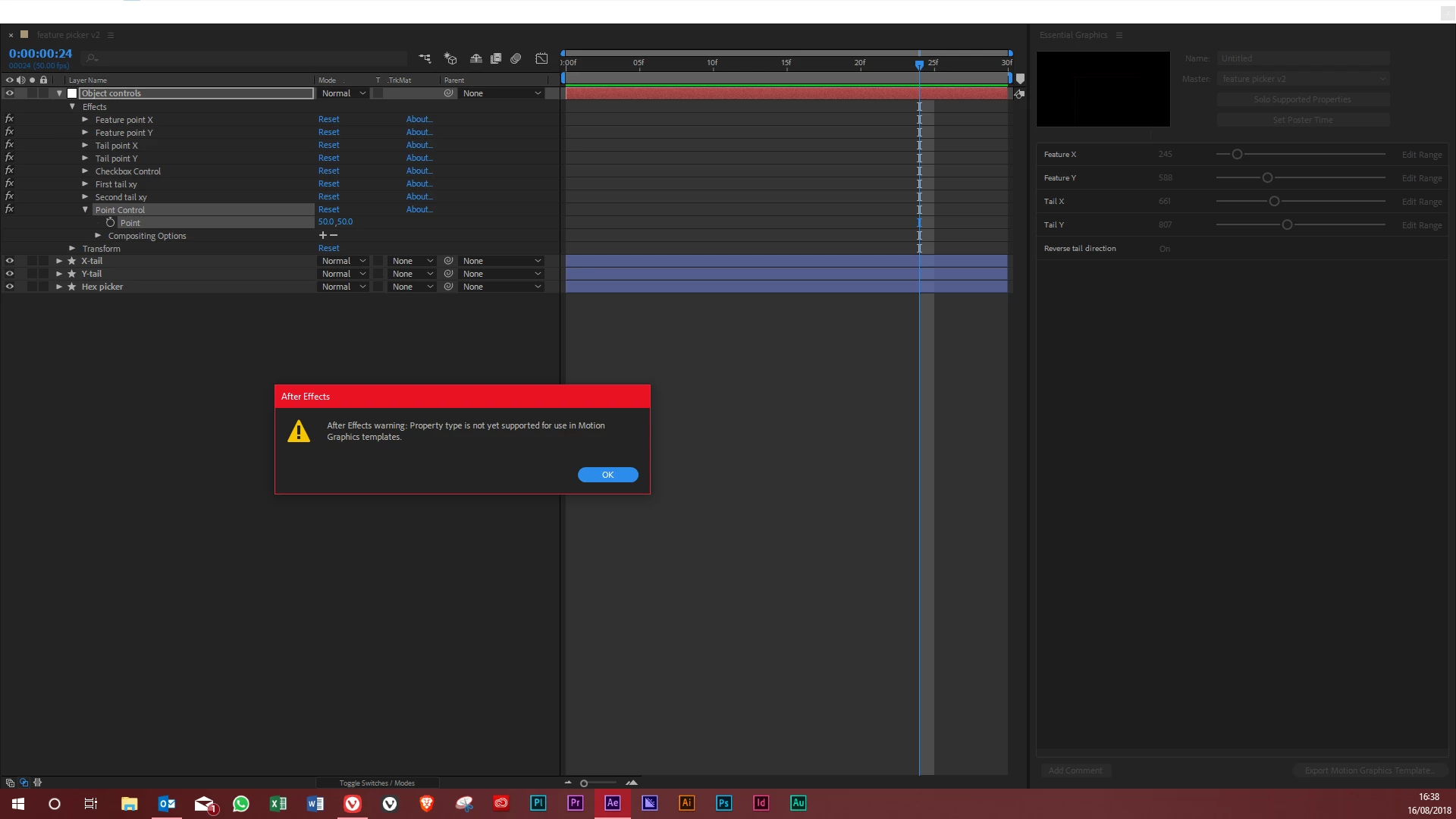
I don't think your AE is not up to date:
What happens if you create a new comp, add a solid, add a null, apply Point Control to the null, tie the position of the layer to the point control, then try and add point control exactly the way I did it in my screenshot?
Already have an account? Login
Enter your E-mail address. We'll send you an e-mail with instructions to reset your password.
 AdChoices