


Spawn and keeping track of page location; Acrobat XI Pro
Asking anyone for a little guidance using Acrobat XI Pro Form with a Javascript issue.
My situation involves one pdf form which includes several fixed size templates. I want an option to show or hide these templates from a checkbox field so I began to use the javascript code:
Checkbox2 (Spawns Template2):
if(event.target.value == "Off")
this.deletePages(2);
else
{
var a = this.getTemplate("Template2");
a.spawn(2,false,false);
}
Checkbox3 (Spawns Template3):
if(event.target.value == "Off")
this.deletePages(3);
else
{
var a = this.getTemplate("Template3");
a.spawn(3,false,false);
}
This works fine except the templates are actually 14 pages and 50 pages… so I modified started to test with only two pages of each template; below is an example mode for one checkbox:
if(event.target.value == "Off")
this.deletePages(1,2);
else
{
var pn2 = this.getTemplate("PN2");
pn2.spawn(1,false,false);
var pn = this.getTemplate("PN");
pn.spawn(1,false,false);
}
Again this is fine and of course I modified the second checkbox script to show that template when selected (YES).
Now because in this environment any checkbox may be selected before another the spawned pages and the template are in unknown order. The check boxes are independent and selection execution is not restricted, so I need a way to track which checkbox is selected and when. The potential problem if I uncheck (ie ==”off”) a spawned template out of order then the wrong pages are deleted.
I notice Karl Kremmer responded to a similar post: [https://answers.acrobatusers.com/I-template-pages-spawn-order-place-Any-great--q254954.aspx]
So TWO questions…
ONE: Each of my checkboxes refers to a separate pdf “file” which I load and work each page as a template. When I select the checkbox I always want all pages to appear or hide. My method is to address each page individually. The script I use works but I suspect is inefficient. Is there a better way to load all pages with javascript?
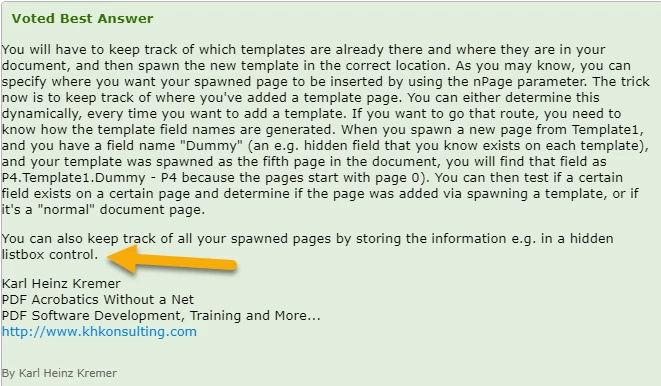
TWO: I appreciate the idea of a dummy hidden field in the template to keep track of the selection – an excellent way to find the template – I did not know it could be “seen” before spawning. What is the “hidden listbox” method Karl refers to and will that manage a random checkbox selection if I use the nPage parameter.
Finally - Am I on the right path to use Acrobat as a solution? The need has come about due to location usage without internet. The form may be filled when in an environment without web access. I started using a VPN solution (NextCloud) with a local client which uploads (syncs) the pdf file when internet becomes available.
 AdChoices