




質問
Enhanced collaborative workflows in Adobe XD 34
Hi all,
Adobe XD 34 brings with it exciting new workflows with Creative Cloud libraries that help teams make the most of their Creative Cloud libraries. Whether you are using design systems or creative libraries to manage your assets, you can now do that more quickly and efficiently.
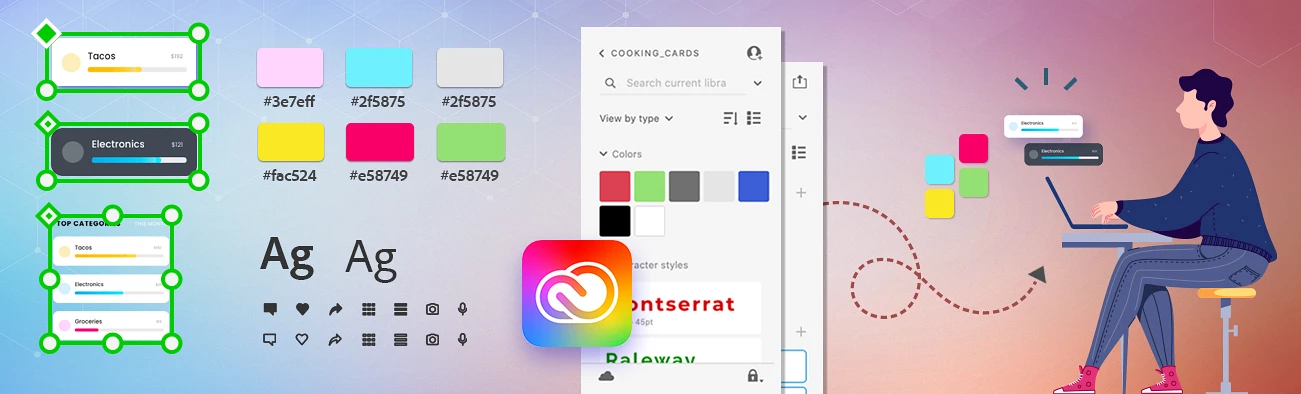
Designers can now do the following:
- Access and consume assets (colors, character styles, components, and Adobe Stock assets) from CC Libraries directly within the Assets panel in XD.
- Enable multiple CC Libraries in XD at once and search within a single library or across multiple libraries. Any assets saved from the local document (i.e., not in a library) can be accessed and consumed as they are today under “Document Assets.”
- Browse available CC Libraries using the new Library Manager and enable the libraries to use in their design projects. When the owner of a library makes a change to the source library and republishes, any designers with the library enabled will be notified of the changes and can update the assets in their designs with a single click.
- Search individual libraries and local document assets, or search across all libraries and document assets.
Design teams can now do the following:
- Create, distribute, and update design systems using CC Libraries.
- Publish all assets and components to a library and invite others to consume the design system library.
- The owner of the source file can update the library and push changes to everyone who has access to the library. Any designers who have the design system library enabled in XD will be notified of updates and can automatically update assets in their designs.
Thanks,
Atul_Saini
 AdChoices