Playful_dancer5E27
Inspiring
June 9, 2020
解決済み

Error: -1 while updating the local file link in XD.

  • June 9, 2020
  • 返信数 3.
  • 2925 ビュー

Hi, Team I have to face some issues regarding xd file share link update.

When I update this file link this message should appear. I have attached the screenshot plz see.


Creating a new link solves this problem. But I don't want to make a new link because this link is shared by a lot of peoples. 
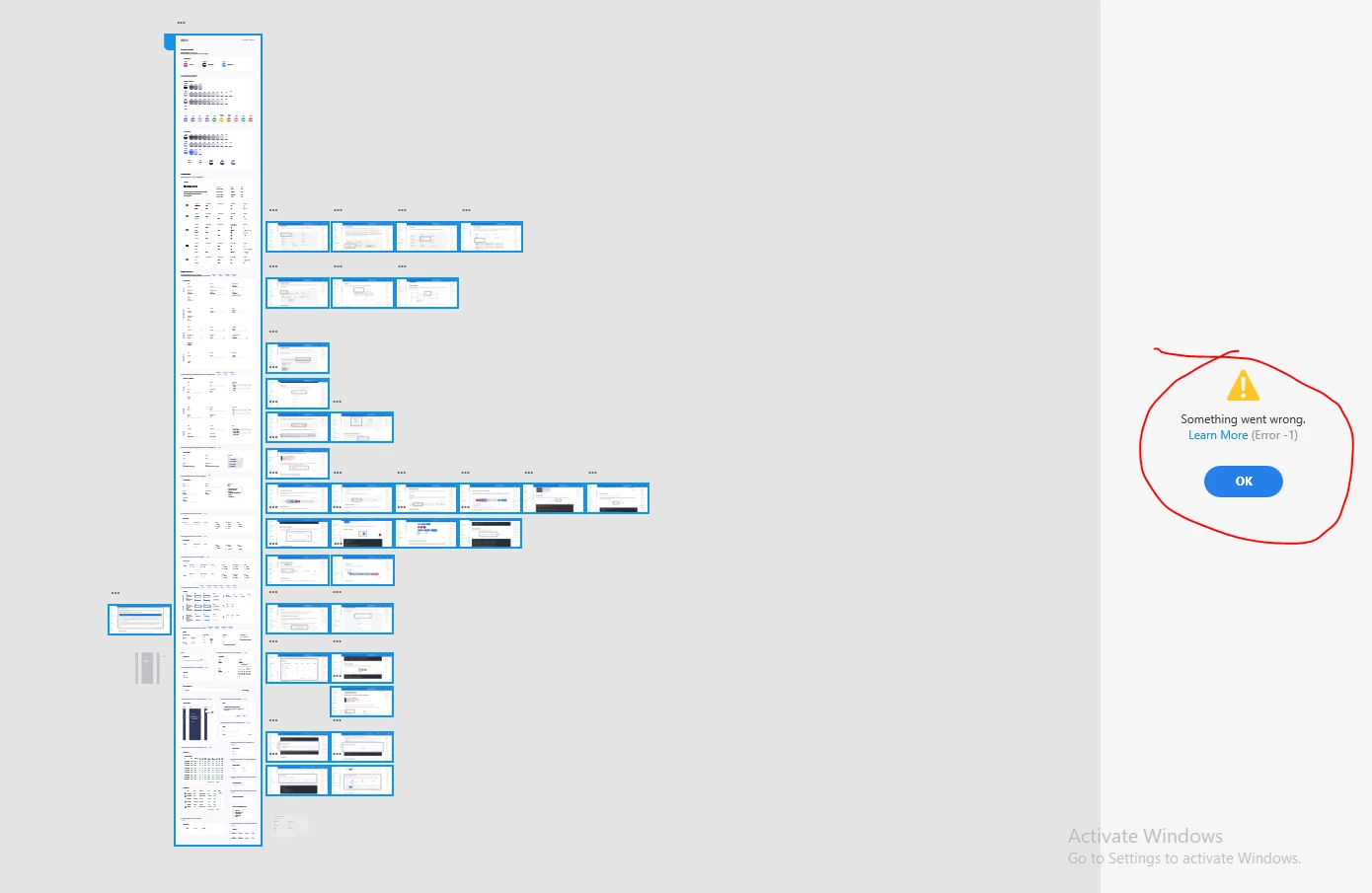
How can we solve this problem? Kindly help me


1. Are you getting this error while updating a specific file or multiple files? 

Ans. Currently specific file


2. Is it a cloud or a local file?

Ans. Local file.


3. Are you connected to a private network or managed network like a work network?

Ans. Private network


4. Have you tried switching to a different network?

Ans. Not yet


5. Do you have a personal account or an Enterprise Adobe account?

Ans. Enterprise


<The Title was renamed by moderator>

このトピックへの返信は締め切られました。
解決に役立った回答 Playful_dancer5E27

Hi Harshika, thank you for your response.

I have reduced the artboard size and the deleted no. of artboards, but it did not make any change.
Rishabh_Tiwari has told me the solution
Simply signing out of the entire Adobe product and signing in again, And really its work fine 🙂


返信数 3

Participant
June 15, 2020

Hi ShahWali,

My Error 1 updating issue eventually sorted itself out. Also, my situation was a bit different from yours as I was working from a Cloud file and using a Personal Account.

- Trina

HARSHIKA_VERMA
Community Manager
Community Manager
June 10, 2020

Hi there,


We are sorry to hear you are having trouble publishing the link in XD. I suspect that the issue is with the long artboard. Could you please try deleting some content from the artboard or try reducing its size?


Let me know if that helps.


Thanks,

Harshika

Playful_dancer5E27
Playful_dancer5E27作成者解決!
Inspiring
June 13, 2020

Hi Harshika, thank you for your response.

I have reduced the artboard size and the deleted no. of artboards, but it did not make any change.
Rishabh_Tiwari has told me the solution
Simply signing out of the entire Adobe product and signing in again, And really its work fine 🙂


HARSHIKA_VERMA
Community Manager
Community Manager
June 15, 2020

Nice to hear you are back on track. Please feel free to reach out to us in the future for any query related to XD. We would be happy to help.


Thanks,

Harshika

Participating Frequently
June 9, 2020

Do you still have the same problem? for me is working normally the link updates 

Playful_dancer5E27
Inspiring
June 9, 2020

Yes, problem still remains 😞

Can u give me any solution without creating a new link?