Known Participant
April 14, 2025

Colorspace clipping using add blend modes in OCIO v25.2.2

  • April 14, 2025
  • 23 replies
  • 3678 views

Hi,

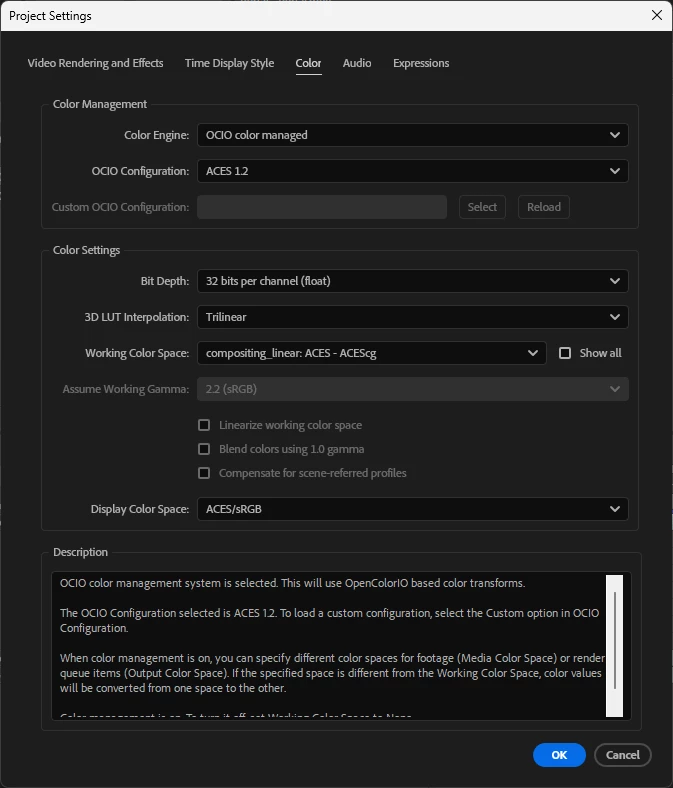
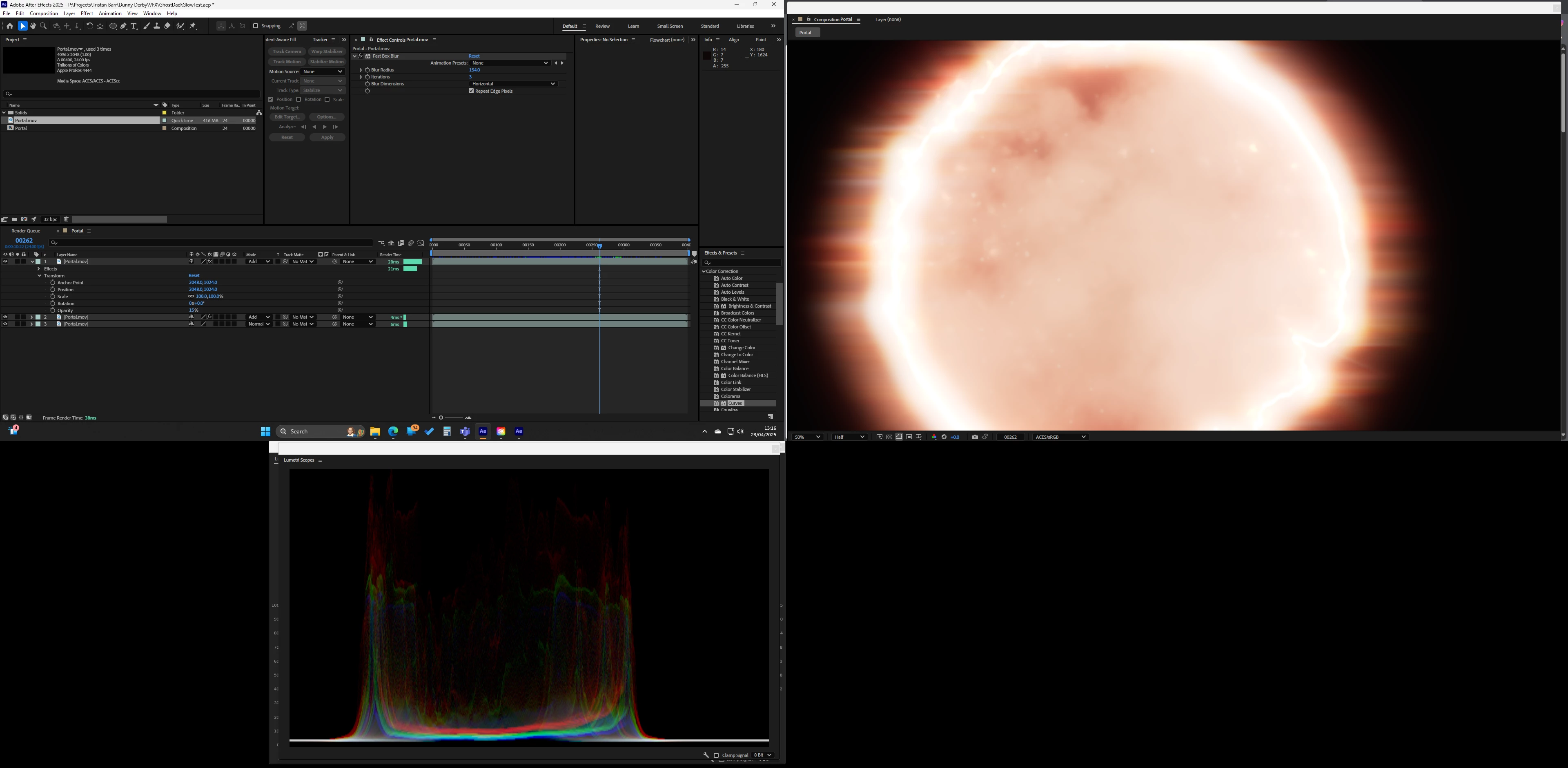
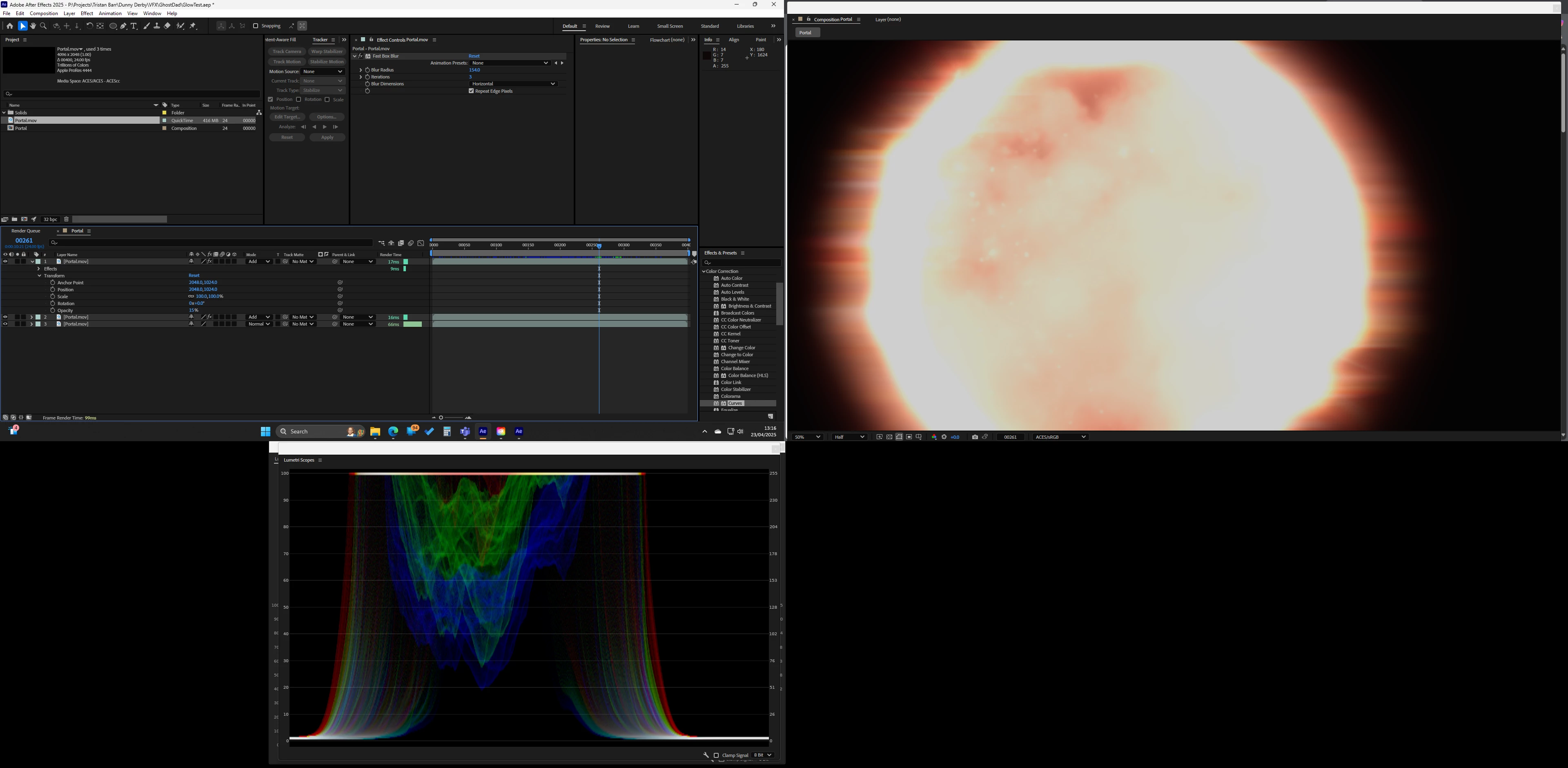
Just upgraded to 25.2.2 and I am having a strange issue with adding layers its like it randomly clips or switches color space from one frame to the next. Only started happening after upgrading AE and NVIDIA.

The screenshots are from the same project just different frames, as you will see it also affects the scopes. Only effect used is 'Fast Box Blur'

Switching to 'Software Only' fixes the issue
23 replies

Known Participant
September 3, 2025

Does anyone know if there will be a fix soon? We've been stuck with After Effects 25.1.0 for a while now...

Participant
August 31, 2025

Omg, the issue is still there.

Participant
August 5, 2025

This issue is still here ! 

Participant
August 5, 2025

Hi ! 

I have a weird issue with Display Color Space flickering when Mercury GPU acceleration is on. 


I work with ACES 1.3, display color space set to RGB SDR 1.0

I am compositing redshift passes together over a colored background with an inverted transform to match colors in ACES. 


When the Mercury GPU Acceleration is on the preview is flickering because the Display Color Space is not active on multiple frames. The issue is the same when I render. 


No problem without Mercury GPU acceleration. 

Participant
August 5, 2025

Ok, so I think it's the same thing as seen here : 


https://community.adobe.com/t5/after-effects-bugs/colorspace-clipping-using-add-blend-modes-in-ocio-v25-2-2/idi-p/15284676


I related it to the "Display Color Space" flickering but it can be a simple clipping issue. 
Also, if I set the "Display color Space" to none, or raw, and I use a color space transform effect, the issue is the same. 

nishu_kush
Community Manager
Community Manager
August 5, 2025

Merging your post with the main thread.


Thanks,
Nishu

NRoweAuthor
Known Participant
August 1, 2025

Any one know if this has been fixed in 25.3.2?

I terrified to upgrade incase its got worse! 25.3.1 is just about useable 

jordanc75789874
Known Participant
July 25, 2025

What does that mean just out of interest? 

jordanc75789874
Known Participant
July 18, 2025
Known Participant
June 5, 2025

Hello Adobe, I also would like to know if we can expect an update / fix soon as I am really depending on a reliable color workflow. By the way, I found out by accident, if I export a video in sRGB and import it again, when I comp this reimported sRGB Video, the whites are way too high and totally blown out, way more than normal sRGB footage. Perhaps this helps resolve the issue. Also, color correction tools to manage overbrights would be very much appreciated in ACES, with the tools we have, it is very difficult to tame some hi-key colors and whites. Thanks!

NRoweAuthor
Known Participant
June 5, 2025

Any updates on this, is a fix coming anytime soon?

Known Participant
May 5, 2025

Thank you Nishu!