


Inspiring
November 12, 2018
Question

Artifacts when Use Dynamic Link from Premiere to After Effects

  • November 12, 2018
  • 2 replies
  • 1644 views

Hi -

I recently filmed myself with Panasonic GH4 using softboxes for lighting in home studio.

Footage was 4K which I scaled down for regular hi def video.

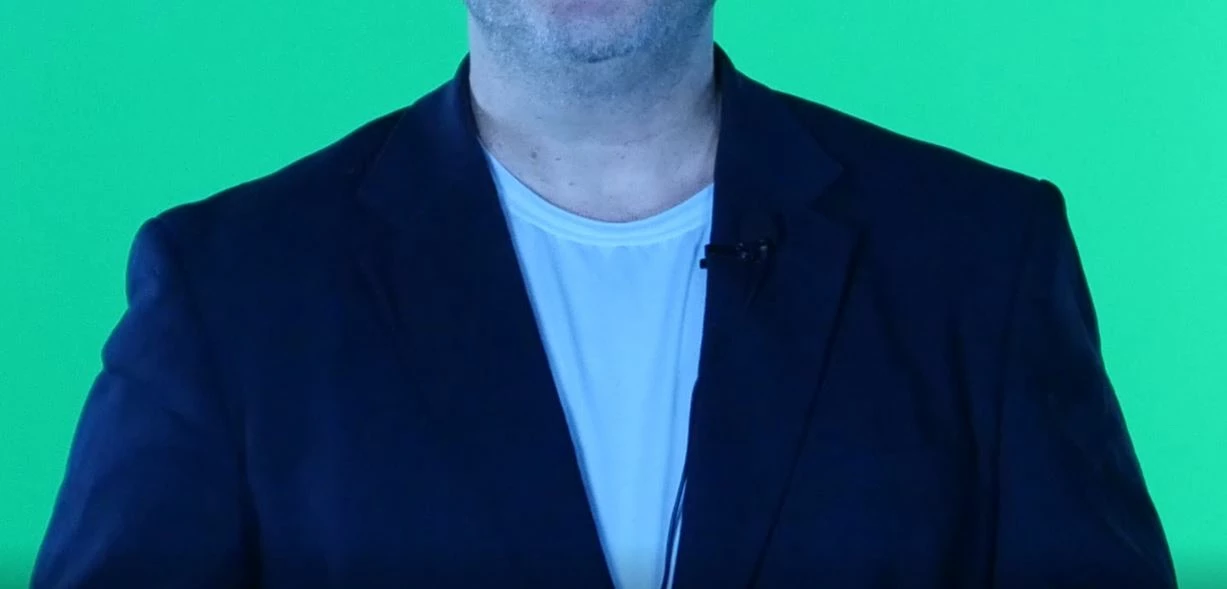
If I render out from Premiere Pro with Adobe Media Encoder, things look fine (see first sample image   )

If I use Dynamic Link to bring the footage into After Effects, however, I get artifacts on my suit jacket - lots of darker speckles which flicker about as the video runs.  This occurs as soon as footage enters After Effects; it's not a result of applying Keylight or any other effect. (second sample image)

(Note - upon opening new Premiere Pro projects, I get a warning "A Low level exception occurred in lvcod64.dll (GetAVICodecs)" - not sure if that's related or how to fix.)
    This topic has been closed for replies.

    2 replies

    R Neil Haugen
    Brainiac
    November 12, 2018

    I would take this over to the AfterEffects forum, actually ... they've got a lot more experience with all the ways the two apps interlink, and what can and does go wrong with it. I do some Ae stuff, mostly mogrt work ... but don't claim great expertise on these sorts of issues.

    Neil

    After Effects

    Everyone's mileage always varies ...
    reindeer4Author
    Inspiring
    November 13, 2018

    Do you mean take it to the Premiere Pro forum? (this shows up as After Effects forum on my end)

    And is there a way to simply move this thread if I need to or should I simply re-post?

    Thanks.

    R Neil Haugen
    Brainiac
    November 13, 2018

    I Updated Premiere Pro 2019 via the Creative Cloud desktop updater - and that got rid of the error message.

    I'm still getting the same problem with artifacts, however, but I did some more experimenting and it not on account of Dynamic Link.

    If I import the footage (taken by a Panasonic GH4 at 4k, 24 fps)directly into Premiere Pro (2018 or 2019) and render from there, it looks fine.

    If I create a dynamic link and 'replace with After Effects composition', I get the artifacts seen above, with dark speckles across jacket.

    If I import the footage directly into After Effects (2018 or 2019) and render from there via Adobe Media Encoder as h264 .mp4 file, I get the artifacts.

    If I render as QuickTime within Adobe After Effects itself (as opposed to AME), no artifacts.

    If I render as png sequence and then import that into Premiere Pro and then re-render as mp4, no artifacts.

    Would welcome any thoughts as to what's going on or how i can fix it so not a problem going forward.  Thanks.


    So the problem only occurs with a link between Ae and PrPro or Ae and Me.

    What a joy.

    Durned if I can out-guess this one.

    Well, as a practical matter I'd suggest avoiding a linked usage with Ae and this media at this time.

    I'd also suggest going to the Uservoice system and posting this information, as that goes directly to the engineers system.

    Neil

    Everyone's mileage always varies ...
    Mo Moolla
    Brainiac
    November 12, 2018

    R Neil Haugen​ Neil u wanna take this one? Its a windows codec driver issue