


Participant
September 28, 2024
Question

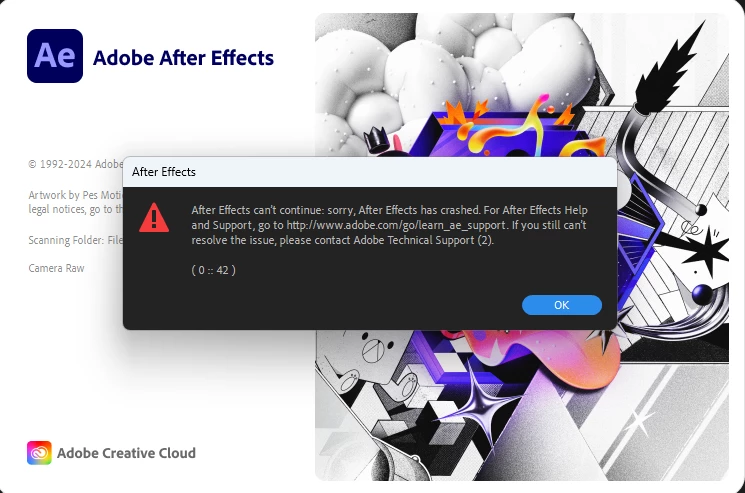
Error (0 :: 42). How Do You Fix It?
  • September 28, 2024
  • 2 replies
  • 1388 views

I have an issue with my after effects. On my desktop, (Not laptop) After effects keeps throwing up an error that it did not before. I tried uninstalling it, reinstalling it, installed different versions, installed the beta, and nothing works. All of my other adobe apps work. And after effects works on my laptop so I don't know if it's an account reason or something else. Please let me know. 

This topic has been closed for replies.

2 replies

Legend
September 29, 2024

The last time I had this error was 2 months ago.

It was a conflict with the Beta versions, so I uninstalled the Beta versions and then uninstalled and reinstalled After Effects 2024.

Constant AE Crashes while opening project

Participant
September 29, 2024

I never had the beta versions installed. I've reinstalled and uninstalled the apps sevreal times and it still doesn't work.

Legend
September 29, 2024

You'd better contact Adobe support on monday, an agent will take control of your computer and fix the issue very quickly.
Here, it's very rare that we manage to solve this kind of problem,
and if we do, it usually takes days or weeks.

Mylenium
Legend
September 29, 2024

Without any system info nobody can tell you much. Start by checking your event log for critical errors and run Windows Update.


Mylenium

Participant
September 29, 2024

My Desktop is widows 11, AMD 5600g CPU, 32 GB ddr4 RAM, with an RTX 3080. My Windows is up to date. So is my adobe apps and my nividia drivers.